What's Inside a Gaming Mouse? A Look Under the Hood
9 June 2026
If you're a gamer, chances are you've picked up a gaming mouse and thought, “Man, this thing is a beast compared to a regular office mouse.” And you’d be absolutely right. Gaming mice are specifically designed to handle the fast-paced, high-intensity demands of gaming. But have you ever wondered what actually makes a gaming mouse "gaming"? What separates it from the basic clickers you find in every office cubicle?
Well, tighten your grip (preferably on your favorite mouse) because we’re about to dig deep—under the hood—into what’s inside a gaming mouse and why it matters for your gameplay.
The Basics: What Even Is a Gaming Mouse?
Before we start pulling apart the pieces, let’s get one thing straight: a gaming mouse isn’t just about flashy RGB lighting and edgy aesthetics (though, let’s be real, the lights are awesome). A gaming mouse is a high-performance tool loaded with precision-engineered components designed to give you an edge in everything from first-person shooters to real-time strategy games.Think of it as the sports car of the mouse world—it’s built for speed, control, and responsiveness.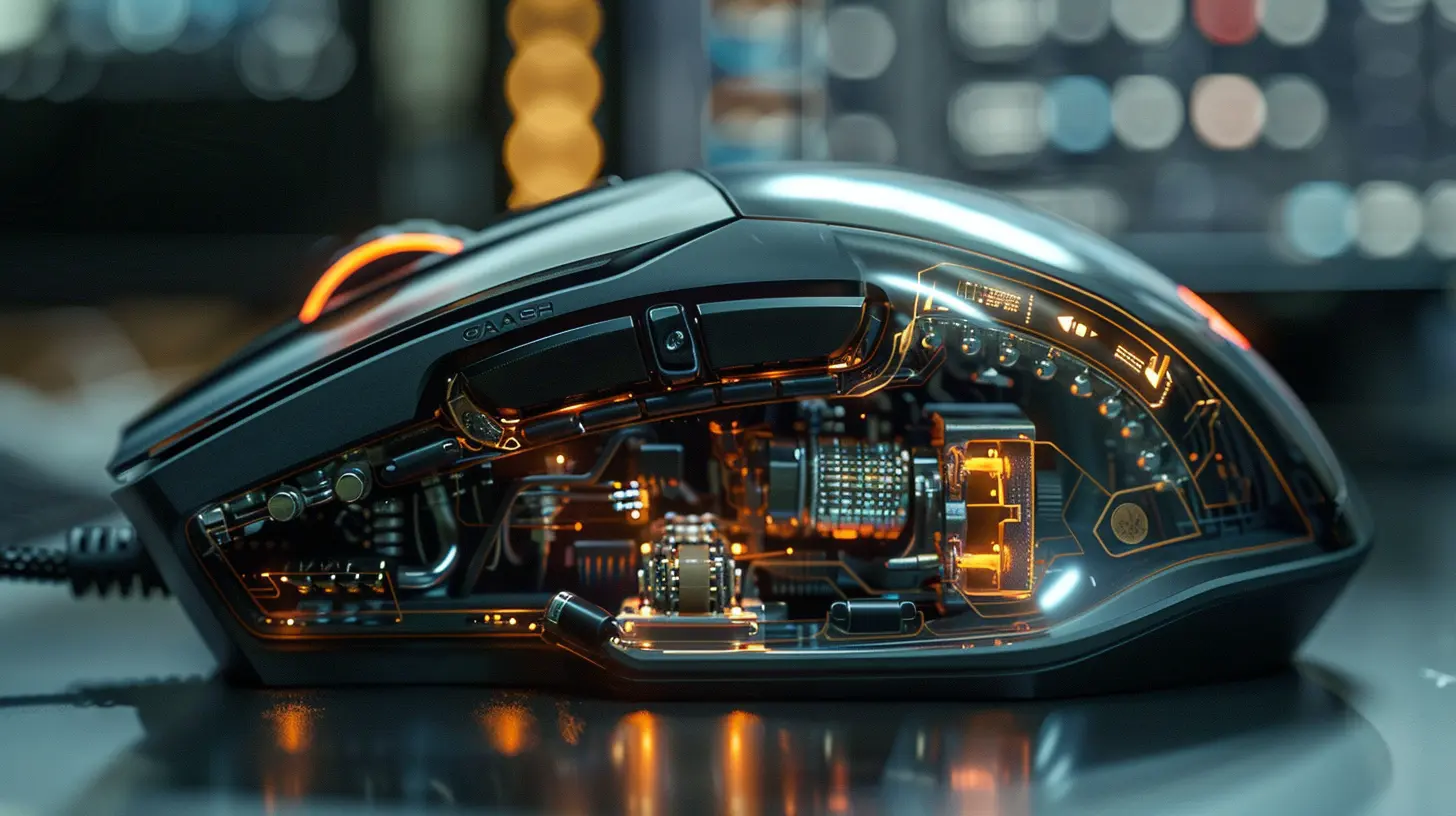
The Outer Shell: More Than Just a Pretty Face
Yeah, looks matter. But form follows function in a gaming mouse.Ergonomics
The outer shell is sculpted to fit your hand like a glove. Whether you’re a palm gripper, claw gripper, or fingertip player, gaming mice come in shapes that support all styles. That matters a ton during long gaming marathons. No one wants a cramp mid-match, right?Materials
Gaming mice are typically made from lightweight, durable plastics—some even have rubberized grips or textured surfaces for better control and feel. It’s all about creating a solid, reliable connection between your hand and the digital battlefield.Buttons Galore
Regular office mice usually rock two buttons and a scroll wheel. Gaming mice? We’re talking up to 20 programmable buttons in some models. These extra inputs can be mapped to skills, macros, or even entire combo sequences. That’s like having cheat codes at your fingertips—literally.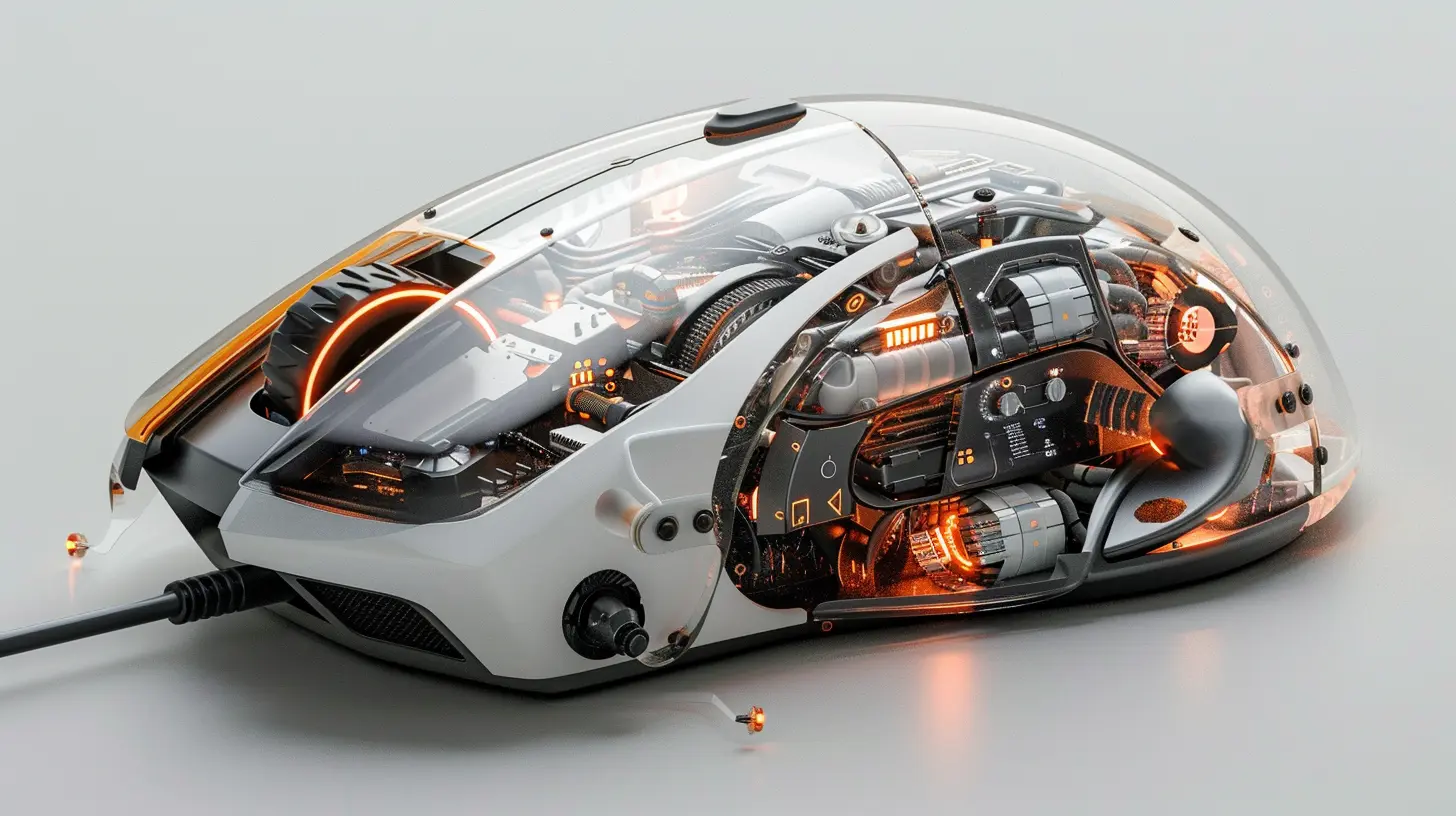
Optical or Laser Sensor: The Eye of the Beast
Now we dive inside. Let’s start with the real MVP hiding underneath the mouse: the sensor.What Does the Sensor Do?
The sensor is what tracks your movement. It sends position data to your computer at lightning speed, letting your cursor or crosshair follow your hand with precision. No lag, no stutters.Optical vs. Laser
- Optical sensors use LED lights to track movement on most surfaces except for glass.- Laser sensors are more powerful and can work on a wider range of surfaces, including glass, but they can be too accurate, picking up even unwanted micro-movements.
Most pro gamers prefer optical because they offer more consistent and natural tracking. Think of it like choosing between a sports coupe and a hyperactive racing drone—sometimes simpler is better.
DPI and Sensitivity Settings
DPI (Dots Per Inch) is the measure of how sensitive the mouse sensor is. A higher DPI means the cursor moves farther with less physical movement. Some gaming mice come with DPI ranges from 200 up to 20,000+.But here’s the kicker: more DPI doesn’t always mean better. Pro gamers often play at lower DPI settings for more precise aim. High-DPI settings are great for ultra-wide monitors or RTS games where rapid navigation matters.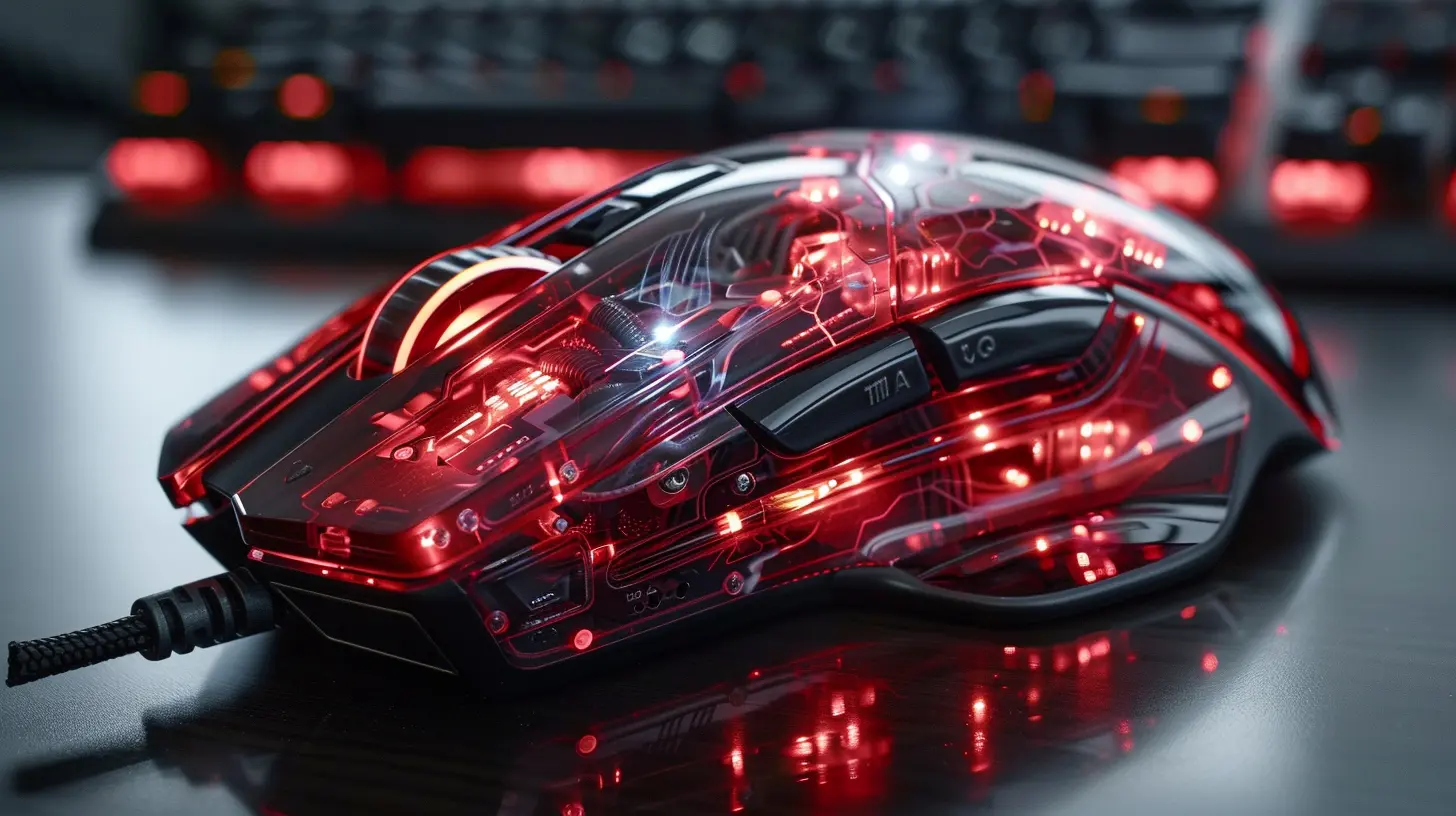
Polling Rate: The Mouse’s Speed Limit
Next up is the polling rate, often measured in Hz. This tells you how often your mouse reports its position to your computer.- Standard mice: around 125 Hz (that’s 125 times per second)
- Gaming mice: anywhere from 500 to 1000 Hz
The higher the polling rate, the less input lag you’ll experience. It’s like refreshing a webpage a thousand times a second to make sure you’re always getting the most accurate data.
Click Mechanisms: The Heartbeat of Precision
Every time you click, there’s a tiny switch inside making that happen. In gaming mice, these switches are fine-tuned for speed and longevity.Mechanical Switches
Most high-end gaming mice use ultra-responsive mechanical switches, like Omron or Kailh—designed to last for 20 to 50 million clicks (or even more). That's a lot of headshots and spell casts.You can think of them like the mechanical keyboard of the mouse world—each click gives you a satisfying tactile feedback that just feels right.
The Scroll Wheel: Your Quick-Access Tool
The scroll wheel isn't just for browsing Reddit memes anymore. In gaming, it can switch weapons, zoom scopes, or activate items.Customization Matters
Some gaming mice allow you to adjust the tension of the scroll wheel or even switch to a "free spin" mode for lightning-fast scrolling. Some models even offer tilt scrolling, giving you extra control in-game.Programmable Buttons & Onboard Memory: The Brain of the Operation
Here’s where things get really interesting. Many gaming mice come with software that allows you to customize button functions, sensitivity levels, lighting effects, and performance profiles.Onboard Memory
Some mice store your settings directly on the mouse. That means you can plug it into any computer, and it retains your custom setup. No more fussing with reloading profiles before tournaments or LAN parties.Macros & Shortcuts
Program multiple actions into a single button. Whether it's a build sequence in Fortnite, a combo in League of Legends, or a grenade throw + reload in Call of Duty, macros give you an edge that a standard mouse just can’t.RGB Lighting: Flashy But Functional?
Alright, let’s not ignore the elephant in the room—RGB lighting.Is It Just Bling?
Yes…and no. Sure, it looks cool, especially when synced with your keyboard and PC case. But it can also serve a purpose:- Brightness Levels: Use colors to indicate DPI settings.
- Team Colors: Light up in your squad’s team colors.
- Profile Indicators: Each lighting color can correspond to a different profile or game.
So yeah, RGB is more than just nerd bling. It’s programmable, and when used right, totally functional.
Build Quality: Tough Enough for the Grind
Let’s talk durability. Gaming mice are made to survive rage clicks, snack spills, and the wear and tear of daily battle.- Braided Cables: These prevent fraying and tangling.
- Gold-Plated USBs: Better signal transmission and corrosion resistance.
- Reinforced Switches: Designed to survive millions of clicks.
Even wireless models are built tough with high-capacity batteries and lag-free connections. Some use 2.4GHz wireless technology or even Bluetooth, paired with fast charging via USB-C or magnetic docks.
Weight Systems: Tailor-Made for Your Hand
Some gaming mice let you adjust their weight by adding or removing small pieces of metal inside the chassis.Why does it matter?
- Heavier mice feel more controlled and grounded.
- Lighter mice are quicker and better for fast-paced shooters.
It’s like customizing your car's suspension—find your perfect balance and drive (or frag) like a pro.
Software Integration: Command Central for Control Freaks
The software that comes with most gaming mice is no joke. It lets you tweak every detail of performance, even stuff you didn’t think you needed to mess with, like:- Angle tuning
- Lift-off distance
- Surface calibration
- Debounce time
- RGB layering
Top brands—like Logitech, Razer, SteelSeries, Corsair—pack some serious software brains behind their hardware brawn.
Wireless vs. Wired: The Eternal Debate
Wireless gaming mice have come a long way. Lag and battery issues? Practically a thing of the past.Pros of Wireless:
- Clean setup- More freedom of movement
- Rechargeable batteries
Cons:
- Slightly more expensive- Need to remember to charge (duh)
Wired mice are still more popular in the pro scene, mostly because they’re just always ready to go.
So, Why Does It All Matter?
Here’s the deal: using a high-end gaming mouse won’t suddenly make you an esports god. But it can remove roadblocks. With precise sensors, responsive buttons, and comfortable design, you’ll perform better because your hardware works with you—not against you.When your mouse feels like an extension of your hand, you're not thinking about the controls—you’re focused on winning.
Final Thoughts: More Than Just Clicks
Now that you've seen what goes into a gaming mouse, it’s clear it’s not just about right and left clicks anymore. It’s a finely tuned piece of engineering designed to give gamers the ultimate edge.Whether you're grinding ranked matches, speedrunning classics, or just chilling in your favorite open-world title—your mouse is your weapon. And like any good weapon, it deserves to be chosen wisely.
So next time your buddy says, “It’s just a mouse,” you’ll know better. You’ve looked under the hood—and now you’ve got the knowledge to match your grip.
all images in this post were generated using AI tools
Category:
Gaming MiceAuthor:

Tayla Warner
Discussion
rate this article
1 comments
Kason Reyes
Great article! It's fascinating to see the technology behind gaming mice. Understanding the components really helps choose the right one for better gaming performance. Keep up the good work!
June 9, 2026 at 4:39 PM
Tayla Warner
Thanks so much! I'm glad you found it interesting. Choosing the right gaming mouse can really make a difference. Stay tuned for more insights!