The Best RGB Gaming Mice for Style and Performance
17 April 2026
Let’s be real—RGB gaming mice aren’t just tools to click your way to victory; they're a statement. Whether you’re knee-deep in a sweaty FPS match or casually building your empire in a strategy game, having the right mouse under your hand just feels right. And when it’s glowing like a sci-fi artifact? Even better.
So, you're here because you're chasing that perfect mix of performance and style. You want a gaming mouse that can keep up with your reflexes and look cool doing it. Fair enough—because in 2024, performance is expected, but RGB flair... that's the cherry on top.
In this post, we’re diving into the best RGB gaming mice that won’t just boost your skills, but also light up your setup and maybe even make your friends a bit jealous.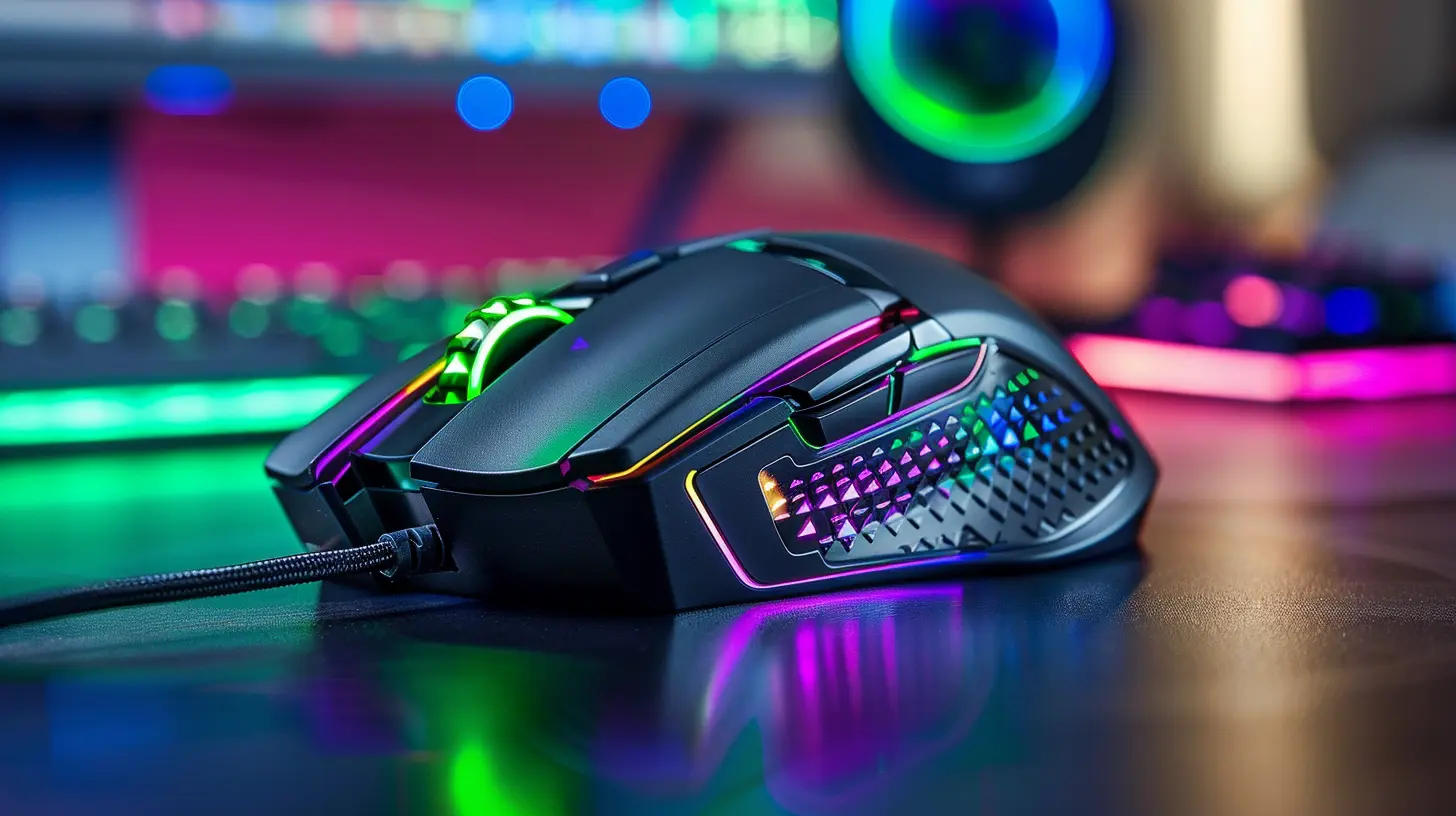
Why RGB Even Matters in Gaming Mice
Before we jump into the list, let’s face the RGB elephant in the room: Is it just for looks? Sure, your mouse lighting isn’t going to make you suddenly drop 30 kills in Warzone (well, maybe), but RGB does more than just dazzle.Here’s what it brings to the table:
- Personalization – Change colors and patterns to match your rig or mood.
- Feedback – Some mice use RGB as indicators (think DPI changes or battery life).
- Immersion – RGB effects that sync with gameplay? Totally next-level stuff.
Now, thin performance is the real MVP, and we’ll make sure every mouse on this list brings serious game, not just glow.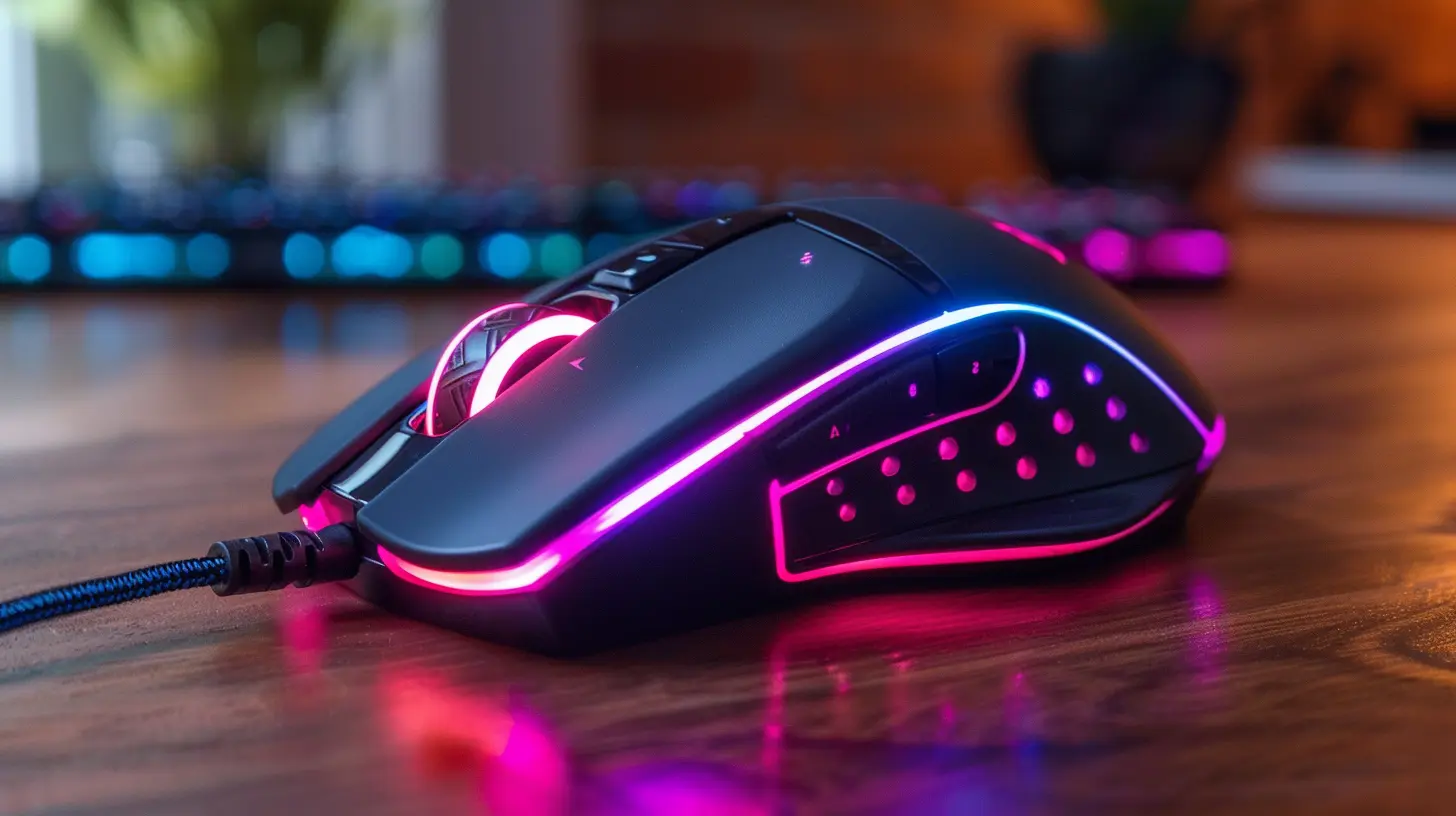
What to Look for in an RGB Gaming Mouse
Not all RGB mice are built the same. Some have cool lights, but the performance is meh. Others have beastly specs but are as bland as dry toast. Here’s what we’re looking for:1. Sensor & DPI
The heart of your mouse. A high DPI (dots per inch) sensor gives you butter-smooth, responsive control. Look for adjustable DPI settings—you want versatility.2. Polling Rate
This is how often your mouse reports to your computer. 1000 Hz is the gold standard for competitive gaming.3. Ergonomics
Comfort is king. You’re probably gaming for hours (guilty!), so grip style and shape need to match your hand posture.4. Build Quality
Reliable switches, durable materials, and a sturdy cable or wireless connectivity.5. RGB Customization
Software integration, brightness levels, color zones—how deep does the rabbit hole go?Alright, now that you know what to look out for, let’s break down the heavy-hitters.
Top RGB Gaming Mice That Blend Style and Performance
? Razer DeathAdder V3 Pro + Razer Mouse Dock Chroma
If you’ve been in the gaming scene, you already know the DeathAdder line—it’s iconic. The V3 Pro builds on that legacy like a boss. It brings insane performance thanks to Razer's Focus Pro 30K Optical Sensor and has buttery-smooth gliding with HyperSpeed wireless.Want RGB? Pair it with the Razer Mouse Dock Chroma, and you’ve got a glowing cyber-bird nest. Sure, the mouse itself is minimal on RGB, but the dock handles the flair.
Performance Highlights:
- Up to 30,000 DPI
- Ultra-lightweight (63g)
- Razer Optical Switches Gen-3
- Optional RGB dock
? Best For: Competitive players who want peak performance, with some RGB glow on the side.
? Logitech G502 X PLUS
This one's a powerhouse. The Logitech G502 line has always been the jack-of-all-trades, and the G502 X PLUS takes it further. You’ve got Lightspeed wireless, LIGHTSYNC RGB, and Logitech’s HERO 25K sensor.Plus, the RGB hits differently here—it’s like watching lightning in a bottle. Sync it with G Hub for stunning lighting effects that react to your play.
Performance Highlights:
- 13 programmable buttons
- Hero 25K Sensor
- Customizable RGB with LIGHTSYNC
- Adjustable DPI, up to 25,600
? Best For: Gamers who want it all—buttons, features, and stunning RGB.
? SteelSeries Aerox 5 Wireless
Ever seen a mouse that looks like a skeleton with RGB bones? That’s the Aerox 5. This ultra-light (74g) mouse has that honeycomb design that lights up like a neon grid. It's drippy and truly unique.But don’t let the design fool you—it’s packing serious tech. You've got next-gen Golden Micro Switches, 180 hours of battery (with fast charge), and flawless dual wireless modes (2.4GHz + Bluetooth).
Performance Highlights:
- IP54 water resistance
- 9 programmable buttons
- TrueMove Air sensor
- Stunning 3-zone RGB
? Best For: Aesthetic-focused gamers who still want pro-level specs.
Glorious Model O Wireless
You want light? How does 69 grams sound? Glorious has built a cult following, and the Model O Wireless is the centerpiece. It’s sleek, symmetrical, and looks like a cyber-dragon egg with RGB fire inside.But it’s not just looks—you're getting a lag-free wireless experience, competitive sensors, and crisp clicks thanks to their mechanical switches.
Performance Highlights:
- BAMF Sensor with 19K DPI
- Ultra-light and low latency
- Customizable RGB lighting zones
- 71-hour battery life
? Best For: Esports players who value lightweight gear and RGB dazzle.
Corsair Dark Core RGB Pro SE
Comfort and RGB? That’s the Corsair vibe. This mouse is all about comfort-first ergonomics, complete with a contoured side grip and swappable side panels.But the RGB here shines (literally). The Dark Core RGB Pro SE features customizable 9-zone RGB with wireless Qi charging. Yes, it charges while looking like a space cruiser.
Performance Highlights:
- 18,000 DPI PixArt sensor
- Slipstream wireless or USB
- 9 programmable buttons
- Qi wireless charging
? Best For: Serious gamers who love a premium, feature-rich RGB experience.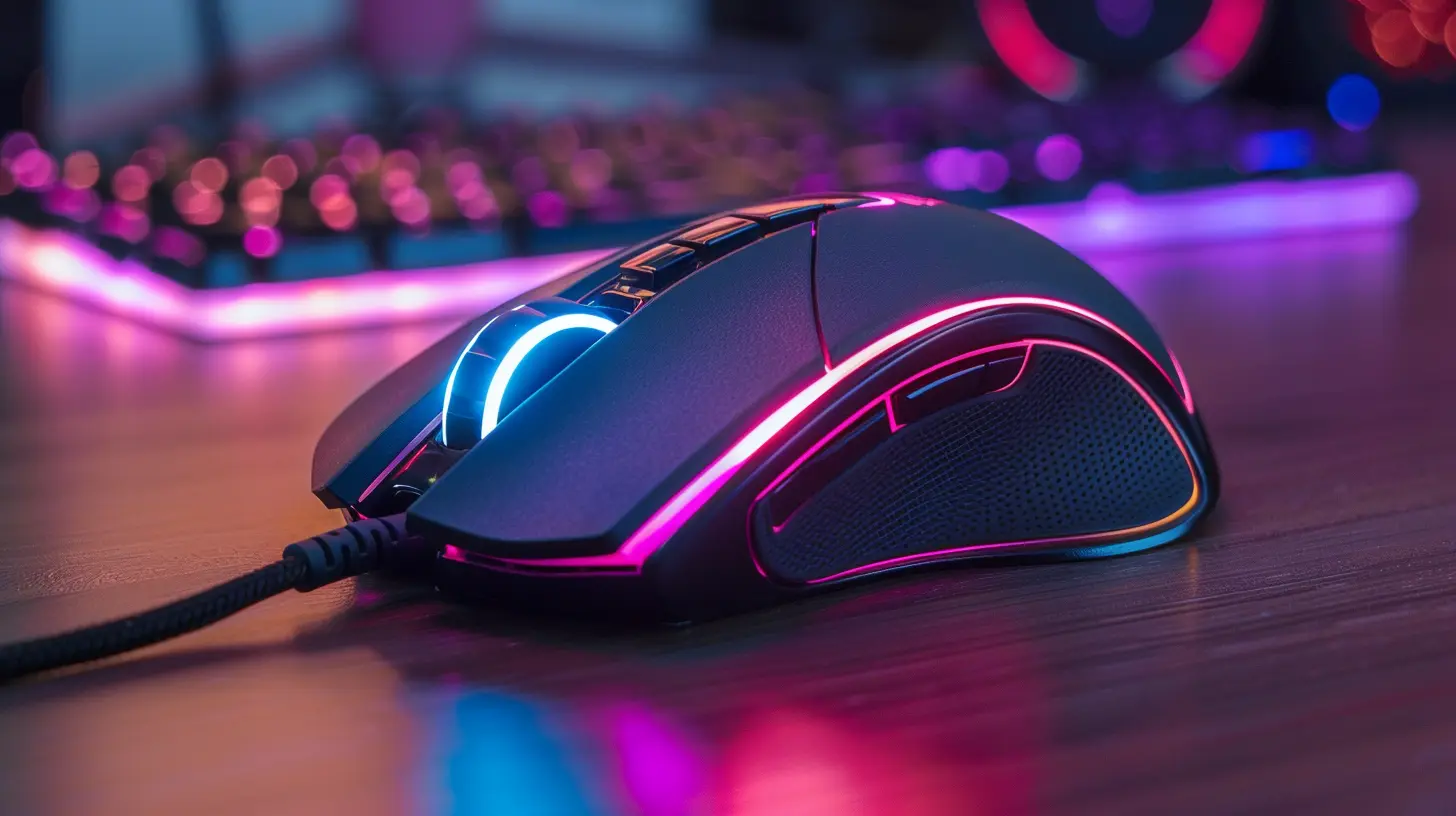
Honorable Mentions
These mice didn’t make the top five, but they’re still worth a shout if you want something a bit different:- Cooler Master MM711 – Lightweight wired mouse with punchy RGB and competitive pricing.
- ASUS ROG Gladius III – High-end shape with swappable switches and Aura Sync RGB.
- Roccat Kone XP – A visual feast with multiple RGB light guides and 15 programmable buttons.
Gaming Mouse RGB Software: Who’s Doing It Right?
RGB software can make or break the experience. Here's how some of the top brands stack up:- Razer Synapse – Deep, customizable, and syncs with all Razer gear.
- Logitech G Hub – Clean UI, easy to use, and integrates game-based lighting.
- SteelSeries Engine – Simple yet powerful. Offers PrismSync for synced lighting.
- Corsair iCUE – The most detailed customization (almost too much for beginners).
If you're planning to go full RGB with your setup, make sure your mouse plays nice with other peripherals in your ecosystem.
Wired vs. Wireless RGB Mice: Does It Matter?
Short answer? Not as much as it used to.Wireless tech has come a long way. Latency is nearly nonexistent in premium models. Unless you’re playing competitive CS:GO and shaving milliseconds, you’re probably good with wireless.
Just keep an eye on battery life—especially with all that RGB. Most modern mice offer solid battery life, and many even have fast charging or wireless docking.
Bonus tip: Some mice let you turn off the RGB while gaming to save battery. It’s like eco-mode for your glow.
Final Thoughts: Pick the One That Feels Right
At the end of the day, the best RGB gaming mouse is the one that fits your hand, matches your vibes, and delivers on performance. Don’t just chase the specs—chase that feeling when you click heads and your mouse lights up like a mini-rave.If you’re all about minimalism and speed? Go for the Razer DeathAdder V3 Pro. If you want a beast that does everything and lights up like a Christmas tree? Grab the Logitech G502 X PLUS. If you're just after pure LED magic? The Aerox 5 or Roccat Kone XP will make your desk look like Times Square.
So get that RGB rigged, plug in your new mouse, and prepare to game like a legend—with style.
all images in this post were generated using AI tools
Category:
Gaming MiceAuthor:

Tayla Warner
Discussion
rate this article
2 comments
Maxine Riley
Balancing aesthetics and performance is key; RGB mice can enhance both gameplay and desk appeal.
April 24, 2026 at 3:04 PM
Tayla Warner
Absolutely! RGB mice not only boost gaming performance but also add a personalized flair to your setup. It's all about finding that perfect balance.
Faryn Dodson
Balance aesthetics and functionality; the right RGB mouse enhances both your game and your setup.
April 19, 2026 at 3:40 AM
Tayla Warner
Absolutely! The perfect RGB mouse not only elevates your gaming experience but also adds a stylish touch to your setup. It's all about finding that ideal balance.