Silent Click Gaming Mice for Late-Night Sessions
19 December 2025
If you’ve ever been deep into a gaming session at midnight and suddenly realized every click of your mouse sounds like a ticking bomb in a library, this article is for you.
Welcome to the world of silent click gaming mice — a game-changer (pun intended) for those of us who game well into the early hours or share spaces with light sleepers, roommates, or just don’t want to sound like we’re typing Morse code in a warzone.
Let’s dive into what makes these mice so awesome for late-night gaming, how to choose one, and which models you should consider if you want to level up your gaming sessions without waking up the whole house.
Why Silent Click Mice Matter for Late-Night Gamers
So, what’s the deal with “silent click” gaming mice? Do they magically mute your gaming habits?Not quite. But they do significantly reduce the clicking noise — and trust me, that can feel magical at 3AM when your partner’s snoring and you're deep into a Valorant or League match.
Stealth Mode for Gamers
Imagine playing stealth games but your mouse sounds like a hammer on a desk. Kinda ironic, right? Silent click mice give you that stealthy vibe during gameplay — smooth, quiet, and still responsive.It’s like going full ninja mode, not just in-game but IRL too.
No More Side-Eye From Roommates
Ever had that passive-aggressive "Can you stop clicking?" conversation? Yeah. Not fun. With a silent mouse, you avoid those tense interactions and keep your gaming peace.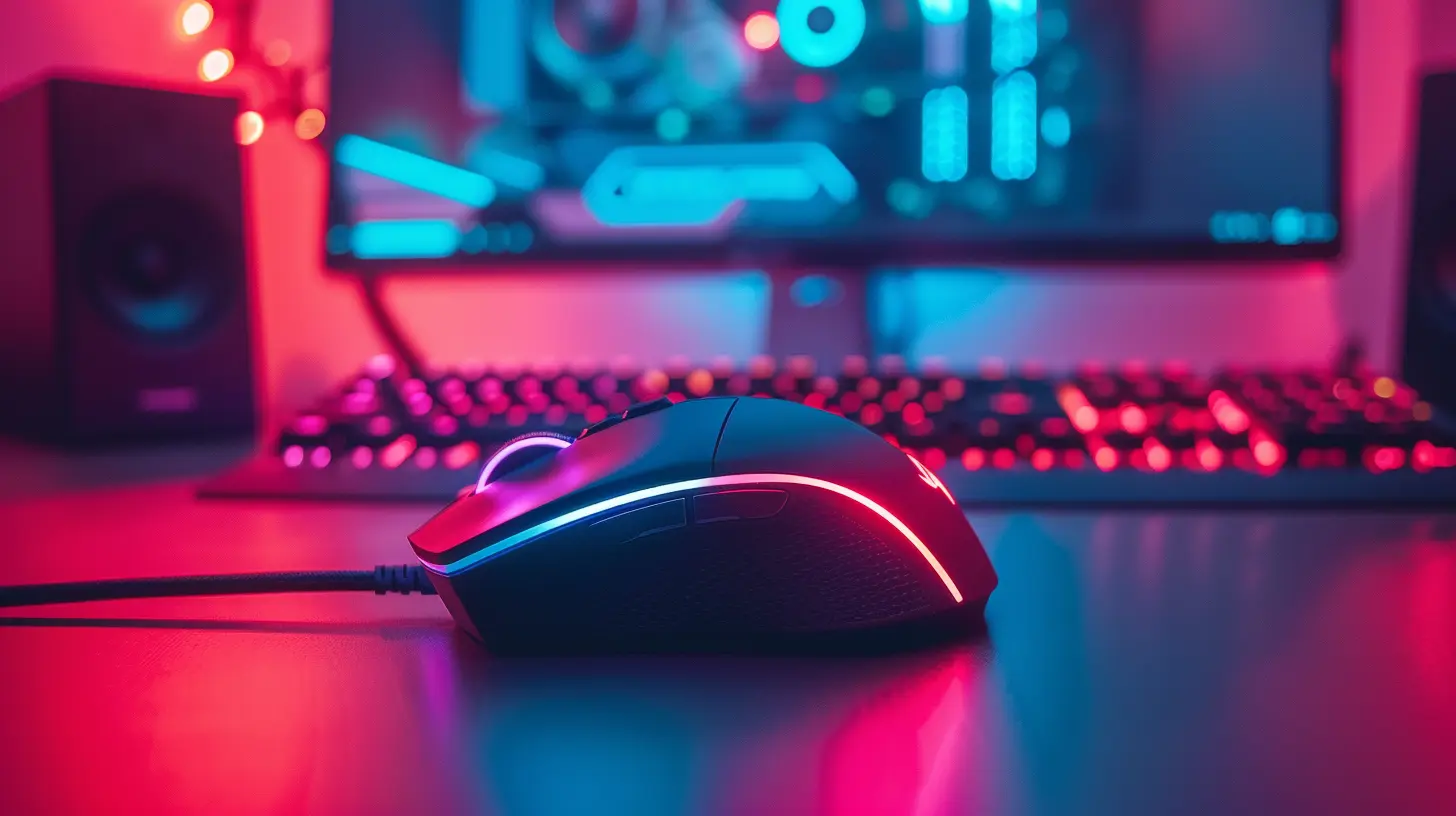
What Exactly Is a Silent Click Mouse?
We're not talking about a “silent” mouse that just doesn’t work.A silent click gaming mouse uses specialized switches or rubber dampeners to soften the sound produced when you press the buttons. Instead of that classic "click-clack," you get a muted, softer press. Some are nearly inaudible.
But here's the kicker — they still feel responsive. No mushy buttons that leave you guessing if you actually clicked. These mice strike a balance between tactile feedback and silence.
What to Look for in a Silent Click Gaming Mouse
Alright, let’s break it down. Not all quiet mice are created equal. If you’re hunting for the best one for your nocturnal gaming lifestyle, here are the key factors to consider:1. Noise Level
Obviously, right? But not all "silent" mice are truly silent. Some are just "quieter." Pay attention to reviews and specs. Look for mice designed specifically as "silent click" or "quiet click."2. Sensor Accuracy
Gaming with a sluggish or inconsistent sensor? Absolutely not. That’s a crime in the gaming world. Make sure the mouse has a high-DPI optical or laser sensor with adjustable settings.3. Ergonomics
You’re gaming for hours — probably more than you should be. So comfort is king. Look for a mouse that fits your grip style (palm, claw, fingertip) and won’t leave your hand in pain halfway into a session.4. Programmable Buttons
Macros, keybinds, in-game functions — all can be assigned to extra buttons. Make sure there are enough for your gaming needs, especially for MMOs and MOBAs.5. Build Quality
Just because it’s quiet doesn’t mean it should feel like a plastic toy. A good gaming mouse should be durable, with high-quality switches and materials.6. Wired vs. Wireless
Some prefer no latency at all with a wired mouse, while others love the freedom of wireless. If going wireless, check that it offers low-latency performance — nobody wants lag in critical moments.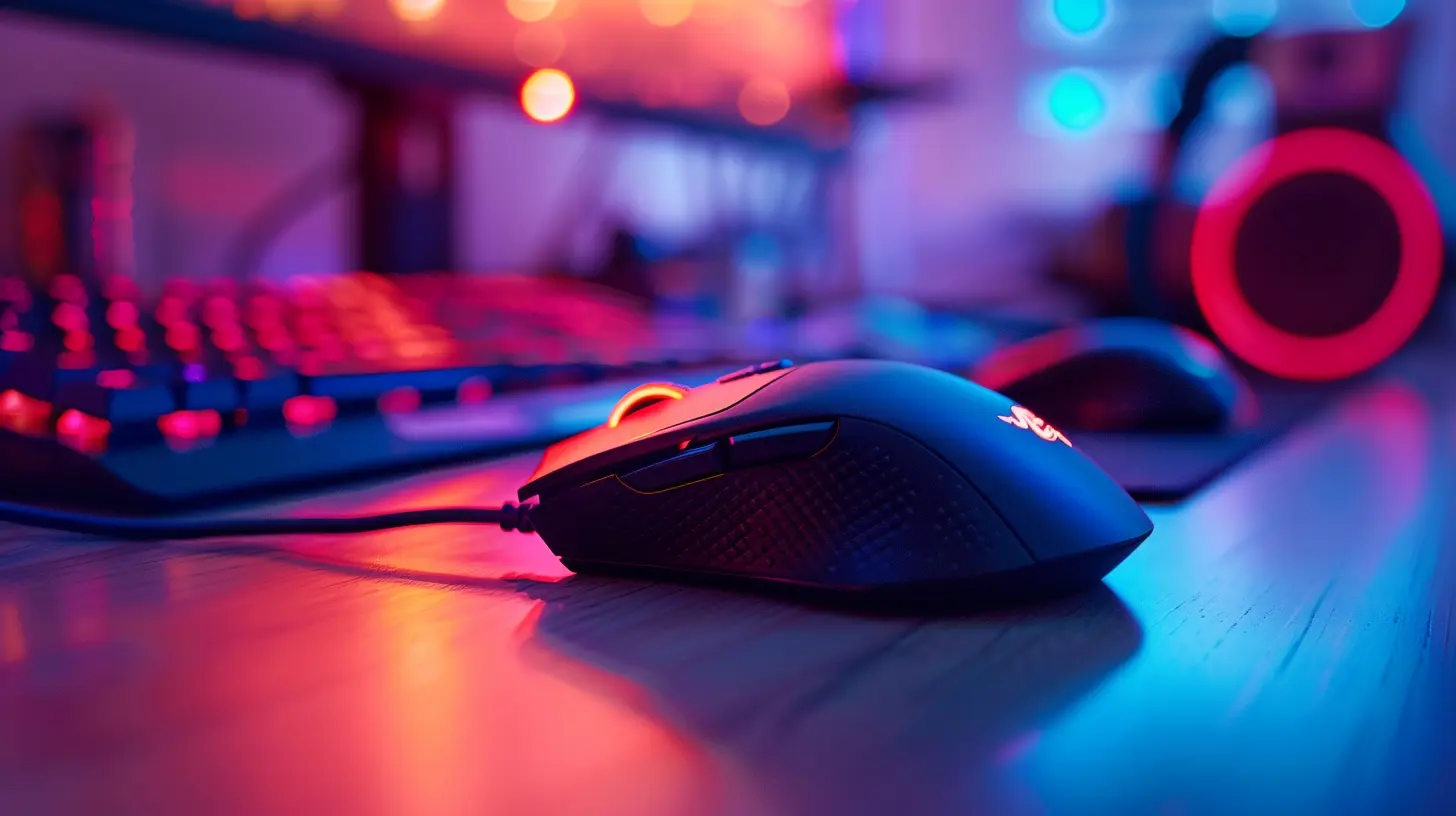
Top Silent Click Gaming Mice in 2024
Let’s move on to the good stuff — the actual mice that are killing it on the silent front (without actually killing your performance).1. Logitech G Pro X Superlight (Silent Edition)
- Why it’s awesome: Ultra-lightweight, top-tier HERO sensor, and updated version includes silent buttons.- Who it’s for: Competitive gamers who need high precision but also want peace and quiet.
- Price range: Premium ($$$)
Logitech really nailed it with this one. It keeps performance crisp while muting those sharp clicks. Plus, it’s wireless and lasts forever on a single charge.
2. Razer Orochi V2 (Silent Switches Mod)
- Why it’s awesome: Compact, ultra-portable, with modded silent mechanical switches.- Who it’s for: Gamers who play on the go or have smaller hands.
- Price range: Mid-range ($$)
This one’s a sleeper hit. While the stock version isn’t silent, gaming communities have started modding it with silent switches — and the result? Chef's kiss.
3. Corsair Katar Pro XT Silent
- Why it’s awesome: Lightweight, great for claw/fingertip grips, quieter than most.- Who it’s for: Budget-conscious gamers who still want responsive performance.
- Price range: Budget ($)
Corsair’s budget mouse that gets a lot right. While not 100% silent, it’s significantly quieter and super responsive.
4. Logitech M330 Silent Plus
- Why it’s awesome: Actually certified by Quiet Mark for its silent clicks.- Who it’s for: Casual gamers, office gamers, or people who like simplicity.
- Price range: Budget ($)
Okay, this isn’t a “pro” gaming mouse per se, but if you play games and want ultra-low noise, the M330 is a surprisingly strong contender.
5. SteelSeries Rival 3 Wireless (Silent Switch Mod)
- Why it’s awesome: Dual wireless modes, excellent accuracy.- Who it’s for: FPS players who want options.
- Price range: Mid-range ($$)
Again, this one requires custom modding, but many users swear by the quiet modified switches. Out of the box? Already softer than average.
Silent Mice Mods — Worth It?
Feeling handy? Some gamers opt to mod their current gaming mouse with silent switches like Kailh Silent Reds or Gateron Silent Browns. It’s a bit of a DIY rabbit hole, but totally worth it if you want that custom tactile + silent combo.Just keep in mind you’ll void any warranty and need some tools (and steady fingers). But hey, if you’re already building your own keyboard, this could be a fun weekend project.
Who Needs a Silent Click Gaming Mouse?
Let me put it like this — if you answer "yes" to any of these, you probably do:- Do you game at night?
- Do you share a room or live in a quiet household?
- Is your desk near someone sleeping?
- Do you stream late-night gameplay?
- Are you easily annoyed by repetitive clicking sounds?
If that’s you, then a silent click mouse isn’t just a luxury — it’s a straight-up quality of life upgrade.
Tips for Late-Night Gaming Bliss
Getting a silent mouse is just the beginning. Here are some extra tips to complete your quiet gamer setup:Use Headphones 🎧
Ditch the speakers. Not only will you hear footsteps in Warzone better, but you also won’t accidentally wake anyone up with a surprise game soundtrack blast.Soft Mouse Pad
A fabric mouse pad also helps reduce noise. Plus, it gives that smooth glide — like skating on butter.Dim Lighting
Add some ambient LED lights to avoid eye strain. It’s cozy and also keeps you in the zone without needing to light up the whole room.Lower Your Mechanical Keyboard Volume
If you’re clacking away on a loud keyboard, switch to silent switches or rubber dampeners. Your mouse shouldn’t do all the quiet work.Final Thoughts
Gaming is fun — it should never feel like you have to tiptoe around it (literally). Silent click gaming mice let you enjoy full sessions without bothering anyone else or losing performance.Best part? You don’t have to compromise. Today’s silent mice are responsive, durable, and pack just as much punch as their noisy counterparts.
So if you’re ready to transition into ninja gamer mode without sacrificing performance, now’s the time to click (quietly, of course) on that upgrade.
Happy late-night gaming, my fellow night owls 🦉.
all images in this post were generated using AI tools
Category:
Gaming MiceAuthor:

Tayla Warner
Discussion
rate this article
3 comments
Gideon McCollum
Absolutely love the idea of silent click gaming mice! They’re a game-changer for late-night sessions—no more disturbing the household while I’m deep in my virtual world. Plus, it’s nice to game in peace. Can’t wait to try one!
April 18, 2026 at 4:09 AM
Tayla Warner
I'm glad you love the idea! Silent click mice really do make a difference for those late-night gaming sessions. Enjoy the peace and the game!
Zeth Hodge
Intriguing concept! Must try it!
December 21, 2025 at 5:27 PM
Tayla Warner
Thank you! I hope you enjoy the experience!
Simon Allen
Embrace the silence; dominating late-night gaming sessions requires stealthy gear like these mice!
December 20, 2025 at 4:26 AM
Tayla Warner
Absolutely! Silent click mice are perfect for stealthy late-night gaming without disturbing anyone. Happy gaming!