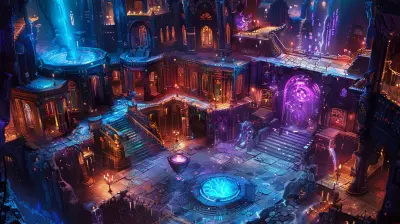
Crafting a Game Narrative Inside Unity Environments
2 May 2026
Crafting a game narrative is more than just telling a story. It's about weaving your tale into the heart of gameplay. And when you're building inside Unity, one of the world's most powerful and flexible game engines, you've got a toolkit that can bring any story to life. But how exactly do you blend narrative with interaction without it feeling forced or disconnected?
Let’s dive into the magic of storytelling in Unity environments, and why it can make your game truly unforgettable.
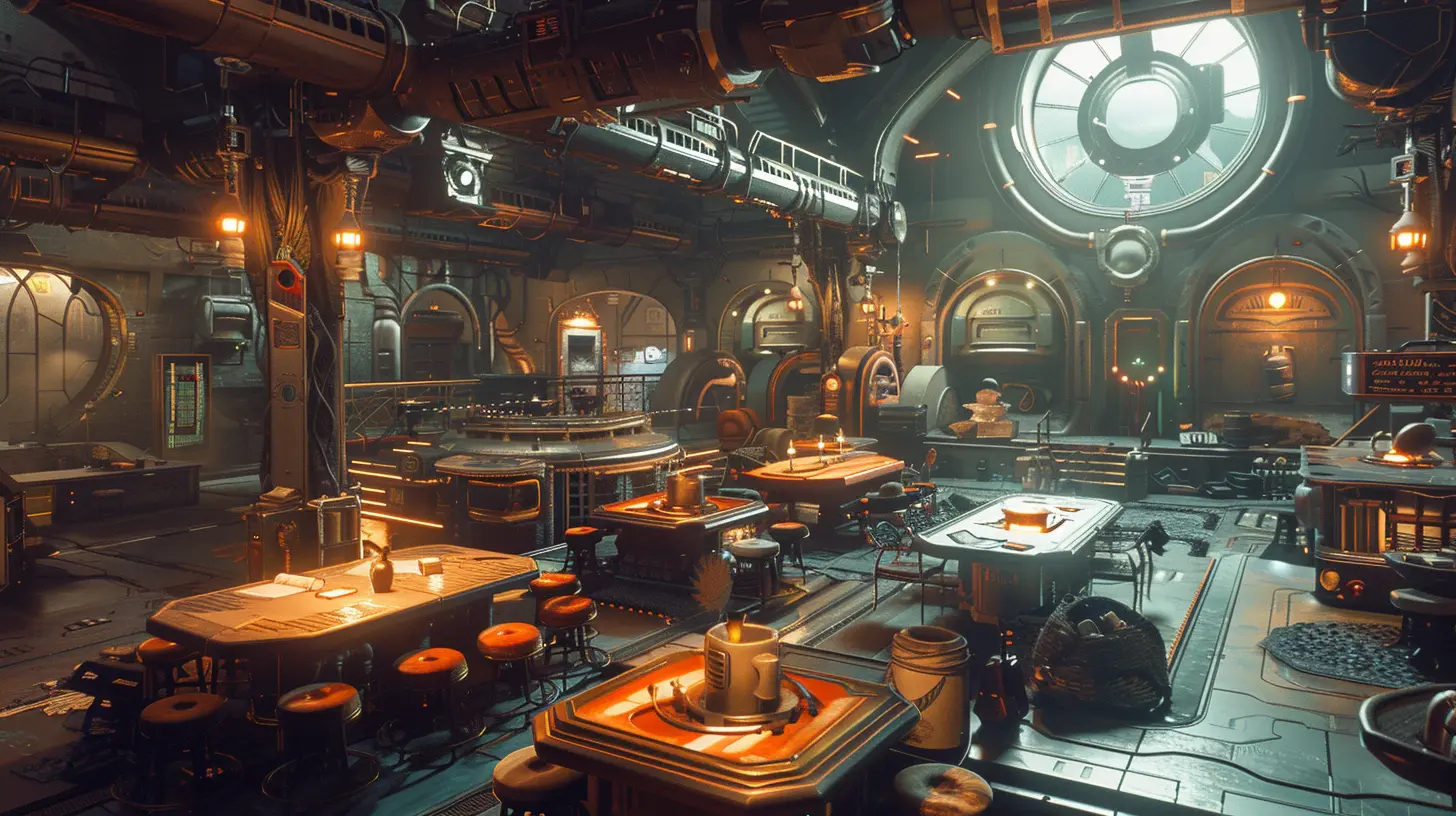
Why Narrative Matters in Games (Spoiler: It’s Everything)
Think about your favorite game for a second. Chances are, it's not just the graphics or mechanics you remember — it's the story. That gut-punch moment. That unexpected twist. That character you couldn't stop thinking about.Whether you're building an epic RPG or a quirky indie puzzler, your narrative can be the soul of your game. It creates emotional connections. It drives gameplay. It keeps players coming back. So, crafting it right inside Unity? Super important.
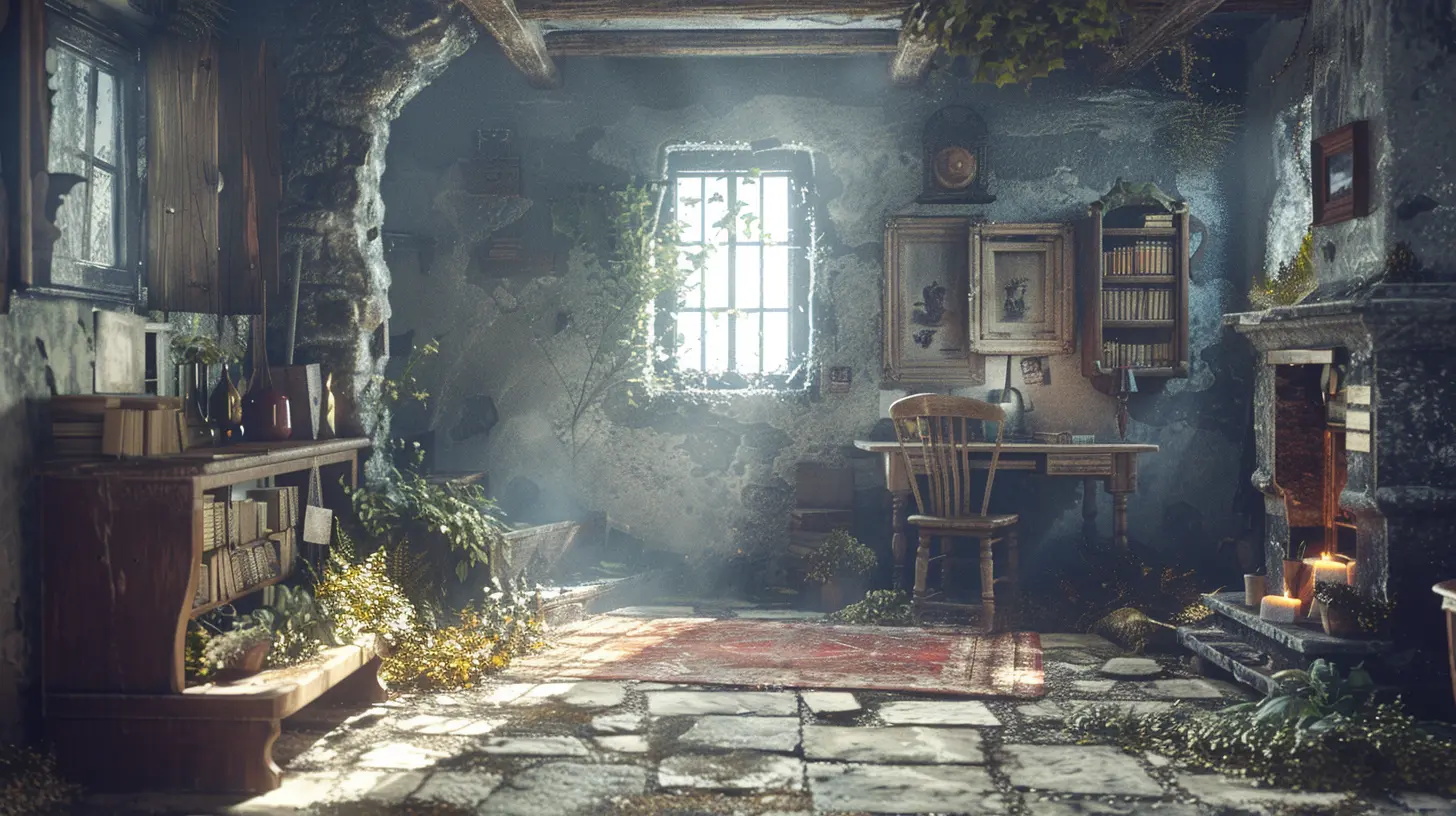
Unity Isn’t Just for Mechanics — It’s a Storyteller’s Playground
Unity is famous for its engine capabilities — 2D, 3D, VR, AR — it does it all. But here’s what many people overlook: Unity can also be a storytelling powerhouse if you know how to use its features right.It’s not about slapping dialogue boxes onto your levels. It’s about designing an immersive world where the story unfolds organically through visuals, sounds, interactions, and player choices.
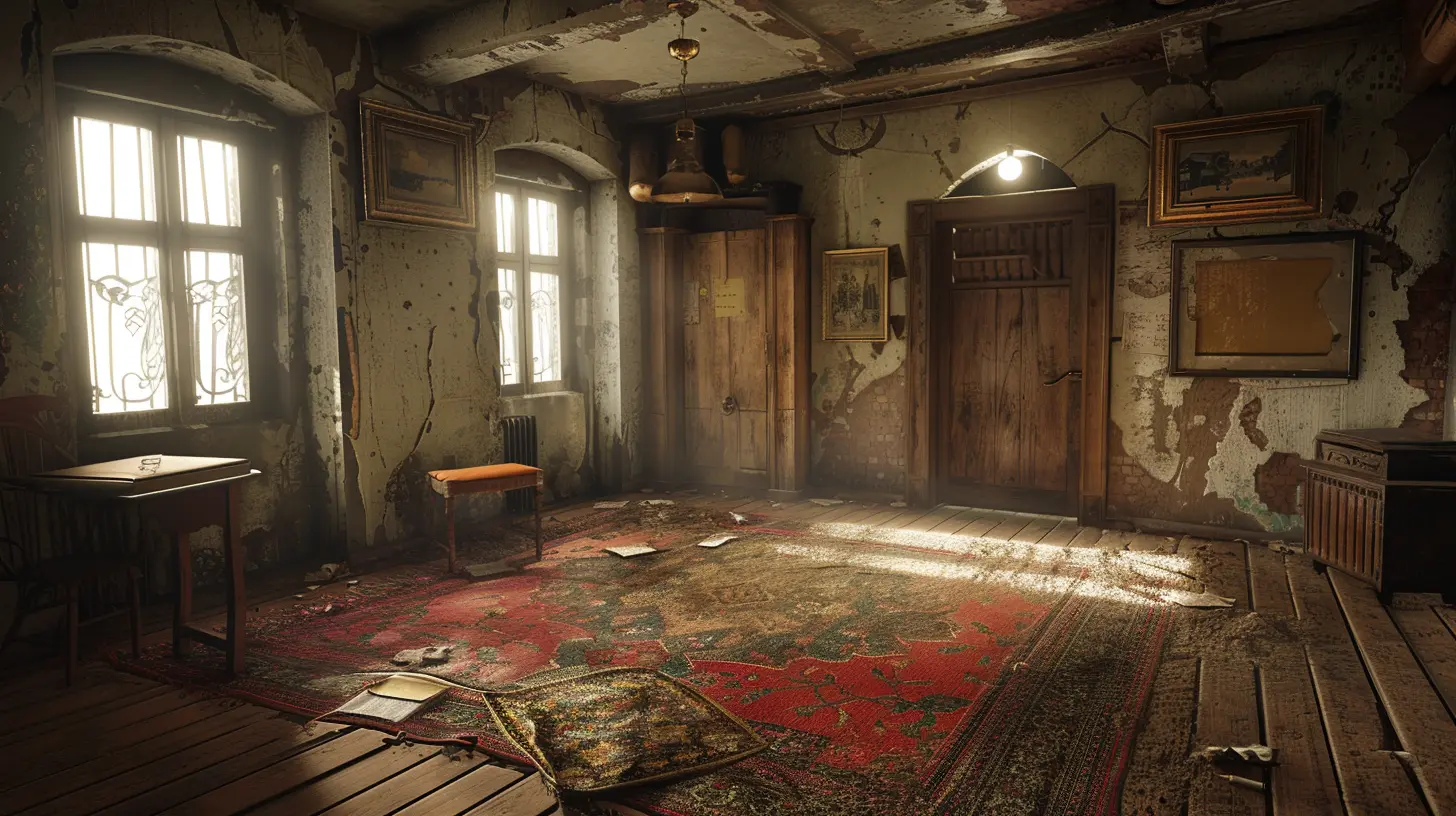
Building the Foundation: What Story Are You Telling?
Before you even open Unity, stop. Ask yourself: What’s the core of your story?- Who is the player?
- What’s their goal?
- What stands in their way?
- Why should they care?
It sounds basic, but this clarity becomes your narrative anchor. If your story’s confused, your gameplay will be too.
Pro tip: Write a one-sentence pitch for your game's story. Like, "A lonely AI must discover its true purpose in a world rebuilt by machines." This helps you stay laser-focused through the entire dev process.

Designing a Narrative-Driven Game Space
Once your story foundation is solid, it’s time to bring it to life. And this is where Unity shines. Let’s break it down.1. Level Design that Talks
Your level should reflect your story. A ruined city? Make players feel the devastation. An alien planet? Spark curiosity with strange flora and glowing skies.Use terrain systems, lighting, and particle effects to set emotional tones. Let the environment show instead of telling through chunky exposition.
Example? Instead of a character saying, “This place was attacked,” let players walk past destroyed buildings, flickering neon signs, and hear distant sirens.
2. Characters That Feel Alive
Characters are your emotional glue. In Unity, you’ve got tools like Animator, Timeline, and Cinemachine to bring them to life visually. Even simple facial animations or body gestures can make a huge difference.Want them to talk? Unity supports voiceovers and dialogue systems like Yarn Spinner or Ink — perfect for branching narratives and player choices.
Bonus: Add idle animations. A knight shifting uneasily before battle? It speaks volumes without a single word.
3. Player Choices & Consequences
Choices make stories personal. Unity lets you bake decisions right into gameplay with event systems, variables, and state machines.Let’s say the player saves a villager. Later in the game, that villager might return the favor — or show up in a memory. These threads, woven throughout player actions, create meaningful impact.
Don't forget save systems! Players should feel like their decisions matter long term.
Bringing It All Together With Unity Tools
So, how do you actually do all this in Unity? Here’s your handy toolkit.Timeline: Your In-Game Director
Use Timeline to coordinate cutscenes, character movements, and dialogue. It’s like being a movie director — you can orchestrate emotional beats in real time.Cinemachine: Dynamic Camera Magic
Want action scenes that feel cinematic? Or zoom-ins that add dramatic flair during conversations? Cinemachine automates camera transitions, pans, shakes — everything. This tool adds polish that screams "AAA-quality" even in indie games.Dialogue Systems
Tired of coding every conversation trigger manually? Plugins like Dialogue System for Unity or Fungus make it easy to build interactive dialogue trees without drowning in code.They let you:
- Define branching paths
- Store choices
- Animate UI dialogue boxes
- Trigger character expressions automatically
Pretty cool, right?
Scriptable Objects: Your Narrative’s Best Friend
Scriptable objects allow modular storytelling. Each object can represent a piece of the story, a lore item, or a conversation log. You can attach them to items, levels, or NPCs — clean, scalable, and super efficient.Trigger Zones: Show, Don’t Tell
Want to reveal a memory flashback when a player walks into a haunted room? Easy. With trigger zones and custom scripts, you can cue music, change lighting, show dialogue, or even slow down time when a player enters a specific area.It's storytelling that lives within the world — not just on the screen.
Keeping it Personal: Let Players Drive the Story
Here’s the big secret: The best stories in games aren’t the ones told to the player — they’re the ones discovered by the player.You’re not the narrator. You’re the architect.
Design your narrative like a trail of breadcrumbs through your world. Let players piece it together through exploration, dialogue, item descriptions, environmental storytelling, and even their own imagination.
Think of it like crafting a rich sandbox — then letting curiosity do the rest.
Storytelling Techniques That Work Inside Unity
Need a little inspiration? Here are some storytelling tricks that work like a charm within Unity environments:- Environmental storytelling: A bloodstained wall, a broken robot clutching a family photo — these tell stories without words.
- Unreliable narrators: Use NPCs that share conflicting versions of the same event. Let players decide what to believe.
- Flashbacks as gameplay: Let players play through memories — not just watch them.
- Diegetic interfaces: Make menus and HUDs part of the world. Think holograms, wearable tech, or magical scrolls.
- Narrative puzzles: Unlock story fragments through solving puzzles. It adds meaning beyond just solving for progress.
Boosting Engagement: Keep Players Hooked
Creating a great narrative isn’t enough — you’ve got to keep players engaged from start to finish. Here’s how:- Foreshadowing: Drop subtle hints early about major twists. Players love “aha” moments.
- Pacing: Balance intense beats with quiet moments. Let the player breathe.
- Mystery: Leave some questions unanswered. Curiosity is a powerful motivator.
- Replay Value: Design different endings, hidden story paths, or unlockable lore entries. Gamers love discovering what they missed.
Real Talk: Challenges You’ll Face (And How to Beat Them)
Let’s be honest — crafting narrative in Unity isn’t always easy. You’ll hit some bumps:- Scope creep: Stories can expand fast. Keep it tight and focused early on.
- Overwriting: Too much dialogue kills pacing. Make every word count.
- Balancing freedom and control: Let players explore — but don’t let them drift aimlessly. Subtle guideposts help.
The key? Keep testing with real players. Watch where they get confused, bored, or disengaged. Then tweak, sharpen, and trim.
The Final Ingredient: Passion
Here’s the thing — players can feel your energy. If you’re just going through the motions, the story will fall flat. But if you pour your heart into your world, your characters, and your themes — that energy will shine through.Whether it’s a five-hour indie game or a sprawling open world, your narrative has the power to leave a mark.
So keep writing. Keep tweaking. Keep dreaming.
Because the stories that stick with us? They’re the ones crafted with love.
Final Thoughts
Crafting a game narrative inside Unity environments is part art, part science — and pure passion. It's not just about dialogue or voiceovers. It's about designing an experience where every rock, every shadow, and every player choice tells a piece of your story.And with Unity's insane flexibility and storytelling tools, the only limit is your imagination.
So grab your script. Fire up Unity. And start building the story that only you can tell.
Game on, storyteller.
all images in this post were generated using AI tools
Category:
Unity GamesAuthor:

Tayla Warner
Discussion
rate this article
2 comments
Mackenzie McTigue
Engage players through storytelling.
June 12, 2026 at 4:56 PM
Tayla Warner
Absolutely! Storytelling can immerse players and enhance their connection to the game world. It adds depth and meaning to the gameplay experience.
Marissa Scott
Great insights on narrative crafting in Unity!
May 7, 2026 at 4:04 AM
Tayla Warner
Thank you! I'm glad you found the insights helpful.