Top Features to Look for in a Gaming Mouse
25 May 2026
Let’s be real—gaming just isn’t the same without a killer mouse at your fingertips. Whether you're fragging enemies in a fast-paced FPS or commanding armies in a real-time strategy game, that little gadget under your hand can make or break your experience.
But with dozens of brands and hundreds of models out there, how do you know which features actually matter? Do you need a spaceship-looking mouse with 20 buttons, or will a sleek two-button model do the trick?
Sit tight, grab your favorite energy drink (or coffee—no judgment), and let's break down the top gaming mouse features you actually want—and need—to up your game.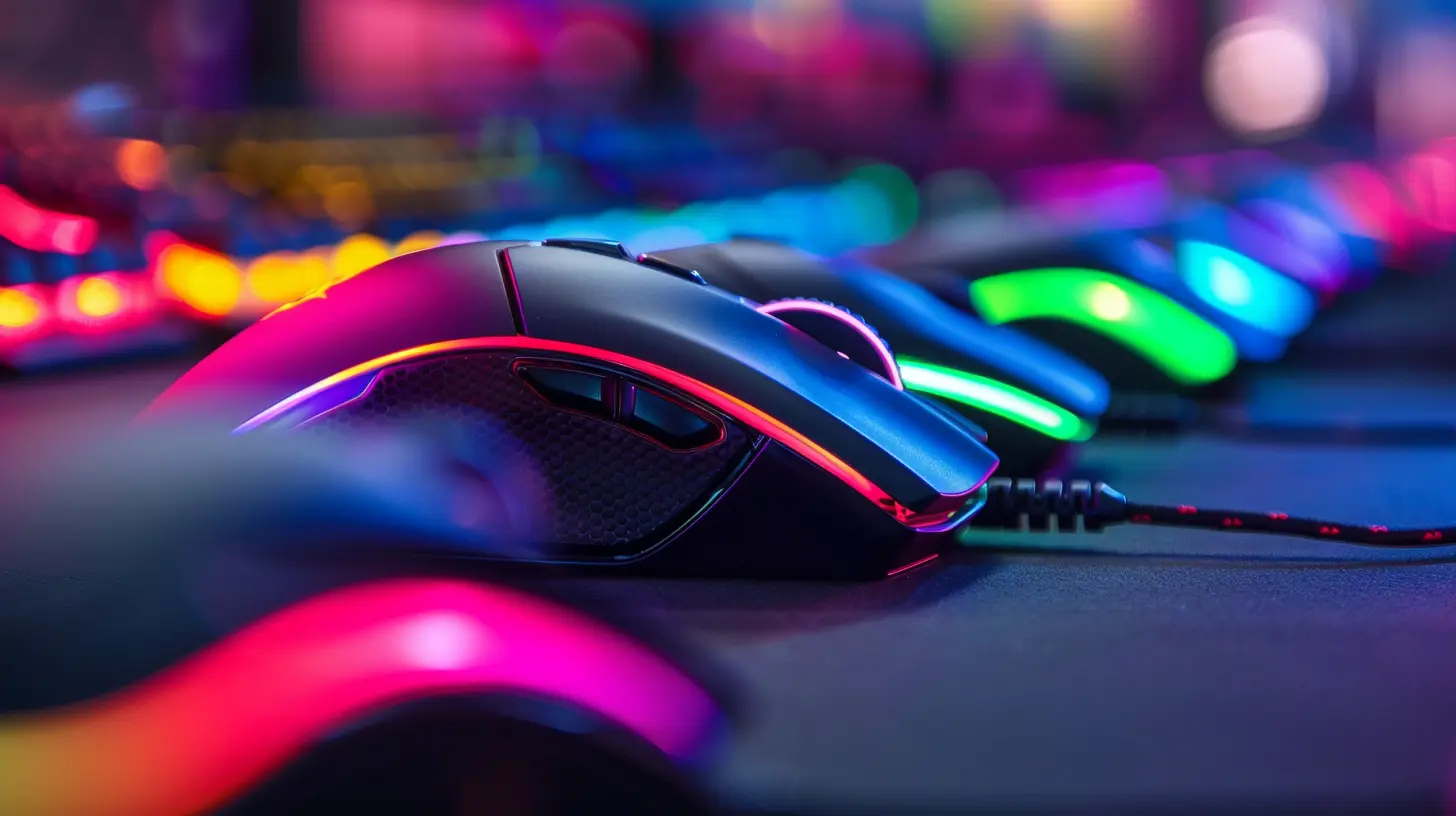
1. ? DPI (Dots Per Inch) & Sensitivity Settings
Alright, let's kick things off with DPI, the feature everyone loves to brag about. DPI, or Dots Per Inch, refers to how sensitive your mouse is to movement. The higher the DPI, the faster your cursor moves across the screen.But bigger isn’t always better.
High DPI is great for fast-paced games like Call of Duty or Valorant, where quick reflexes can save your digital life. On the flip side, lower DPI allows for more precision—ideal for sniping or tactical gameplay.
Most modern gaming mice let you toggle DPI on the fly with a dedicated switch. Some even let you customize multiple DPI settings and flip through them mid-game. That means you could zoom in for a headshot at 400 DPI and zoom right back out for a quick escape at 1600.
➤ Key takeaway: Look for mice with adjustable DPI—preferably above 10,000 DPI for flexibility.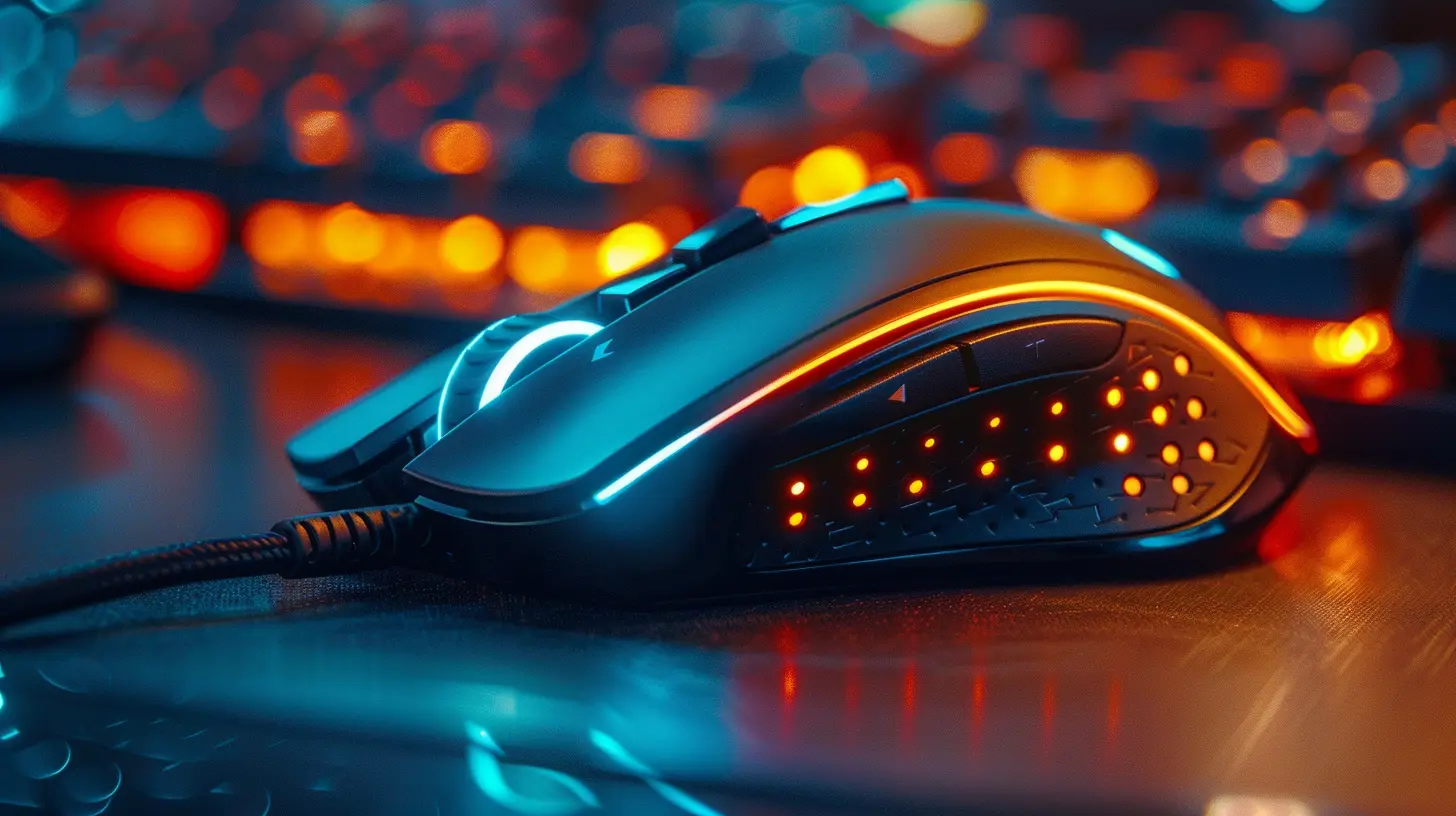
2. ? Sensor Type: Optical vs. Laser
Choosing between an optical and a laser sensor? It’s like picking between Coke and Pepsi. Both will get the job done, but they perform a little differently.- Optical sensors are generally more accurate for gaming. They track movement using an LED light. They're ideal for gaming on mouse pads or matte surfaces.
- Laser sensors, on the other hand, can track on just about any surface—even glass—but they tend to introduce a tiny bit of lag or "acceleration," which can mess with your aim.
Unless you plan on gaming on your glass-top coffee table, an optical sensor is probably your best bet.
➤ Key takeaway: Go for a mouse with a high-quality optical sensor (like the PixArt PMW3360 or HERO Sensor).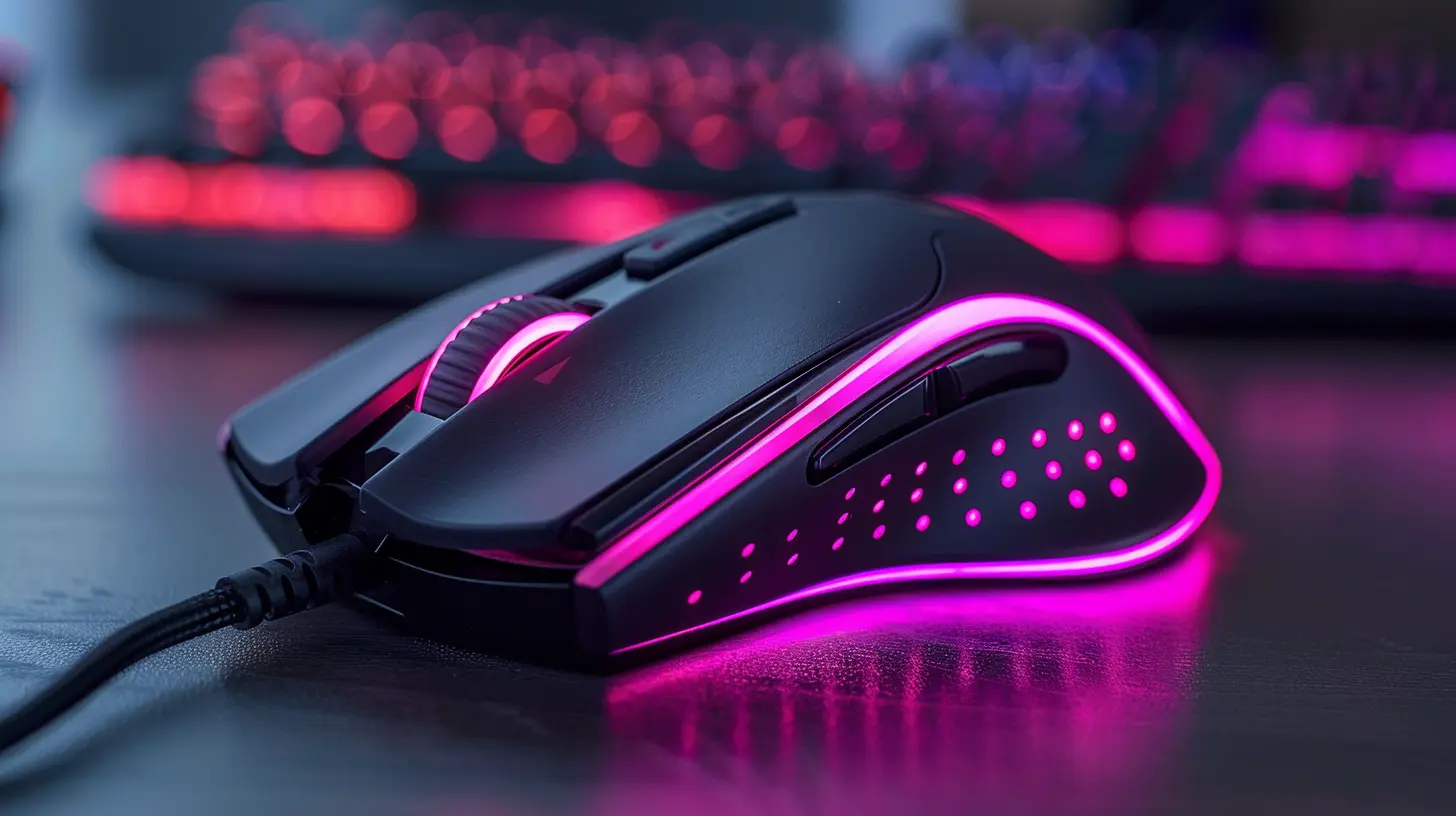
3. ?️ Build Quality & Materials
You don’t want your mouse feeling like a dollar-store toy. A good gaming mouse has solid build quality—no creaks, no wobbles, just sturdy craftsmanship.Look for high-grade plastics, rubber grips, and maybe even some metal parts for extra durability. Bonus points if the material feels good under sweaty gaming hands (no shame—happens to the best of us during an intense match).
➤ Key takeaway: Solid construction and comfortable materials are essential for long gaming sessions.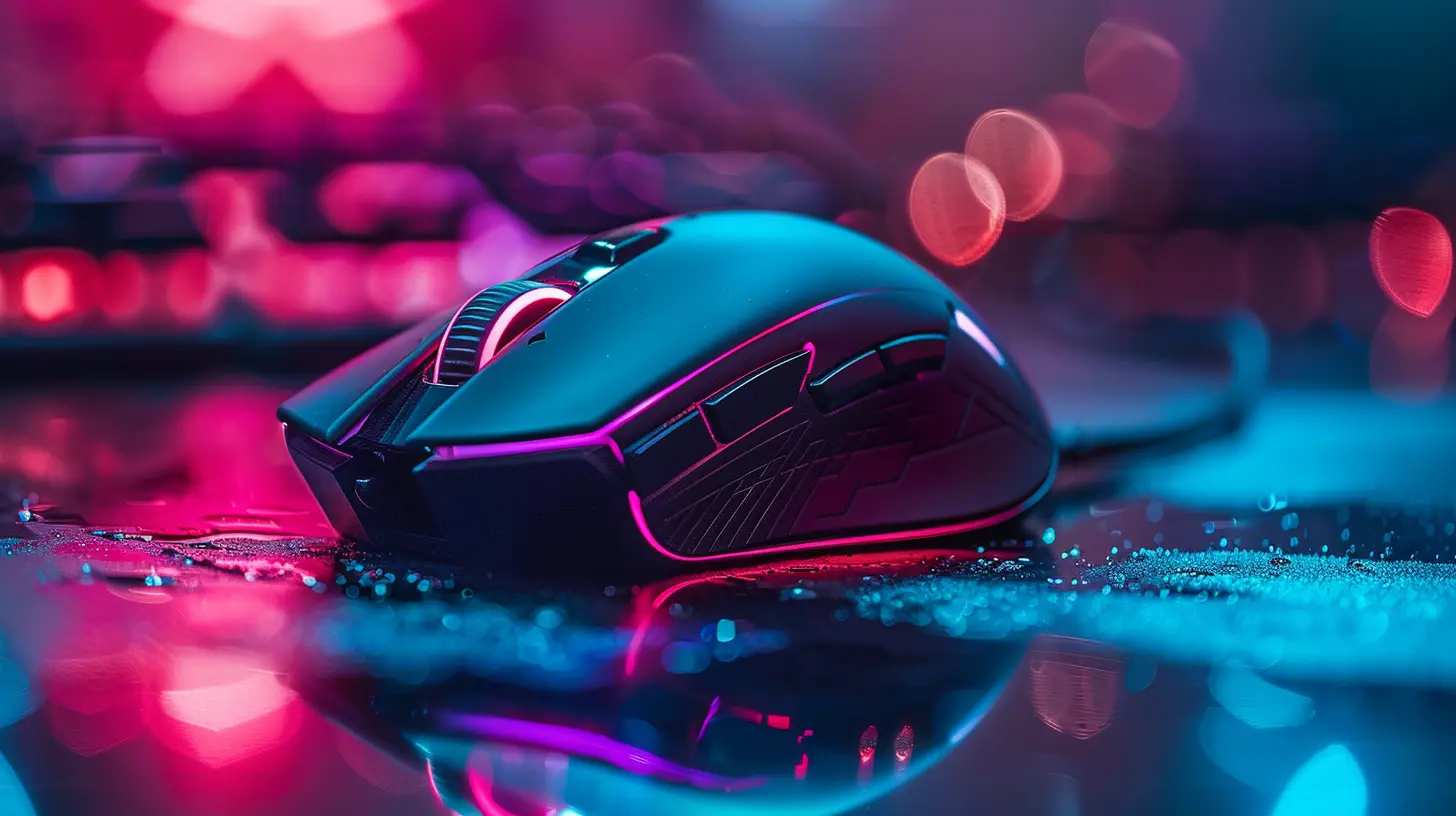
4. ?️ Ergonomics & Grip Style
A gaming mouse shouldn't be a one-size-fits-all deal. Your grip style and hand size matter—a lot.- Palm grip: Your entire hand rests on the mouse. Go for a larger, ergonomic design.
- Claw grip: Your palm rests lightly on the back, fingers arch. Mid-sized, lightweight mice are best.
- Fingertip grip: Only your fingers touch the mouse. Smaller, ultra-lightweight mice are ideal.
The ideal mouse should feel like an extension of your hand. A poor fit can lead to fatigue and even long-term strain. Not good if you’re pulling 4-hour raid sessions or grinding ranked matches all night.
➤ Key takeaway: Choose a mouse shape that suits your grip style and hand size.
5. ? Programmable Buttons
More buttons = more power. Or at least, more convenience.Most FPS gamers stick to minimalist mice with a couple of thumb buttons. But if you’re into MMOs or MOBAs (looking at you, WoW and League fans), extra programmable buttons can give you the edge.
From quick item swaps to casting spells or executing macros—having those commands just a thumb press away can be a total game-changer.
➤ Key takeaway: Casual or shooter player? 2 to 6 buttons might be plenty. MMO enthusiast? Look for 12+ programmable keys.
6. ? RGB Lighting (Because Why Not?)
Okay, let’s be honest—RGB doesn’t make you play better. But it definitely makes you feel cooler.RGB lighting gives your setup a personality, and many gaming mice let you customize it to match your rig. Some even let you sync it with other gear (keyboard, headset, etc.) for that unified glow-up.
It’s not essential, but it’s undeniably awesome.
➤ Key takeaway: RGB is optional flair—but hey, style points matter too.
7. ⚖️ Adjustable Weight System
Some gamers like their mouse feather-light for quick flicks. Others prefer a heavy mouse that feels more deliberate.That’s where adjustable weight systems come in. Many premium mice let you tweak their weight using small metal inserts. Dial in that “just right” feel—Goldilocks would be proud.
➤ Key takeaway: If you’re picky about feel, look for a mouse with customizable weight options.
8. ⚙️ Software Customization
Behind every great gaming mouse is some slick software.The best gaming mice come with companion software that lets you do all sorts of cool things:
- Set up DPI profiles
- Customize RGB lighting
- Program macros
- Adjust polling rate
- Manage button configs
Bonus: Some even let you create different profiles for different games. So when you launch Overwatch, your mouse settings are locked and loaded.
➤ Key takeaway: Good software = full control. Don’t skip this feature.
9. ? Wired vs. Wireless (Yes, Wireless Is Legit Now)
Ah, the great debate: wired or wireless?Once upon a time, wireless mice were frowned upon for latency and battery issues. But not anymore. Today’s high-end wireless gaming mice (like Logitech’s Lightspeed or Razer’s HyperSpeed) offer performance nearly identical to wired.
Still not convinced? Go with a wired mouse and save some cash. Just make sure it has a flexible, braided cable that doesn’t drag.
➤ Key takeaway: Wireless gaming mice are legit now, but wired still rules for budget and consistency.
10. ? Polling Rate & Response Time
Let’s get technical for a sec. The polling rate is how often your mouse reports its position to your computer, measured in Hz. Most standard mice poll at 125Hz, but gaming mice usually rock 500Hz or even 1000Hz.Higher polling rates mean better responsiveness, which can be the difference between shooting first or ending up on the respawn screen.
➤ Key takeaway: Look for a polling rate of at least 500Hz—1000Hz is ideal for competitive play.
11. ? Onboard Memory
Onboard memory is a low-key MVP feature. It enables your mouse to remember your custom settings—even if you plug it into a different PC.So if you’re gaming at a friend’s house, a LAN party, or a tournament, your DPI, macros, and button configs come with you. No need to re-download software or reconfigure settings.
➤ Key takeaway: Onboard memory adds convenience and portability—super useful for serious gamers.
12. ? Drag-Free Cables or Paracord
Nobody wants cable drag ruining their flow. Traditional rubber cables can tug, pull, and resist when you make fast movements.Enter paracord or drag-free cables. These are ultra-flexible, ultra-light sleeves that feel practically wireless. If you’re sticking with a wired mouse, this is a must-have feature for smooth gliding.
➤ Key takeaway: For wired mice, prioritize flexible, drag-free cables for peak performance.
13. ?️ Lift-Off Distance
Ever notice your cursor jumping when you lift your mouse to reposition it? That’s lift-off distance in action.A good gaming mouse should have a low lift-off distance, so your cursor doesn’t go flying when you adjust your grip. This is especially important in FPS games where precision is everything.
➤ Key takeaway: Aim for a mouse with a low lift-off distance for more control and less cursor jitter.
Final Thoughts: It's All About What Feels Right
Here’s the thing—there’s no perfect gaming mouse for everyone. The right one depends on your playstyle, hand shape, and personal preferences.What really matters is the feel. If it fits your hand, responds quickly, and has the features you care about, you’re golden. Whether you’re pushing for Grandmaster in Overwatch or just want smoother aim in CS:GO, investing in the right mouse can completely transform your gaming experience.
Bottom line? Don’t get caught up in just the specs. Try before you buy if you can, read reviews, and go with what suits your style.
Now go out there and click some heads.
all images in this post were generated using AI tools
Category:
Gaming MiceAuthor:

Tayla Warner
Discussion
rate this article
1 comments
Christa McAndrews
Great insights on gaming mice! I appreciate the focus on performance and ergonomics. These features really make a difference in enhancing the gaming experience.
May 27, 2026 at 2:45 AM
Tayla Warner
Thanks for your feedback! I'm glad you found the focus on performance and ergonomics helpful. They really do play a key role in gaming.