Screen Time Strategies for Young Gamers
3 May 2026
Gaming has taken the world by storm—and let’s be honest, our kids are riding the frontlines of that wave. Whether it’s battling creepers in Minecraft, building empires in Roblox, or teaming up with friends in Fortnite, games have become more than just a pastime. They're social hubs, creative outlets, and, yes, a source of endless screen time battles between parents and kids.
If you’re here, chances are you're asking yourself: _How much screen time is too much? How do I balance gaming with real-world responsibilities? And how do I even begin to set limits without sparking a full-blown rebellion?_ We've got you covered. Let’s dive into smart, doable screen time strategies for young gamers that actually work (and might even bring peace to your household).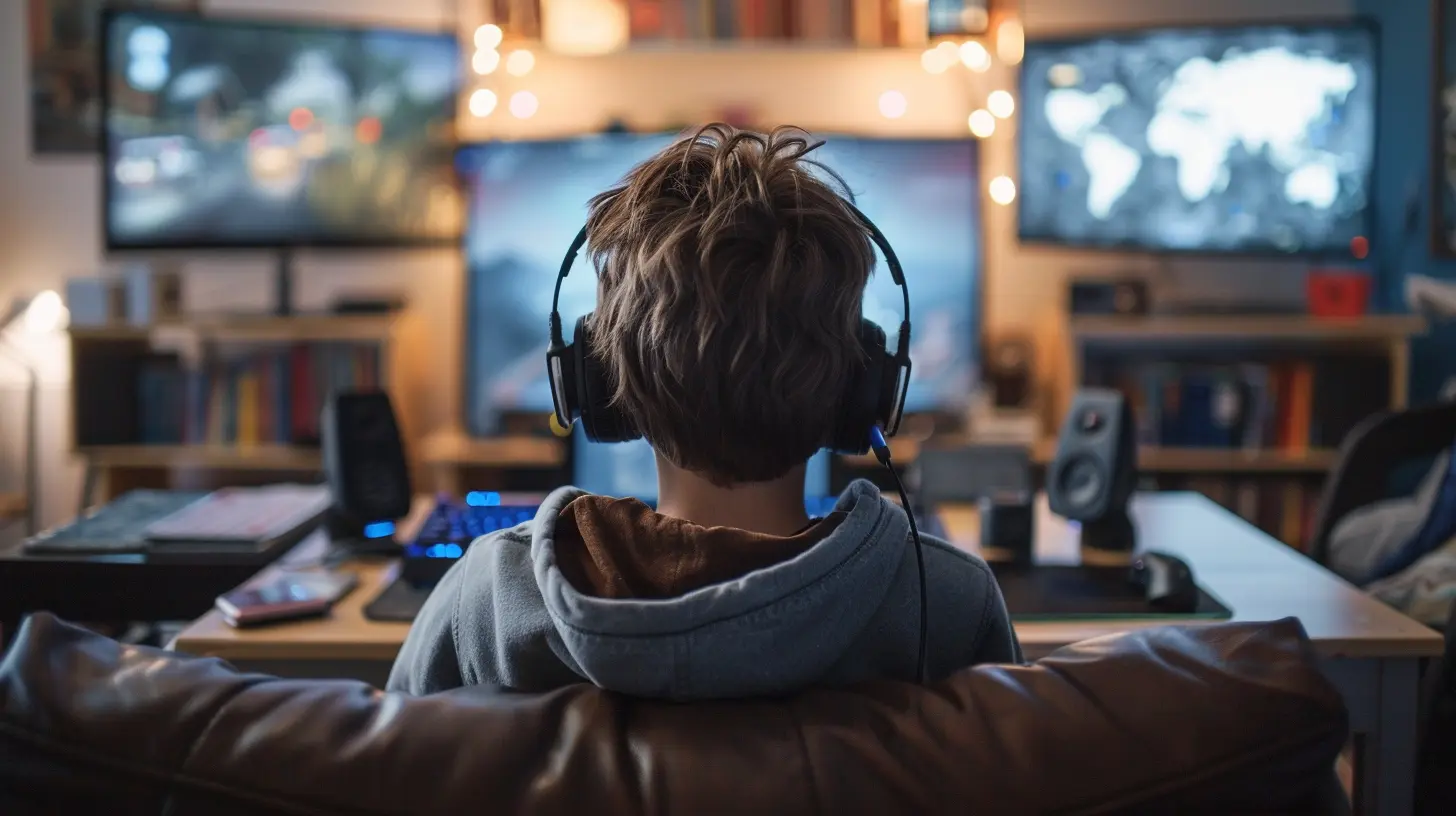
Why Screen Time Matters (And Why It’s Not Always the Enemy)
Let’s clear this up first—screen time isn’t automatically bad. In fact, gaming can help enhance problem-solving skills, boost creativity, and even improve hand-eye coordination. But like anything else—too much of a good thing can turn sour fast.The key isn’t to eliminate gaming. It’s to manage it.
Think of screen time like junk food. A bit here and there? Totally fine. But if that’s all your kid’s getting, they’ll be missing out on the “nutritious” parts of life—like getting outside, reading, doing homework, and yes, even sleeping.
Step 1: Know What “Too Much” Actually Looks Like
There’s no one-size-fits-all answer. For example, a 17-year-old gaming two hours a night after school? That might be fine. A 7-year-old sneaking in five hours a day on a school night? Not so much.Here are a few red flags to watch for:
- Skipping homework or chores
- Losing interest in non-screen activities
- Mood swings when asked to stop playing
- Poor sleep patterns
- Falling grades or social issues
If your child is showing these signs, it’s time to reevaluate how much time they're spending on the screen.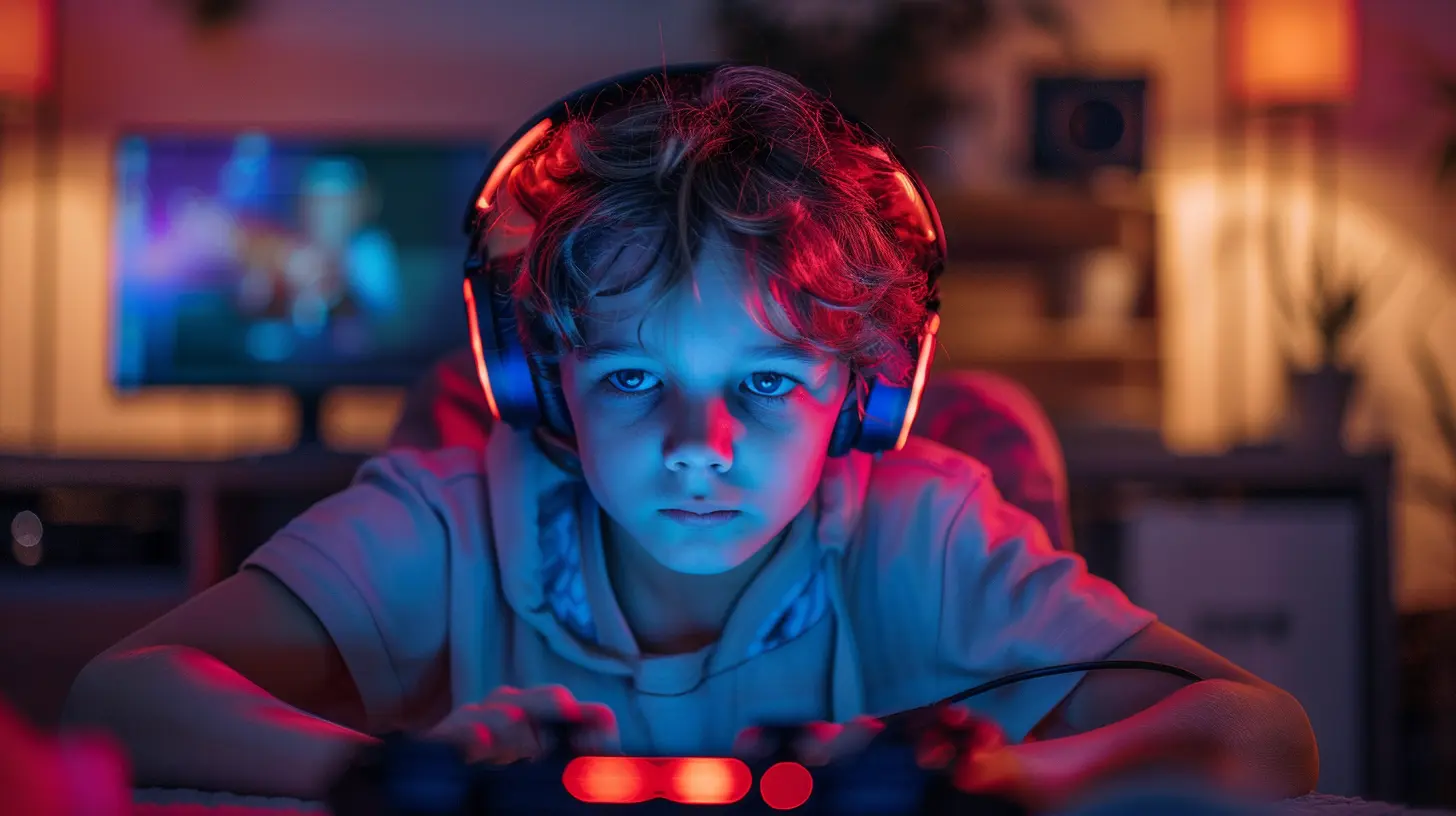
Step 2: Set Clear, Consistent Rules
Kids need boundaries. Love them or hate them, rules help everyone know where the lines are. What works best? Consistency. If you’re constantly shifting the rules, you’re just asking for a power struggle.Try things like:
- Daily Screen Time Limits: e.g., 1-2 hours on school days, a bit more on weekends.
- Weekday vs. Weekend Schedules: More flexibility on the weekends can help kids feel like they're not totally deprived.
- Game-Free Zones: No gaming during meals, before bed, or during family time.
Pro tip? Set the rules _with_ your kids, not just _for_ them. Getting their input gives them a sense of ownership, and they’re more likely to stick with the plan.
Step 3: Use Tech to Your Advantage
There’s no shortage of parental control tools out there. Whether you’re using game consoles like Xbox and PlayStation, tablets, or PCs, most devices now come with built-in screen time features.Here are a few tools worth checking out:
- Microsoft Family Safety: Great for Xbox and Windows users.
- Google Family Link: Perfect for Android devices.
- Apple Screen Time: Built into iPhones and iPads.
- Third-party apps: Like Qustodio, Net Nanny, or Bark.
These tools let you limit usage, block certain apps during school hours, and even monitor what games are being played. It's like having a digital nanny—but one that doesn’t constantly ask for coffee breaks.
Step 4: Gamify the Balance
Want to speak your kid’s language? Gamify the process.Instead of just telling them they need to “earn” screen time, turn it into a mini-game:
- Homework = XP: Finished assignments can “unlock” game time.
- Chores = Power-Ups: Doing dishes or tidying their room adds bonus minutes.
- Real-Life Challenges = Achievements: Getting a good grade, finishing a book, or scoring a goal in soccer earns a special game night.
This approach appeals to their love of progress bars and achievement badges—and it teaches them the value of earning rewards, not just expecting them.
Step 5: Be a Role Model (Yes, You)
Your kid isn’t going to buy into screen time limits if they see you glued to your phone 24/7. If you’re scrolling Instagram at the dinner table while telling them to put away the iPad, that’s mixed messaging.Try this out:
- Create “no screens” family time—dinner, weekends, or a tech-free Sunday.
- Join them in their favorite games. Show interest, ask questions, and bond with them over their digital world.
- Be mindful of your own screen habits. They’re watching, even when you think they aren’t.
Remember, you can’t teach balance if you’re out of balance yourself.
Step 6: Encourage Other Activities They Genuinely Like
If gaming is the only exciting option available, why would they do anything else?This doesn’t mean forcing them into something just because it sounds “wholesome.” Instead, help them discover other things they actually enjoy—sports, music, art, reading, or even coding (which can actually complement gaming).
Here’s a trick: Blend real life with virtual interests. If they love building in Minecraft, try Lego kits. If they’re obsessed with racing games, introduce them to go-karting.
It’s less about taking away and more about filling their lives with other shiny, rewarding alternatives.
Step 7: Open Conversations, Not Criticism
This one’s big. Nobody likes feeling judged, especially kids. If your child senses every screen-time talk is going to be a lecture, they’ll tune you out faster than a tutorial video.Try this approach instead:
- Ask questions: _“What do you enjoy most about this game?”_
- Show interest: _“That’s a cool character. Tell me about them!”_
- Express concerns without blame: _“I’ve noticed you’ve been more tired lately. Do you think gaming before bed might be affecting your sleep?”_
When your kid feels heard and respected, they’re way more likely to listen in return.
Step 8: Watch for In-Game Spending and Safety Traps
Let’s not forget—online games today aren’t what we had in the ‘90s. Microtransactions, online strangers, and unfiltered chat can turn the gaming world into a digital Wild West.Keep an eye out for:
- In-game purchases: Set passwords or limits so your wallet doesn’t take a hit.
- Online interactions: Talk openly about online safety and never sharing personal info.
- Game ratings: Don’t rely on your kid’s word—those ratings are there for a reason. Check what content they’re being exposed to.
You wouldn’t drop your kid off at a stranger’s house with no questions, right? The same rules apply in virtual worlds.
Step 9: Make Adjustments Over Time
What works for a 10-year-old won’t work for a 16-year-old. As your child grows, so should your rules. Flexibility is key.Sit down often (once a month works great) and chat about how things are going. Are they keeping up with school? Are they still exercising and sleeping well? If the answer’s yes, maybe it’s okay to loosen the reins a bit.
But if things start slipping, don’t be afraid to hit pause and reevaluate.
Step 10: Celebrate Wins (No Matter How Small)
Managed to cut back screen time by 30 minutes this week? That’s a win. Your kid chose to read before bed instead of hopping on the Switch? Huge win.Celebrate it.
Positive reinforcement works way better than punishment. A simple “Hey, I noticed you’ve been really sticking to the screen time plan—nice job!” goes a long way.
Final Thoughts
Gaming isn't the villain. It’s fun, immersive, and in many ways, even beneficial. The real challenge is finding the sweet spot between screen time and everything else life has to offer.As parents, guardians, or even just cool older siblings, our job isn’t to ban or shame. It’s to guide, support, and occasionally—yes—hold down the fort when the “just five more minutes!” battle cries begin.
Keep your strategies realistic, your conversations open, and your expectations flexible. Because finding that balance? It’s the ultimate game—and with the right moves, everyone can win.
all images in this post were generated using AI tools
Category:
Parental Guide To GamesAuthor:

Tayla Warner
Discussion
rate this article
2 comments
Kade Evans
Balancing screen time for young gamers is crucial. Setting limits and encouraging breaks can help develop healthier habits. It's also important to mix gaming with physical activities and social interaction, fostering a well-rounded lifestyle. Finding that balance makes gaming more enjoyable and less isolating for kids.
June 14, 2026 at 4:27 PM
Tayla Warner
I completely agree. It's all about finding that balance. Mixing gaming with physical activities and social time can really enhance the experience and keep it fun and healthy for young gamers.
Andrea McGuffey
Balance is key, parents!
May 4, 2026 at 5:05 AM
Tayla Warner
Absolutely! Finding that balance helps kids enjoy gaming while staying healthy and engaged in other activities.