Integrating Augmented Reality Features in Unity Games
17 December 2025
Augmented Reality—or simply AR—is no longer just a futuristic buzzword we throw around to sound tech-savvy. It's here, it's real, and it's changing the way we experience games. If you've ever caught yourself chasing Pokémon down the street or visualizing IKEA furniture in your living room through your phone, you’ve already had a taste.
Now, imagine what happens when you bring that superpower into Unity, one of the most flexible and widely used game engines out there.
In this deep dive, we’re chatting all about integrating augmented reality features in Unity games. Whether you're a hobbyist game creator, an indie developer, or looking to amp up your studio's next big title—this is your ultimate guide, packed with tips, tools, and real-talk from someone who's been there. Let’s get into it.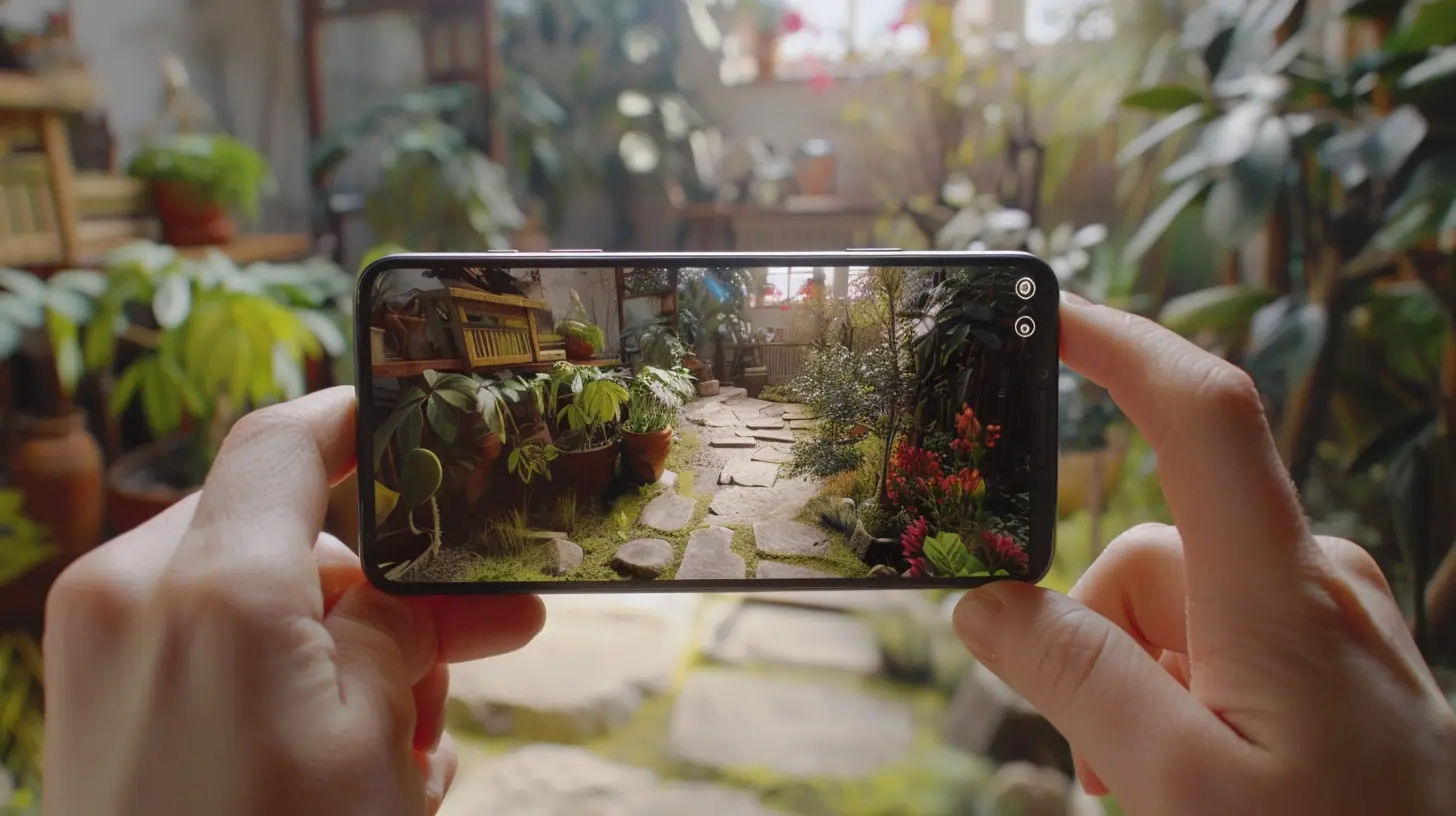
Why Unity is a Solid Base for AR Game Development
Let’s start with the basics. Why Unity?Well, Unity has pretty much become the go-to platform for indie developers and even big studios. It’s cross-platform, has an insane amount of documentation, and a community that’s always ready to step in when the coding gremlins attack.
But when it comes to AR, Unity shines even brighter because of one thing: flexibility.
You can develop once and deploy on multiple devices—iOS, Android, and even AR headsets like HoloLens. Unity’s seamless integration with AR development kits like AR Foundation, ARKit (Apple), and ARCore (Google) makes it an irresistible combo.
So you’re probably wondering…
> “Okay, I get it—Unity is great. But how the heck do I actually build AR into my game?”
Let’s walk through that.
Getting Started: Tools and SDKs You’ll Need
Before you even write your first line of AR code, you need to get your toolkit right. Here's your AR starter pack for Unity:1. Unity Editor (Obviously)
Make sure you're using a recent version of Unity. AR functionality keeps evolving, and older versions might not play well with new SDK features.2. AR Foundation
This is Unity’s own abstraction layer that lets you write your AR code once and deploy it across both ARKit and ARCore. Super efficient.3. ARKit (for iOS)
Apple’s own AR development kit. If you’re building for iPhones or iPads, this is what makes the AR magic happen.4. ARCore (for Android)
Google’s answer to ARKit. Supports a wide range of Android devices and allows things like motion tracking and environmental understanding.5. XR Plugin Management
A Unity package that helps you manage various XR (Extended Reality) plugins under one roof.Once you’ve got all that installed and configured, you're pretty much ready to start throwing digital dragons into your living room (metaphorically…or not?).
Let’s Talk Features: What AR Can Add to Your Game
AR isn’t just throwing 3D models on a flat surface. There’s a whole playground of features that can turn a plain ol’ game into an unforgettable experience.1. Plane Detection
This allows your game to detect real-world surfaces like floors, tables, and walls. Want your treasure chest to appear magically on your coffee table? Here’s how.2. Object Recognition
You can train your app to recognize specific real-world objects. Think of scanning a book and having it burst into a 3D scene. Literal book-to-life experience!3. Face Tracking
Want to create crazy Snapchat-style filters or have characters react to the player’s facial expression? Face tracking’s your jam.4. Geo-location AR
This is where you go Pokémon Go-style. Place objects in the real world based on GPS and let players explore the world to find them.5. Light Estimation
Makes your AR objects respond to real-world lighting. If your room’s dim-lit, your dragon’s going to match that mood. That’s immersive, right?
Real Talk: Challenges You’ll Probably Face (And How to Beat Them)
Alright, everyone paints a pretty picture when it comes to AR. But let’s get real for a sec—it’s not all smooth sailing. Here are a few headaches I’ve personally dealt with:1. Device Performance
AR can be heavy. Older devices might lag, overheat, or crash. Always test across multiple devices and don’t go overboard with high-poly assets.> Pro Tip: Optimize like a maniac—think LODs (Level of Detail), texture compression, and smart memory management.
2. Lighting and Shadows
Getting virtual lighting to match real-world lighting is tricky. You’ll spend more time tweaking shadows than you’d like to admit.> Pro Tip: Use Unity’s Light Estimation features and bake lighting where needed.
3. User Environment
You can’t always control where your users will be. Some might play in a brightly lit office, others in a dark room. Ensure your game handles these variations gracefully.> Solution: Provide clear on-screen instructions for scanning, lighting, and setup.
4. Battery Drain
AR apps are notorious for guzzling battery juice. Want your players to stick around? Make your app as efficient as possible.Building Something Cool: A Simple AR Game Example
Sometimes examples speak louder than theory, right?Let me walk you through a simple concept I built: “Treasure Tapper”.
Premise:
The player points their phone at the floor. Virtual treasure chests appear randomly. They tap to open them and collect coins. Simple, fun, and very AR.Workflow Overview:
1. Scene Setup: Use AR Foundation to detect a horizontal plane.2. Spawn Objects: Once a plane is detected, spawn treasure chest prefabs randomly.
3. Interaction: Detect user tap and play an “opening” animation + reward sound.
4. Score Tracker: Track the coins collected and display them on a UI overlay.
It's a small game, but the player feels like they’re interacting with real-world objects. That’s the AR difference.
Tips to Make Your AR Game Truly Standout
Want your AR game to not just work, but wow players? These tips might help:- Keep UX Intuitive – AR introduces new interactions. Make sure your UI guides the player clearly through scanning and engaging with the environment.
- Use Audio Smartly – Sound can seriously boost immersion. Spatial audio makes objects “feel” real.
- Add Haptic Feedback – A little vibration when the player interacts with virtual objects goes a long way.
- Mix AR with Traditional Gameplay – Don’t force AR everywhere. Use it where it enhances the experience, not just as a gimmick.
- Encourage Movement – One of AR’s biggest strengths is physical interactivity. Design levels that encourage the player to move around—safely, of course!
Future-Proofing: What’s Coming Next in AR Gaming?
AR is still evolving—fast. And Unity’s keeping pace with features like:- Occlusion Technology – Making virtual objects appear behind real-world items.
- Persistent AR – Save real-world positioning so players can 'resume' where they left off.
- Collaborative Multiplayer AR – Let multiple players interact with the same AR scene. Now that’s next-level gaming.
If you’re starting now, you’re getting in early—trust me. The space is still wide open for innovation. Who knows? Your game might just be the next AR sensation.
Wrapping it Up
Integrating augmented reality features in Unity games isn’t as intimidating as it sounds. Sure, it has its quirks—but honestly? It’s one of the most exciting creative playgrounds out there today.Whether you're building a simple tabletop game, an educational app, or an outdoor scavenger hunt, AR brings a layer of magic that traditional gameplay just can’t replicate.
And with Unity’s ever-growing tools and community support, there’s never been a better time to jump in.
So roll up your sleeves, fire up Unity, and start building something that not only entertains—but merges the digital with the real. Because the future of gaming? It’s not just on the screen anymore. It’s everywhere you look.
all images in this post were generated using AI tools
Category:
Unity GamesAuthor:

Tayla Warner
Discussion
rate this article
3 comments
Onyx Harper
Augmented reality: where your couch becomes a dragon’s lair!
April 14, 2026 at 3:51 AM
Tayla Warner
Thanks! Augmented reality truly transforms our everyday spaces into immersive experiences, making imagination come alive in unexpected ways!
Aria Young
Great insights! Excited to see how AR enhances gaming experiences for everyone.
December 23, 2025 at 3:44 PM
Tayla Warner
Thank you! We're equally excited about the potential of AR in gaming and look forward to seeing how it transforms player experiences!
Laila Porter
Exciting times ahead! Augmented reality will transform the gaming experience in Unity!
December 19, 2025 at 5:00 AM
Tayla Warner
Absolutely! We're thrilled about the potential of augmented reality to enhance immersion and gameplay in Unity. Stay tuned for more updates!