How to Use Unity’s NavMesh for Smart AI Navigation
26 July 2026
Ever wondered how enemies in your favorite games seem to know exactly where to go, chase you around corners, or patrol an area like they’ve got a sixth sense? That’s not magic—it’s smart AI navigation! And in Unity, one of the most powerful tools to make this happen is the NavMesh system.
If you're tinkering with AI in your Unity project or just tired of watching your NPCs walk straight into walls like headless chickens, you're in for a treat. We're diving deep into Unity’s NavMesh system and how you can use it to create smarter, pathfinding-savvy characters that actually know where they're going.
What is Unity’s NavMesh, Anyway?
Before we get our hands dirty, let’s break this down. Think of a NavMesh (short for Navigation Mesh) as a map of where characters can walk. It marks all the walkable surfaces in your game world, like roads, floors, and terrain. Kind of like giving your AI a GPS.Instead of AI blindly stumbling around, they follow this map to get from Point A to B—dodging walls, hopping over small ledges, or even chasing the player around obstacles. It’s the secret sauce behind intelligent navigation in Unity.
Why Use NavMesh for AI?
Good question. Couldn't you just tell your AI to move towards the player?Well, you could—but what happens when there’s a wall between them? The AI doesn't know that. It’ll try to walk through the wall like it's the Kool-Aid Man. Not great for immersion, huh?
Here's why NavMesh is a game-changer:
- ? It automatically calculates the shortest path around obstacles
- ? Keeps AI grounded to walkable surfaces
- ? Dynamically avoids other agents and moving objects
- ? Makes AI feel smarter without you writing tons of logic
NavMesh does the heavy lifting so your AI can focus on acting smart, not just moving in straight lines.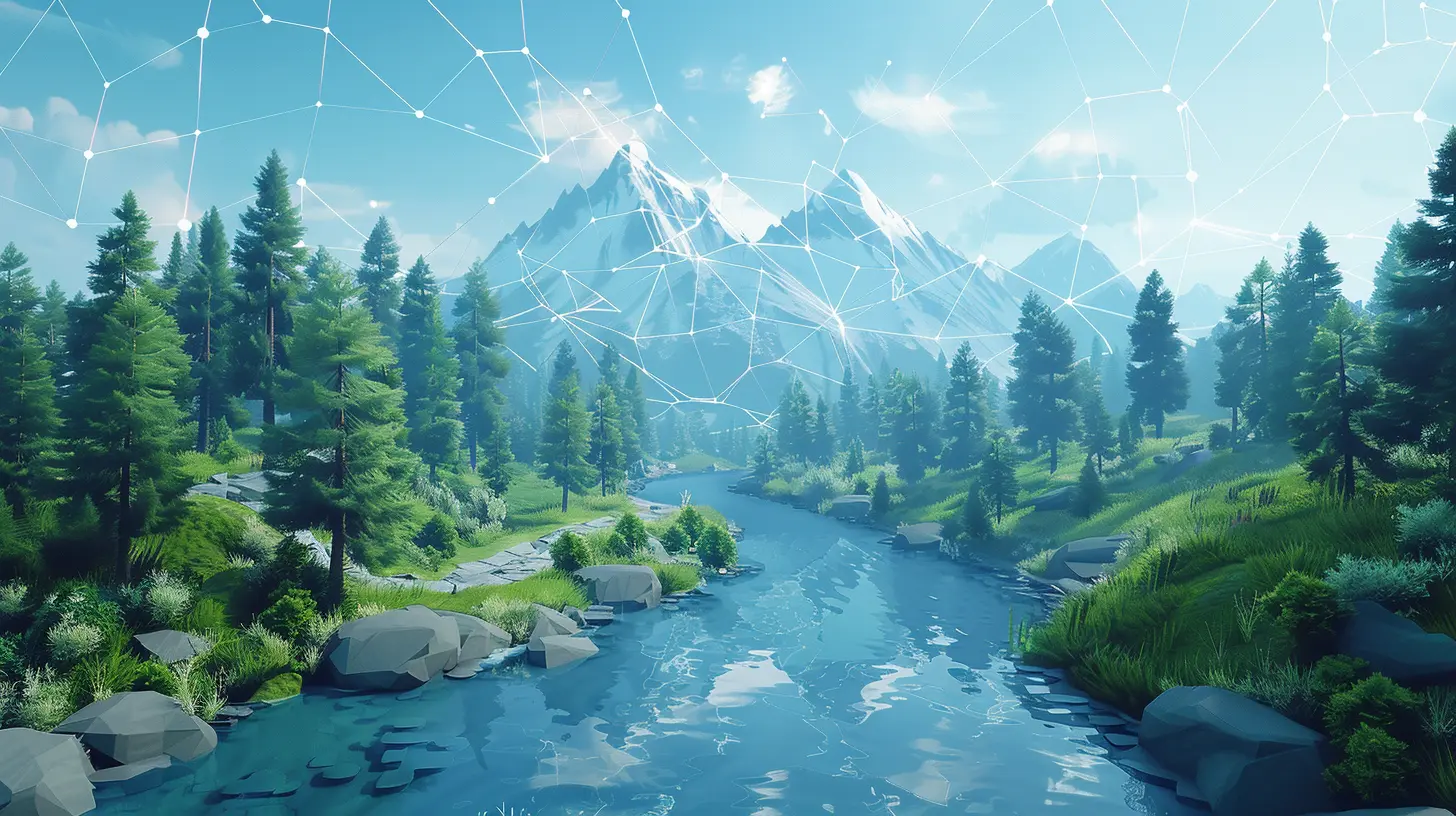
Getting Started: Setting up Unity’s NavMesh
Alright, enough theory. Let’s build something.First things first—you’ll need Unity installed (obviously). Make sure you’ve got the Navigation package enabled in your project.
Step 1: Mark Walkable Areas
Start by identifying surfaces where your AI should be able to move.1. Select a GameObject (like terrain or floors).
2. In the Inspector, click `Navigation Static`.
3. Under the Navigation window (Window > AI > Navigation), switch to the Bake tab.
4. Hit Bake.
Boom! You’ve just created a NavMesh. Blue areas in the Scene view let you know where your agents can roam. Pretty slick, right?
Step 2: Add a NavMesh Agent
Okay, now let’s throw an AI character into the mix.1. Drag in your NPC or enemy character prefab.
2. Add the `NavMeshAgent` component to it.
3. Adjust the properties: speed, acceleration, stopping distance—tweak until it feels right.
The `NavMeshAgent` is your AI's smart-navigation backpack. It uses the NavMesh you just baked and figures out how to move intelligently.
Step 3: Scripting Basic Movement
Time to give your agent a brain. Fire up a C
script and attach it to your AI GameObject.
csharp
using UnityEngine;
using UnityEngine.AI;public class AIMovement : MonoBehaviour
{
    public Transform target;
    private NavMeshAgent agent;    void Start()
    {
        agent = GetComponent();
    }    void Update()
    {
        if (target != null)
        {
            agent.SetDestination(target.position);
        }
    }
}
Boom. Now when you assign a target (say, the player), your AI will start chasing it—navigating around obstacles on its own. Spooky smart, huh?
Going Deeper: NavMesh Features You Should Know
You're not just limited to basic movement. Unity’s NavMesh system is full of juicy features that take things to the next level.1. Off Mesh Links
Ever wanted your AI to jump across a gap or climb a ladder? That’s where Off Mesh Links come in.Think of these as bridges in your navigation map. They allow your agent to perform special actions when regular surfaces aren’t enough.
You can manually add these or let Unity auto-generate simple jump links based on terrain.
Combine this with animations and your AI will start parkouring like a pro.
2. Dynamic Obstacles
Games aren't static, right? Doors open. Cars move. Boxes fall over.Enter: NavMeshObstacle
You can attach this component to objects that block paths. When active, the AI will recalculate its route and avoid the obstacle.
Make sure to enable carving if you want the obstacle to cut into the NavMesh in real time.
3. Areas and Costs
Not all paths are created equal. Maybe mud slows down the AI. Or maybe they shouldn't walk on lava (duh).NavMesh lets you assign different area types with movement costs. So your AI can decide if taking the long road is smarter than melting its feet.
4. AI Patrols and Waypoints
Want your AI to roam like it’s on guard duty? Use waypoints!Create a list of points and cycle through them. Your agent will move between them—looping or ping-ponging around like a security drone.
csharp
public Transform[] waypoints;
int currentWaypoint = 0;void Patrol()
{
    if (!agent.pathPending && agent.remainingDistance < 0.5f)
    {
        agent.destination = waypoints[currentWaypoint].position;
        currentWaypoint = (currentWaypoint + 1) % waypoints.Length;
    }
}
Pop that into your `Update()` and voilà—patrolling AI!
Tips for Smarter AI with NavMesh
Ready to kick things up a notch? Here are some pro tips:? Re-Bake Often
Anytime your level geometry changes, re-bake your NavMesh. An outdated mesh is worse than no mesh—AI will just get lost.⚠️ Use NavMesh Layers Wisely
If you're dealing with multiple floors or verticality, consider using multiple NavMesh surfaces or layers. Keep your agents grounded where they belong.? Combine with State Machines
NavMesh handles movement, but not behavior. Combine it with a state machine or behavior tree to manage AI states like patrol, chase, attack, or flee.? Optimize Performance
Don’t let performance tank:- Avoid baking giant NavMeshes unnecessarily.
- Use NavMesh streaming for large open worlds.
- Limit recalculations when not needed.
What About NavMesh in Runtime?
Want AI to navigate a destructible or procedurally generated world? Unity’s got you covered with NavMesh Surface and NavMesh Modifier components from the AI Navigation package.These let you:
- Bake NavMesh at runtime
- Add or remove sections dynamically
- Customize area types on the fly
So yes—dynamic worlds and smart AI can live in harmony.
Real-World Use Cases
Let’s make this real. Here are some examples of NavMesh in a live game:- ? Guard patrols dynamically adjust routes when doors close or open
- ? Zombie hordes navigate complex environments while chasing the player
- ?♂️ NPC villagers go about daily routines, finding paths to homes or shops
- ?️ Stealth games where enemies investigate sounds, chase intruders, and return to patrols
Once you grasp how to use Unity’s NavMesh, the entire world becomes a playground for your AI.
Wrapping It Up
Using Unity’s NavMesh system turns “dumb” AI into believable, reactive NPCs that can actually navigate your game world. Whether you’re building an enemy-chasing mechanic, patrolling guards, or friendly villagers, NavMesh is the tool you need.Sure, it takes a little setup—but once it’s rolling, it’s like giving your AI characters the gift of sight and common sense. The best part? You don’t have to reinvent the wheel. Unity gives you everything you need to bring your AI to life.
So, what are you waiting for? Fire up Unity, bake that NavMesh, drop in some agents, and watch your game world come to life with smart AI that doesn’t just move—they think (well, kinda).
all images in this post were generated using AI tools
Category:
Unity GamesAuthor:

Tayla Warner
Discussion
rate this article
1 comments
Noora O'Neal
Great article! It's always inspiring to see how developers can create smarter AI using Unity's NavMesh. Your insights make it easier to understand and implement these techniques. Keep up the fantastic work-your passion for game development shines through!
July 26, 2026 at 2:52 AM