How to Teach Kids About Online Privacy Through Gaming
8 May 2026
Let’s face it—parenting in the digital age often feels like being in a never-ending boss battle. Your kid’s Minecraft avatar probably has better armor than your antivirus software, and they can build digital empires while you’re still trying to figure out if your Wi-Fi is down or if the router is just playing hide and seek again.
So, how do we tackle one of the most important quests of all: teaching our kids about online privacy?
Fear not, brave adventurer (a.k.a. parent, guardian, or concerned older sibling). This guide will equip you with the tools, weapons (okay, maybe just ideas), and cheat codes (wisdom) to teach kids all about online safety using the one thing they actually care about—GAMES.

Why Talk About Online Privacy in the First Place?
Kids these days are born with their fingers glued to touchscreens. They’re chatting on Roblox, building worlds in Minecraft, and streaming Fortnite like pint-sized influencers. But with great power (and internet access) comes great responsibility.Online privacy isn’t just a “boring parent talk.” It’s about teaching kids how to protect themselves from hackers, creepers, data miners, and even other kids who overshare like it’s their job. It's like teaching them not to give out their address to random strangers on the street—but in digital form.
So, how do you get a kid who thinks a firewall is something in The Legend of Zelda to care about online privacy? You meet them where they are, in their natural habitat—inside video games, snack in hand.
Step 1: Start With Gamer Lingo (Because "Phishing" Isn’t a New Pokémon)
You wouldn’t teach someone how to cast spells in an RPG without first explaining what “mana” is, right?Same idea here.
Your first mission is to translate online privacy into gamer speak. Start with easy, relatable explanations:
- “Username and password? That’s like your character’s secret identity and armor.”
- “Clicking sketchy links? That’s like walking into a dungeon without a weapon.”
- “Sharing your real name and address online? Might as well hand your loot chest to a level 99 troll.”
You get the drift. The more playful and game-centric your explanations are, the more likely your kiddo will tune in instead of tune out.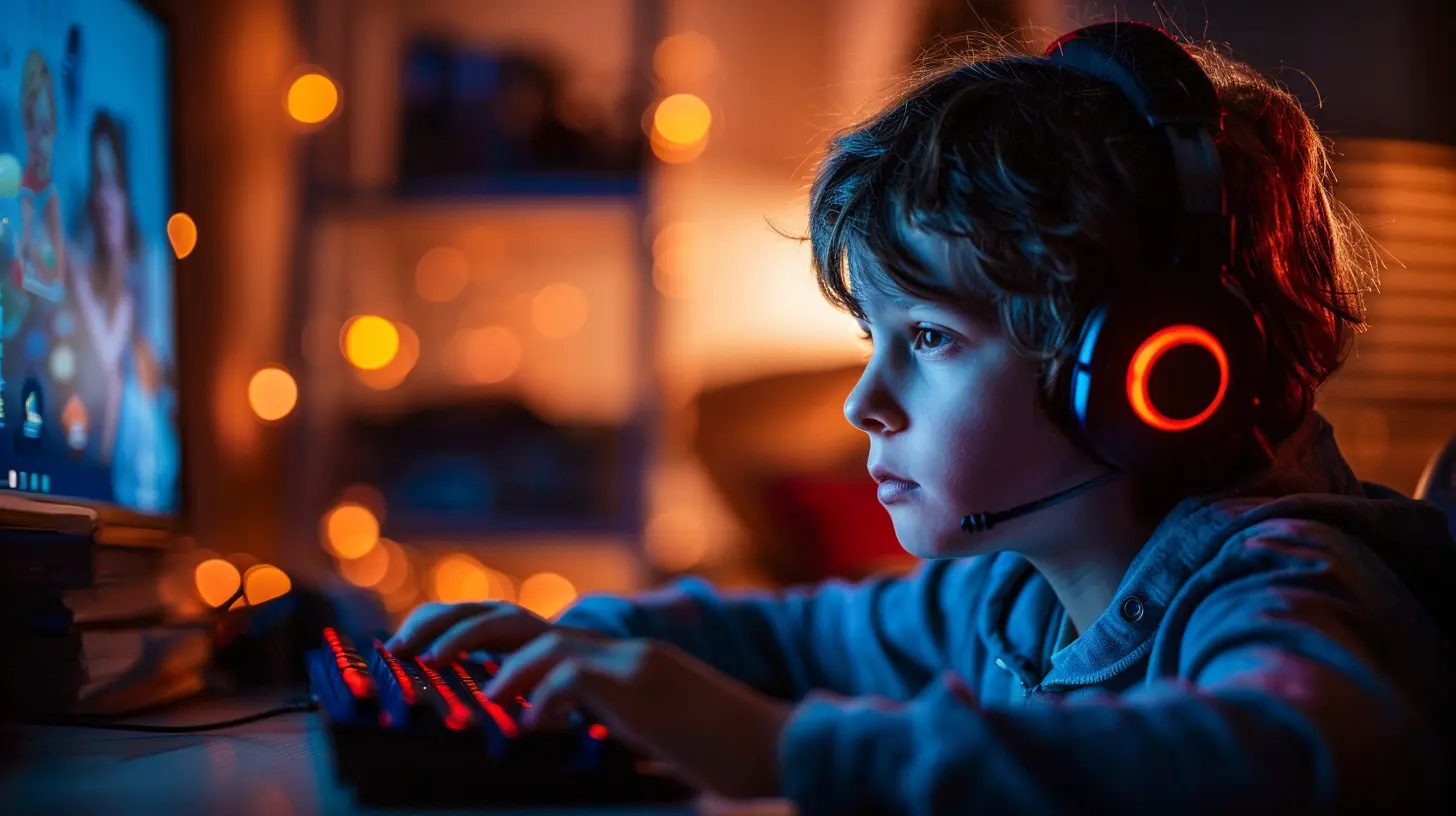
Step 2: Use Their Favorite Games as Teaching Tools
Gaming is the Trojan horse of online safety education. Here’s how to sneak some wisdom into your kid’s screen time without sounding like Clippy the Microsoft paperclip.? Roblox: The Ultimate Online Safety Sandbox
Roblox is a goldmine of teachable moments because it combines creativity, social interaction, and potential privacy oopsies all in one blocky universe.Teach them:
- Never use their real name in their username. “CoolBuilder876” > “JasonSmith123”
- Decline friend requests from players they don’t know in real life. Stranger danger, pixel edition.
- Avoid clicking on links or accepting offers for “free Robux.” Trust us, there's no such thing as a free lunch—even in Roblox.
? Minecraft: More Than Just Building Blocks
Minecraft is more than digital Lego—it’s a great place to teach online boundaries.Try these challenges:
- Set up a private server and explain the difference between public and private worlds.
- Teach them to whitelist friends and kick out griefers (a.k.a. modern-day digital burglars).
- Show them how chat moderation works and how to mute or block players.
Make it interactive and hands-on—the kids will absorb it faster than a sponge in a water biome.
? Fortnite: The Privacy Royale Begins
Fortnite is flashy, fun, and full of social features—that also come with privacy concerns.Use the game to explain:
- The importance of voice chat settings (because not everyone needs to hear what's for dinner).
- What “reporting” and “blocking” actually do.
- Why they shouldn't link their game account to every social media site under the sun.
Step 3: Roleplay Scenarios (Yes, You Get to Be the Villain)
Oh yes—you have full permission to unleash your inner evil overlord.Create “missions” or “quests” where your kid has to protect their private information from your attempts to steal it. Think of it as Privacy Dungeons & Dragons.
Here are a few fun setups:
- Pretend to be a scammer offering free in-game currency. Can they spot the scam?
- Pose as a player asking for their real name and birthday. Will they resist?
- Offer a fake contest that requires them to fill out a “form” with personal info.
Celebrate their victories with XP (extra pizza) and level-ups (more playtime). Failure? It’s a teaching moment—no rage quitting allowed.
Step 4: Introduce the Concept of a “Digital Backpack”
Kids understand backpacks—they carry one every day. So, use this metaphor for digital privacy.Explain that everything they do online goes into their digital backpack:
- Messages they send
- Friends they add
- Games they play
- Info they share
Teach them to clean it regularly. Ask:
- “Do you trust everyone in your backpack?”
- “Is anything in there you wouldn’t want someone snooping through?”
Suddenly, privacy feels like organizing their locker—not sitting through a cybersecurity seminar with slides.
Step 5: Teach Them to Be the Hero, Not the Hacker
Sure, hacking sounds cool in video games. Who doesn’t want to be the mysterious rogue unlocking doors with a laptop?But real-life hacking? Much less cool. Very illegal. And possibly involves a visit from the FBI. ?
So, encourage your kiddo to channel their game hero instincts in a positive way:
- Be the friend who helps others stay safe online.
- Report bullies or suspicious characters.
- Use their gaming smarts for good, not glitchy chaos.
Maybe they’re not a paladin IRL, but they can still protect the kingdom that is their digital world.
Step 6: Set Healthier Gaming Boundaries (AKA, Don’t Be the Final Boss)
Setting rules doesn’t mean you have to transform into the Big Bad Evil Parent that shuts down fun at bedtime.Keep it collaborative:
- Make a “family gaming contract” with agreed-upon rules for screen time, privacy, and online conduct.
- Set up parental controls together and explain why they exist.
- Look at the ESRB ratings and discuss what’s appropriate and what’s possibly... a bit too “zombie-headshoty” for a 9-year-old.
Being involved in their gaming life builds trust. And trust? That’s your ultimate multiplayer advantage.
Step 7: Play Together—And Laugh a Lot
You want to know the best way to sneak in life lessons? Play with them.Get into their world:
- Join their Roblox server.
- Build a Minecraft castle together.
- Form a Fortnite duo (yes, even if it's all 90s and adrenaline).
Nothing teaches better than experience—and shared screen time means bonding, laughs, and maybe a few friendly betrayals (just don’t sneak attack them in Among Us unless you're ready for emotional consequences).
Bonus Round: Use Tools and Resources (But Keep It Light)
Sure, there are tons of educational apps, websites, and YouTube channels dedicated to privacy. Sprinkle them in like seasoning—not like a full meal of cabbage your kid doesn’t want to eat.Look for resources that feel more like a game than a lecture.
- Google’s “Be Internet Awesome” is surprisingly fun.
- NetSmartz Kids has videos and activities that don’t feel like homework.
- Use browser extensions or apps that pop up fun privacy tips during browsing.
You’re not trying to build an army of cybersecurity engineers (unless you are, in which case—go you!). You’re just helping your gamer stay safe out there in the virtual wild.
A Word to the Wise (That’s You)
Teaching kids about online privacy doesn’t have to be a doom-and-gloom monologue about internet predators and data leaks.Make it interactive. Make it fun. Make it about gaming.
Because when you speak their language and join their quest, you’re not some scary big boss trying to ruin the fun—you’re a party member helping them level up in life.
So load up your metaphorical controller, equip your patience sword, and get ready to teach the most important game mechanic of all: staying safe online while having a blast.
Game on, privacy warrior. Game on.
all images in this post were generated using AI tools
Category:
Parental Guide To GamesAuthor:

Tayla Warner
Discussion
rate this article
2 comments
Lorelei McCracken
Great tips! Teaching kids online privacy through gaming makes learning fun and engaging.
June 19, 2026 at 3:56 PM
Tayla Warner
Thanks for your feedback! I'm glad you found the tips helpful. Making learning fun is key!
Bear Sheppard
This article is so important. Teaching kids about online privacy through gaming can help them navigate digital spaces safely.
May 11, 2026 at 4:15 AM
Tayla Warner
Thank you! I'm glad you found it valuable. Teaching kids through gaming makes learning about online privacy engaging and effective.