How to Monitor and Control Your Child’s Gaming Activity
13 May 2026
Let’s be real—gaming has become a huge part of our lives, especially for kids and teens. Whether it’s playing Fortnite with friends or diving into the world of Minecraft, video games are no longer just a pastime—they're a way kids socialize, relax, and even express creativity. But as parents, it’s totally natural to worry. Is my child playing too much? Are the games age-appropriate? Who are they talking to online?
If you’ve ever asked these questions, you’re not alone. Managing and monitoring your child's gaming habits can feel like trying to catch smoke with your bare hands. But don’t worry, I’ve got your back. This guide breaks down everything you need to know about how to monitor and control your child’s gaming activity in a way that’s effective, respectful, and (most importantly) doable.
Why Monitor Your Child’s Gaming Activity?
Before we dive into how, let’s talk about the why. Keeping an eye on your child’s gaming habits isn’t about being overbearing. It’s about being involved.Here’s what’s at stake:
- Screen time overload – Gaming can eat up hours and distract from homework, chores, or sleep.
- Inappropriate content – Some games may include violence, adult themes, or language that isn’t suitable for their age.
- Online dangers – Many games have online chat features. That means your child could be talking to strangers.
- Poor social skills – If gaming replaces face-to-face interaction, your child might miss out on building strong social connections offline.
- Addiction potential – Some kids develop compulsive gaming habits that can affect mental, emotional, and physical health.
The goal isn’t to stop them from playing—it’s to help them build a healthy relationship with video games.
Start with a Conversation (Not a Confrontation)
The first step? Talk to your kid. Yup, it really is that simple.Instead of swooping in and laying down strict rules, sit down and ask them about their favorite games. Show genuine interest. Ask what they like about them, what goals they’re working toward, and who they play with. This breaks down walls and builds trust.
By showing that you’re not just trying to ruin their fun, they're more likely to be open with you when it comes to setting boundaries.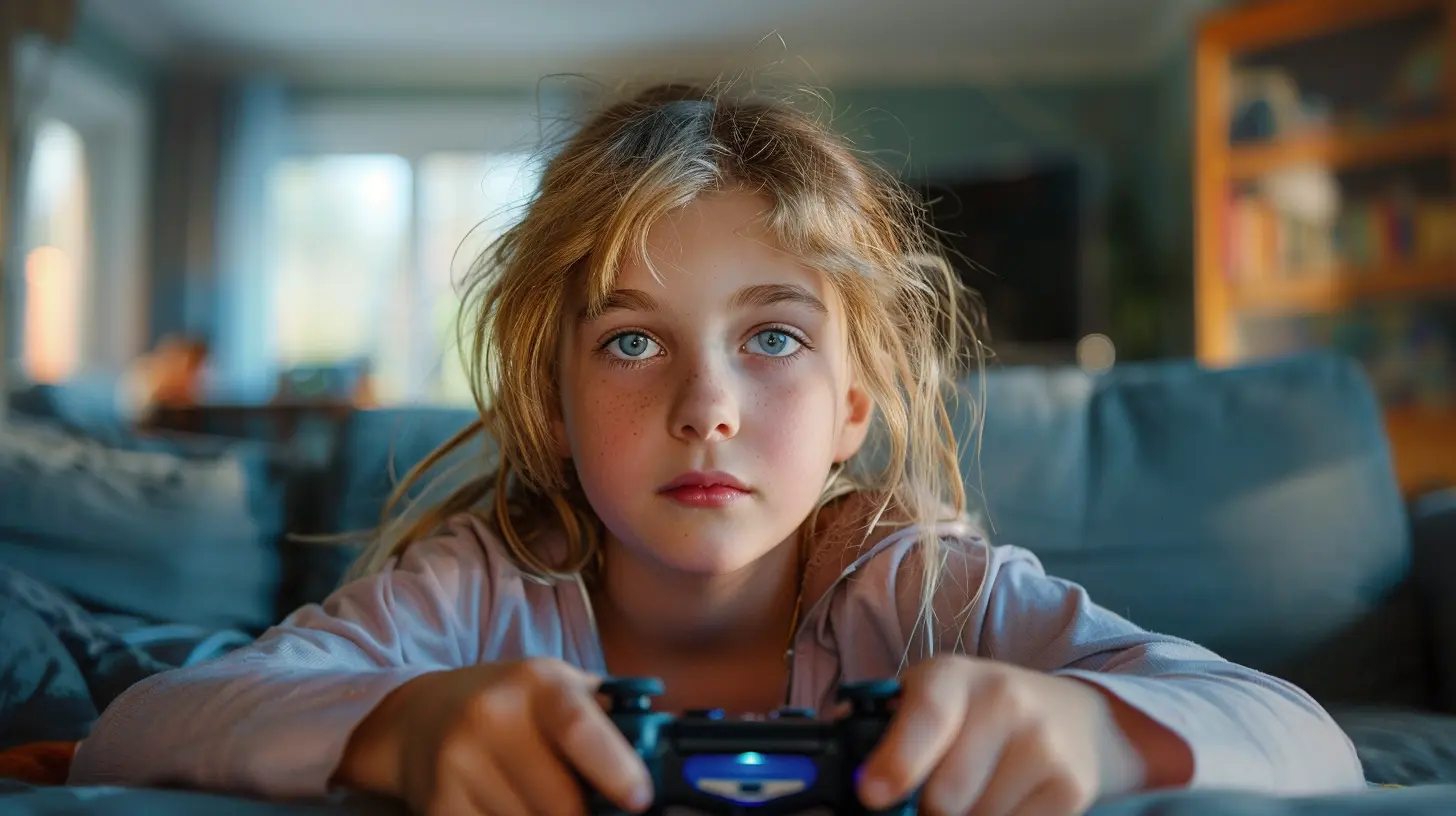
Set Clear and Reasonable Limits
Let’s face it—kids need boundaries like a garden needs a fence. Without limits, gaming can quickly spiral out of control. But rules aren’t about punishment—they’re a form of protection.Here are a few popular ways to set gaming limits:
⏰ Time-Based Limits
- Daily time caps: Maybe one hour on school nights, two hours on weekends?- No-gaming zones: Like during homework time, family dinner, or past bedtime.
? Schedule Gaming Time
Set a routine. Maybe 5–6 PM is free time, and that includes gaming. Knowing they have a set time can reduce endless begging and sneaky screen sessions.? Device-Free Zones
Make certain areas of the home, like the dinner table or bedrooms, tech-free to encourage face-to-face connection.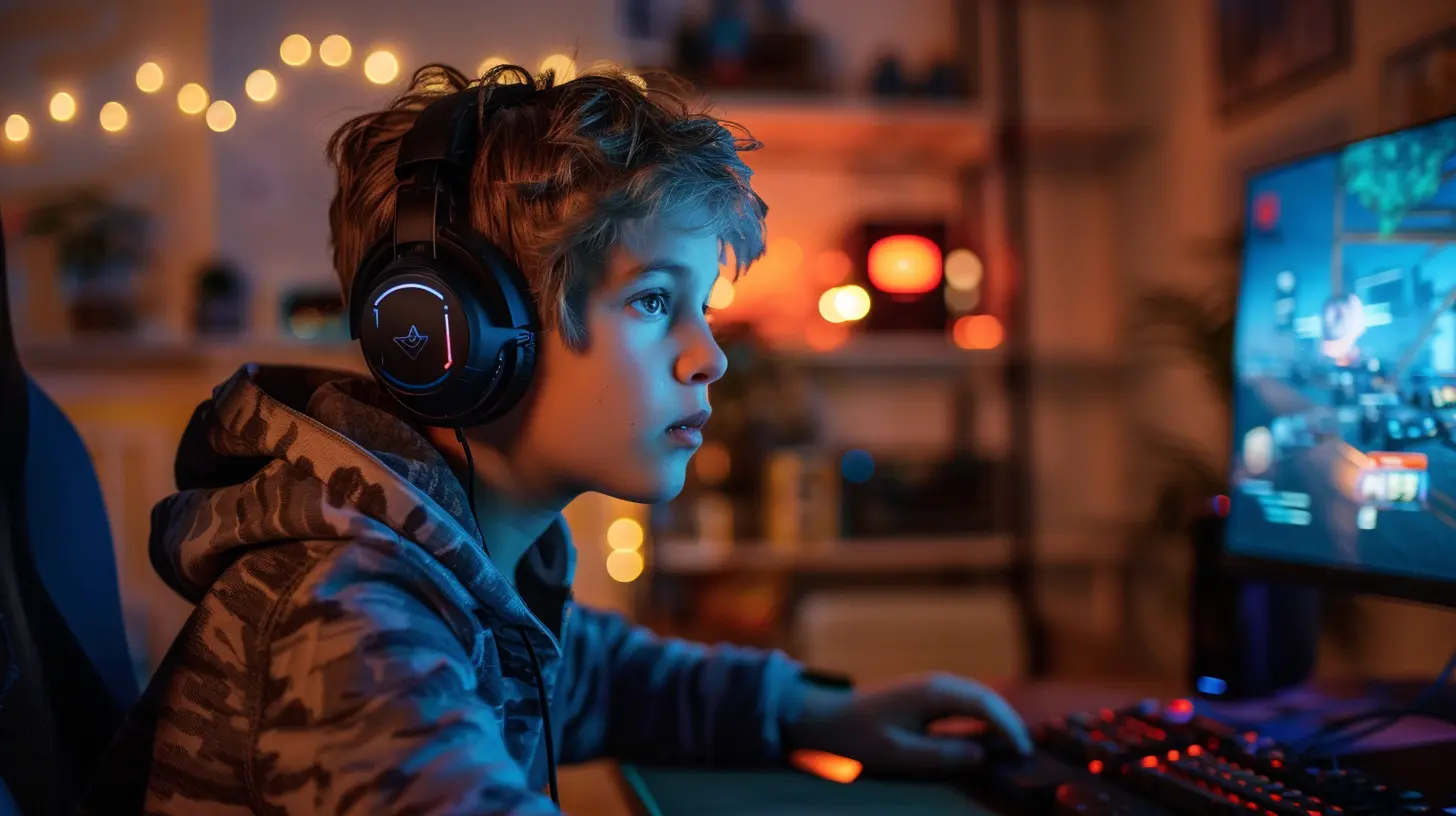
Use Built-In Parental Controls (Yes, They Work!)
You don’t need to be a tech wizard to use parental controls—most gaming platforms have them built right in. Here’s a quick overview of how to use them:?️ Console Controls
- PlayStation: Create a child account and limit spending, max playtime, and restrict communication.- Xbox: Use the Microsoft Family Safety app to manage screen time, filter content, and monitor activity.
- Nintendo Switch: The Nintendo Parental Controls app is your go-to for time limits and content filters.
? Mobile Devices
- iOS: Screen Time settings let you lock down apps, set time limits, and restrict app downloads.- Android: Use Google Family Link to monitor activity, set limits, and manage app installation.
? PC Gaming
If your child games on a computer, consider installing software like Qustodio, Net Nanny, or Norton Family to monitor activity, block harmful content, and track screen time.Keep an Eye on Game Ratings
Not all games are created equal. Some are perfectly fine for 8-year-olds, and others… not so much. Knowing what your child is playing goes a long way.? Check ESRB Ratings
The Entertainment Software Rating Board (ESRB) rates games similar to how movies are rated. Look for:- E – For Everyone
- E10+ – Ages 10 and up
- T – Teen (13+)
- M – Mature (17+)
Check the back of the game box or look online to see the rating and content descriptors (like violence, language, or in-game purchases).
Monitor Online Interactions
A lot of games are multiplayer and that means your child isn’t just playing—they’re chatting. Sometimes with friends, other times with complete strangers.Here’s what you can do:
- Know who they’re playing with: Ask about in-game friends and listen to how they talk about them.
- Chat filters: Most games have filters or the option to disable chat altogether.
- Block/report tools: Teach your child how to block or report bad behavior in games.
And hey—don’t be afraid to do a quick Google search of the game to find out how safe the online community really is.
Co-Play When You Can
Think of co-playing like co-watching a movie. You’re in their world now, and that builds a stronger bond.Try joining your child for a game or two. Even if you’re terrible (trust me, they’ll love that), it sends the message that what they enjoy matters to you. Plus, you’ll get firsthand insight into the game’s content, social features, and how your child reacts during play.
Teach Digital Citizenship
Let’s be honest—your kids won’t be under your wing forever. At some point, they’ve got to make good decisions on their own. That’s why teaching digital responsibility is key.Talk regularly about:
- The importance of kindness online: Don’t be a troll, and don’t feed one.
- Protecting personal info: No full names, addresses, or schools shared online—ever.
- In-game purchases: Discuss how spending real money in games works (and the value of money in general).
- Balancing life: It’s not just about limiting gaming time, but also encouraging other passions—like reading, sports, or family time.
Watch for Warning Signs of Gaming Addiction
Let’s be clear—not every kid who loves gaming is addicted. But there are red flags you should watch for:- Skipping meals, homework, or sleep to game
- Getting angry or frustrated when forced to stop playing
- Losing interest in other activities they used to enjoy
- Sneaking screen time or lying about how much they play
- Dropping grades or avoiding friends
If you're seeing these signs consistently, it might be time for a deeper conversation—or even a chat with a professional.
Don’t Be Afraid to Get Help
Look, no parent has all the answers. If you’re overwhelmed, it’s perfectly okay to seek advice. Whether it's consulting your kid’s school counselor, joining a parenting group, or speaking with a child psychologist, getting support doesn’t make you a bad parent. It makes you a strong one.There are also plenty of online communities where parents share tips and experiences. Reddit forums, Facebook groups, and parenting blogs can be goldmines for real-world advice.
Keep the Conversation Going
Monitoring your child’s gaming activity isn’t a one-and-done deal—it’s an ongoing process. As they grow, their favorite games will change. Their social circles will shift. The rules you set today might need tweaking tomorrow.So make gaming part of your regular talks. Just like you’d ask, “How was school?” you can ask, “What did you build in Minecraft today?” or “Who were you teaming up with in Apex Legends?”
By staying involved, you’re not just setting limits—you’re shaping habits that could last a lifetime.
Final Thoughts
Let’s be honest—gaming isn’t the enemy. For many kids, it’s a way to relax, hang with friends, and even learn new things. The trick is helping them enjoy it in a balanced and safe way. Think of it like teaching them to drive. You wouldn’t just hand over the keys and hope for the best. You’d teach, guide, and yes, ride shotgun until they're ready.Parenting in the age of digital entertainment is no easy feat. But with patience, communication, and a little bit of tech-savviness, you can help your child navigate the gaming world without losing touch with the real one.
all images in this post were generated using AI tools
Category:
Parental Guide To GamesAuthor:

Tayla Warner
Discussion
rate this article
2 comments
Fenris Williams
This article is a great resource for parents looking to navigate the gaming world with their kids. By monitoring and discussing gaming habits, you can foster a healthy balance between play and responsibility. Open communication is key, and you're setting your child up for a positive gaming experience. Keep it up!
June 27, 2026 at 4:35 AM
Tayla Warner
Thanks for your kind words! I'm glad you found the article helpful. Open communication really does make a difference.
Zayn Cole
Great tips! Happy to keep my kid's gaming in check.
May 23, 2026 at 4:24 AM
Tayla Warner
Thanks! I'm glad you found the tips helpful. Keeping gaming balanced is key.