How to Choose the Right Gaming Mouse for Your Playstyle
30 January 2026
Let’s face it—finding the perfect gaming mouse can feel like trying to pick your favorite snack at an all-you-can-eat buffet. There are endless choices, shiny specs, and features most of us didn’t even know existed. But here’s the kicker: your gaming mouse isn’t just another accessory; it’s your weapon of choice. And just like any weapon, it needs to match your style, feel right in your hand, and help you dominate your favorite games.
Whether you’re a casual gamer, an FPS sharpshooter, or a MOBA master, this guide is going to walk you through everything you need to know about choosing the right gaming mouse for your playstyle. Let’s not waste time—grab a snack, and let’s dive in!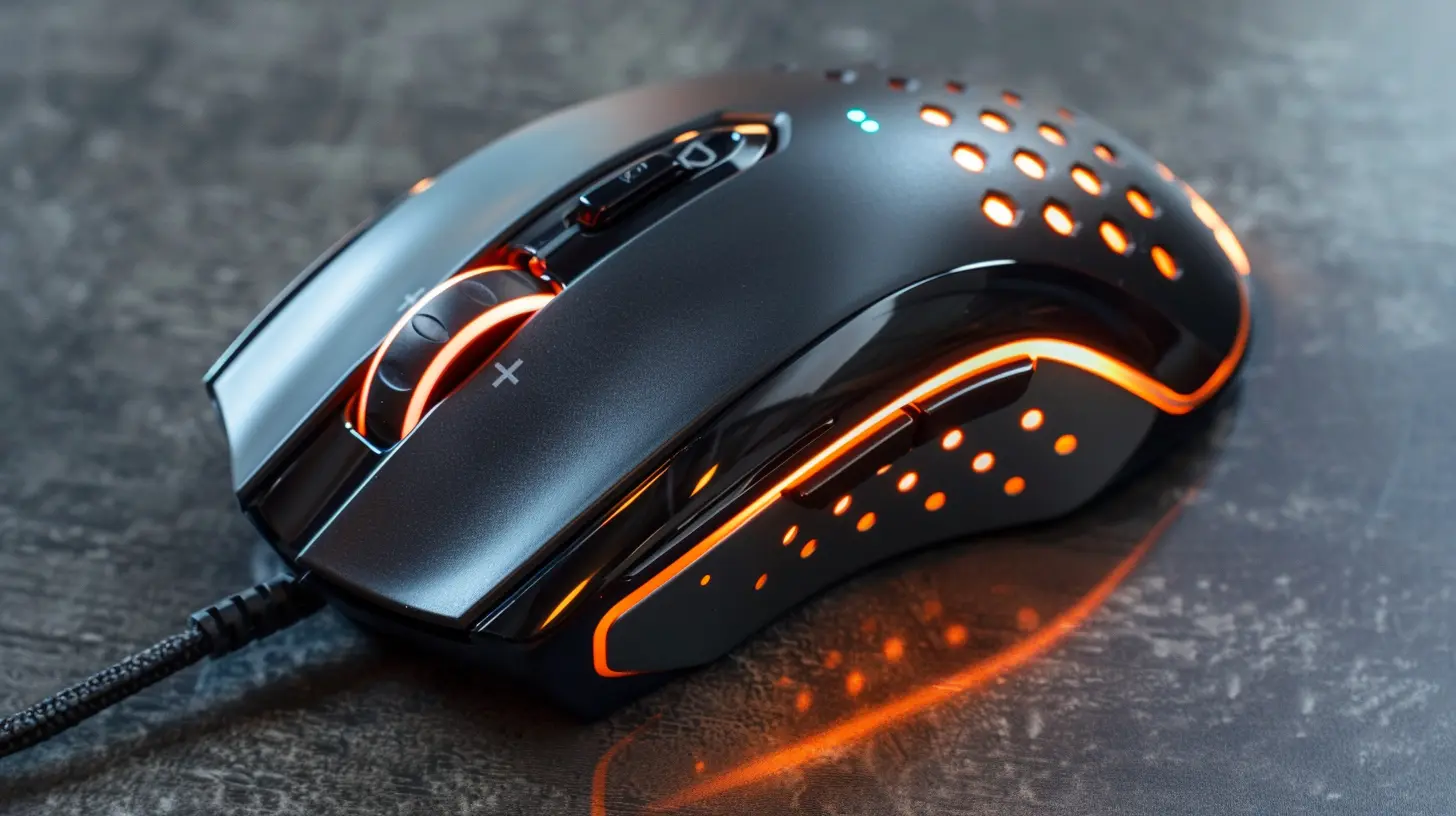
Why Choosing the Right Gaming Mouse Matters
Think about it: you wouldn’t wear flip-flops to run a marathon, right? The same logic applies to gaming gear. The right gaming mouse can give you better precision, faster response time, and more comfort for those long gaming sessions.A good mouse becomes an extension of your hand. It reacts when you react. It clicks when you click (and not a second late). Having a mouse that fits your playstyle not only feels better but gives you the edge when milliseconds count.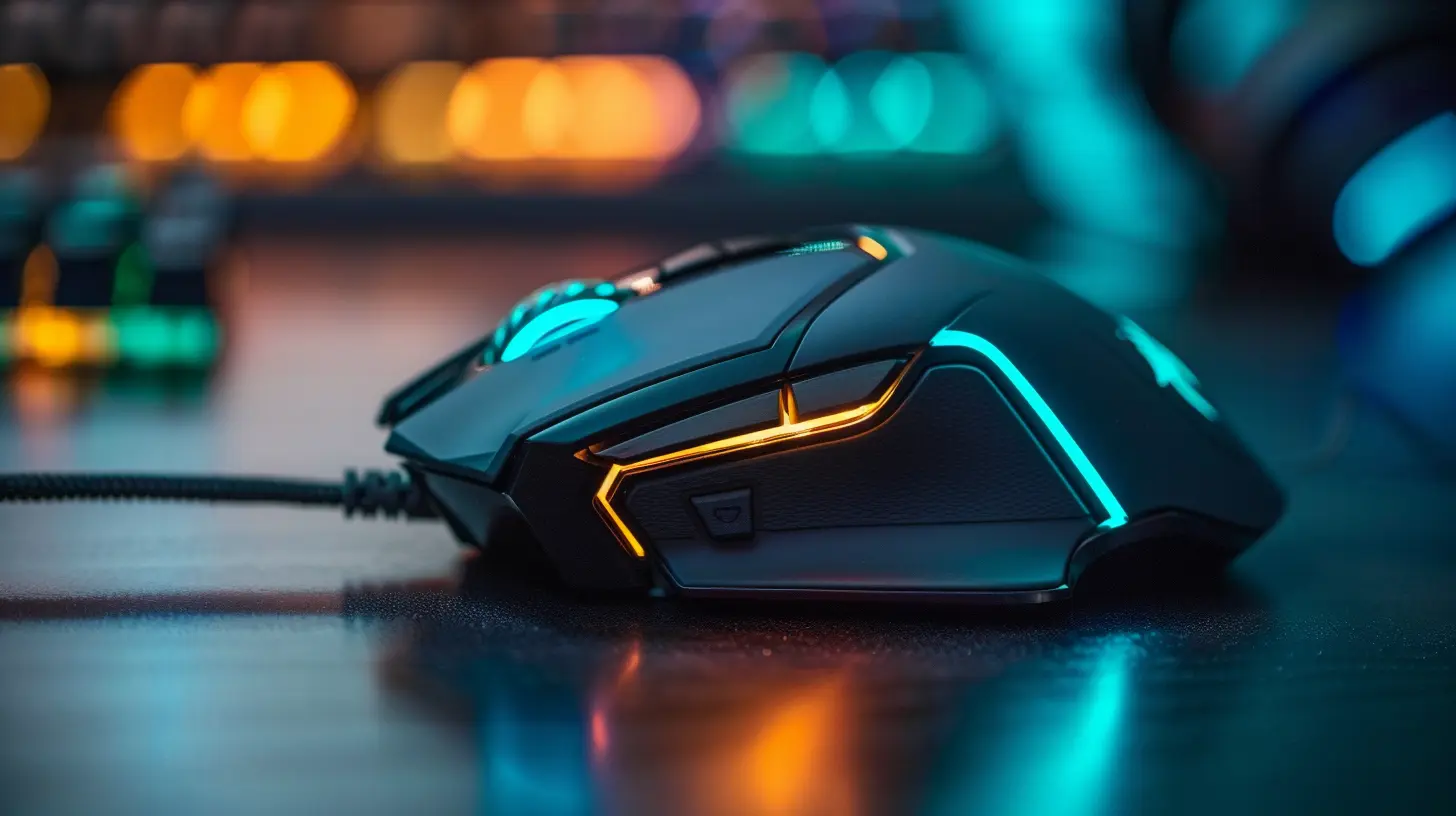
Assessing Your Playstyle
Before you even start browsing through specs and features, the first thing you need to do is figure out your gaming personality. It sounds cheesy, but it’s true—your playstyle heavily influences what kind of mouse you'll need.Are You a Fast-Paced FPS Fan?
If you spend most of your time in competitive shooters like Valorant, Call of Duty, or CS:GO, precision and speed are your best friends. You’ll want a lightweight mouse with a high DPI sensor and low click latency.Do You Love MOBAs and RTS Games?
Games like League of Legends or StarCraft demand lots of quick commands and macro controls. A mouse with extra programmable buttons can be a game-changer here. Comfort also matters since these games tend to drag on.Is MMO More Your Vibe?
If you’re deep into World of Warcraft or Final Fantasy XIV, then macro customization is your holy grail. Mice with 10+ buttons on the side allow you to map spells, gear changes, and other abilities efficiently.Casual or All-Round Gamer?
Not too hardcore? That’s cool too. You might prefer a versatile, comfortable mouse that’s great for a little bit of everything. Look for something balanced in features, performance, and price.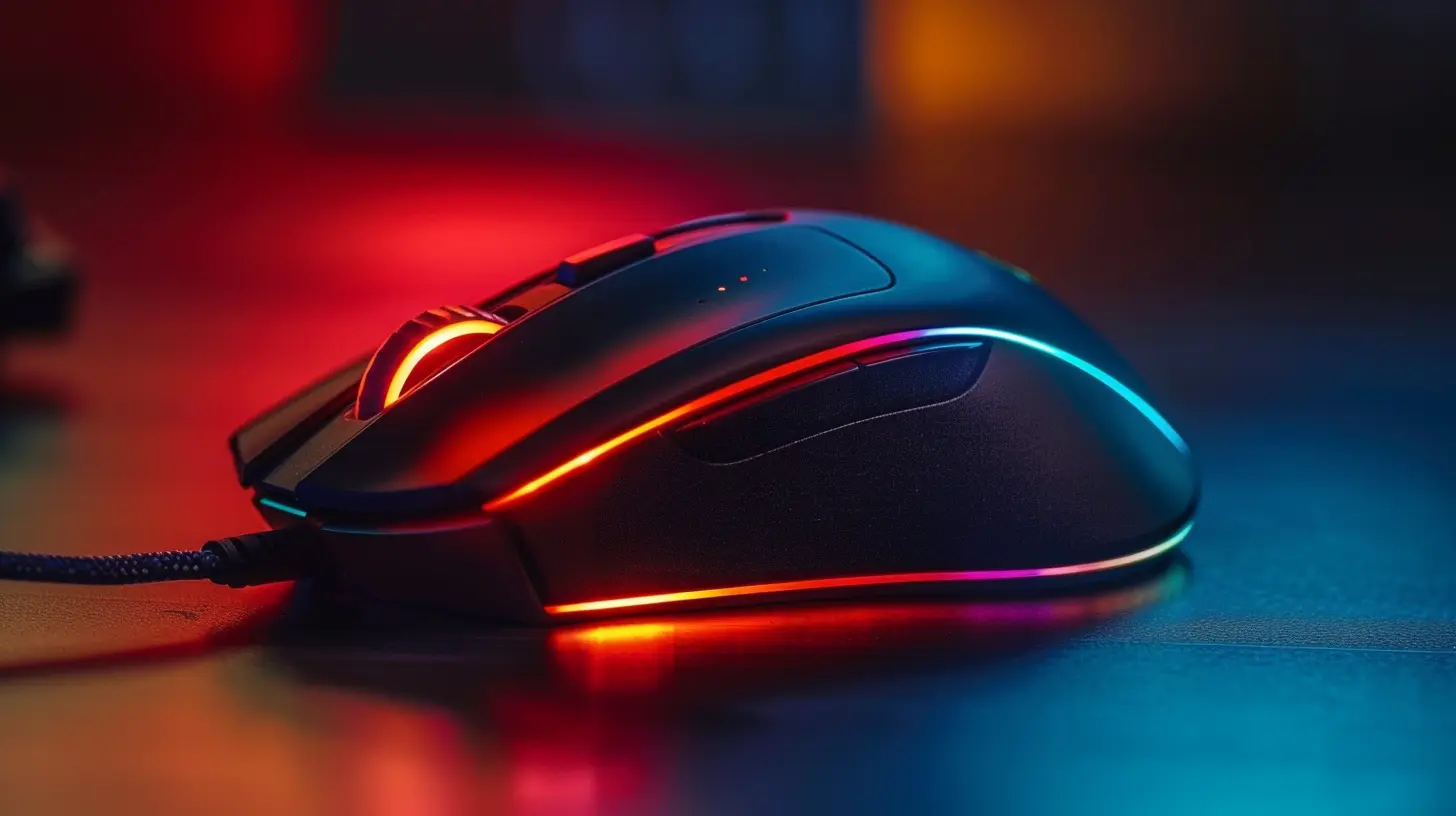
Understanding Key Gaming Mouse Features
Okay, now that you’ve figured out what type of gamer you are, let’s talk about the actual specs and features. Don’t worry; we’ll keep the tech mumbo-jumbo to a minimum.1. DPI and Sensitivity
DPI (Dots Per Inch) determines how sensitive your mouse is. The higher the DPI, the faster your cursor moves. Some competitive gamers swear by low DPI for better accuracy, while others prefer high DPI for quicker turns.Here’s a pro tip: Get a mouse with adjustable DPI settings. That way, you can change it depending on the game.
2. Sensor Type — Optical vs. Laser
Optical mice work best on cloth pads and offer more precise tracking, which is ideal for FPS players. Laser mice work on more surfaces but tend to have slight acceleration issues, which can mess with your aim.Unless you’re gaming on glass or a shiny table, go with optical.
3. Polling Rate
This is how often your mouse updates its position to the computer. It’s measured in Hz. A higher polling rate (like 1000Hz) means more responsiveness—something super important for competitive gaming.4. Mouse Weight
Lightweight mice are preferred for fast-paced games since they allow for quicker flicks and movement. Heavier mice can provide more control, which is useful for strategy games or MMOs.Some mice even come with adjustable weights. Customization for the win!
5. Ergonomics and Grip Style
Your mouse won’t do you any good if it gives you carpal tunnel, right?Different grip styles (palm, claw, and fingertip) require different shapes and sizes. Try to match your mouse to the way you naturally hold it.
- Palm grip: Larger and more comfortable mice.
- Claw grip: Medium-sized mice with a high arch.
- Fingertip grip: Small, lightweight mice work best.
6. Wired vs. Wireless
Once upon a time, wireless mice were considered taboo in competitive gaming. Latency was an issue. But that’s old news. Nowadays, high-end wireless gaming mice are just as fast (sometimes faster!) than their wired counterparts.If you’re all about aesthetics or hate cable drag, go wireless. But if you're on a budget or can't risk battery failures mid-game, wired is still a solid pick.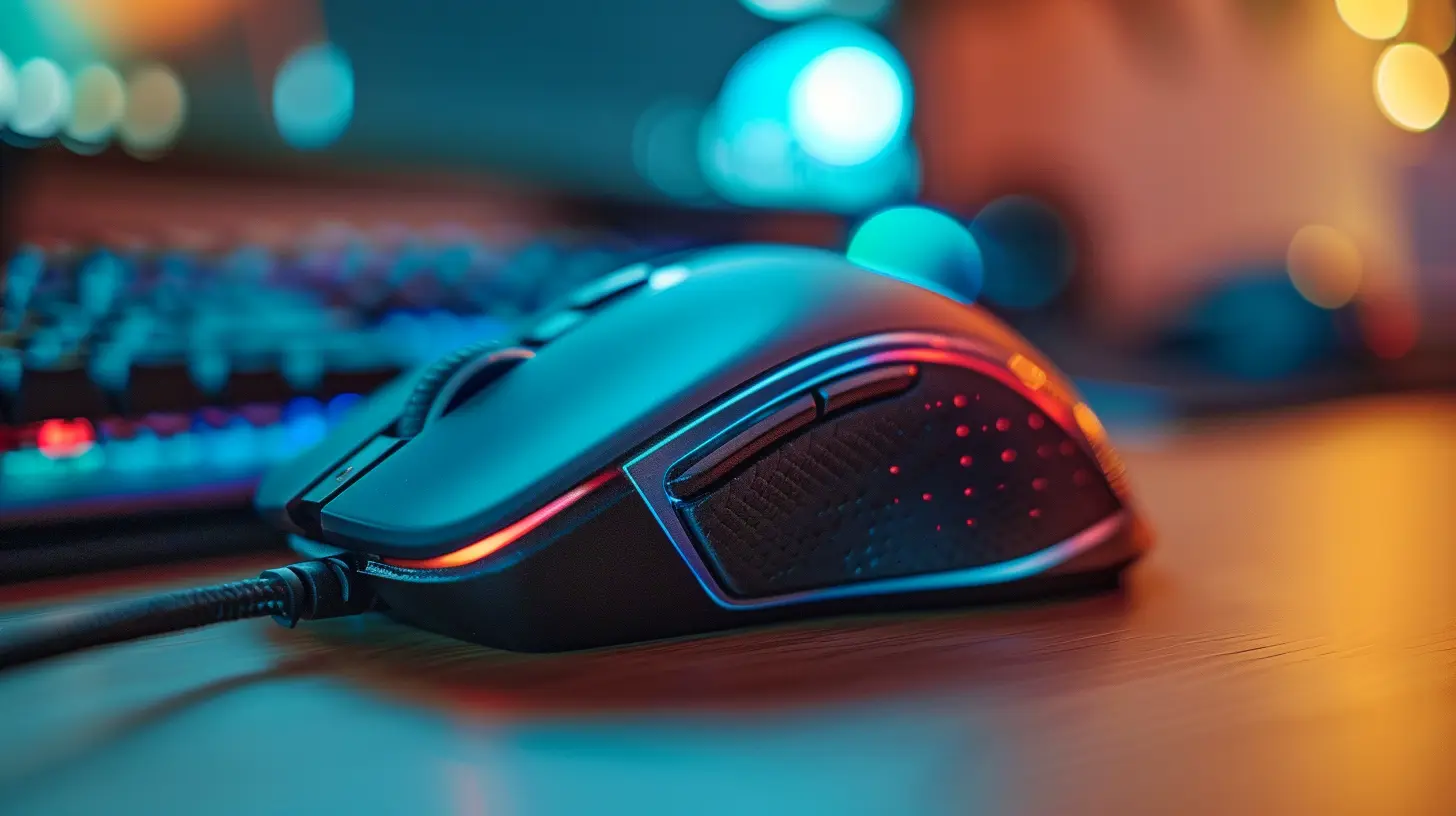
Programmable Buttons – Are They Worth It?
Short answer: yes. Long answer: heck yes!Having extra buttons on your mouse can literally save your life in-game. Whether it’s switching weapons, popping an ult, or building a stairway to heaven in Fortnite, those extra buttons give you more control without moving your hand away from WASD.
FPS players might be okay with two thumb buttons, but MMO players will benefit from a mouse with 12+ side buttons. Pick what adds value to your gameplay—not just what looks cool.
RGB and Aesthetics – Because Looks Matter Too
Let’s be real: part of the fun in building your gaming setup is making it look sick. RGB lighting on a mouse might not improve your K/D ratio, but it sure will boost your mood.Most gaming mice now come with customizable RGB via software. Just don’t let the lights be the main reason you buy it, unless you’re going for that spaceship vibe.
Budget Considerations – Spend Smart
Gaming mice range anywhere from $20 to $200+. But more expensive doesn’t always mean better.Here's a little guide:
- Budget-tier ($20–$50): Decent performance, fewer bells and whistles.
- Mid-tier ($50–$100): Good balance of performance, comfort, and features.
- High-end ($100+): Top-tier sensors, wireless tech, premium builds.
Decide what matters most to you and allocate your wallet accordingly. Remember, lots of mid-range mice offer killer value, and sometimes brand names just bump the price up without adding real performance.
The Best Gaming Mice for Different Playstyles (2024 Picks)
Here’s a quick list of top-rated mice that are crushing it according to playstyle:For FPS Lovers
- Logitech G Pro X Superlight- Razer Viper V2 Pro
- Zowie EC2-C
For MOBA/RTS Players
- Logitech G502 X- Razer Basilisk V3
- SteelSeries Rival 5
For MMO Enthusiasts
- Razer Naga V2 Pro- Corsair Scimitar Elite
- Logitech G600
For Casual and All-Rounders
- Cooler Master MM720- Glorious Model O
- HyperX Pulsefire Haste
Don’t Forget About Software
Choosing the right gaming mouse isn’t just about hardware. Software matters too!The companion apps allow you to:
- Remap buttons
- Adjust DPI profiles
- Create macros
- Customize RGB lighting
Razer Synapse, Logitech G Hub, SteelSeries GG—they all have their pros and cons. Make sure you’re comfortable navigating the one your mouse uses.
Try Before You Buy (If You Can)
This can't be stressed enough: what looks good on paper might not feel good in your palm.If you have the chance, go to a physical store and try out a few models. Check the weight, feel the clicks, and try different grip styles. Your hand will thank you later.
Final Thoughts – It’s All About You
At the end of the day, the best gaming mouse is the one that fits your hand, complements your playstyle, and feels right during the action. It’s not about the fanciest features or the boldest RGB lights—it’s about the little things that make your gaming experience smoother, faster, and more enjoyable.So take your time, research your options, and trust your instincts. Your perfect gaming mouse is out there, waiting to help you clutch the next victory.
Game on.
all images in this post were generated using AI tools
Category:
Gaming MiceAuthor:

Tayla Warner
Discussion
rate this article
2 comments
Morgan Elliott
Great article! Your insights on selecting the perfect gaming mouse for different playstyles are super helpful. I appreciate the tips and suggestions; they make the process of choosing so much easier. Keep up the fantastic work!
January 31, 2026 at 9:05 PM
Tayla Warner
Thank you so much for your kind words! I'm glad you found the tips helpful. Happy gaming!
Dean Clarke
Consider your grip style, DPI preferences, and game genre to find your perfect gaming mouse.
January 30, 2026 at 5:20 AM
Tayla Warner
Great point! Understanding your grip style, DPI preferences, and the specific game genre can greatly enhance your gaming experience.