How a Gaming Mouse Can Improve Workflow Outside of Games
15 May 2026
If you’ve ever held a gaming mouse in your hand and thought, “Wow, this feels like something out of a sci-fi movie,” you wouldn’t be wrong. These high-performance peripherals often get pigeonholed into the realm of fast-twitch action games and competitive esports — but here's the kicker: Gaming mice aren’t just for gamers anymore. These powerful tools can seriously supercharge your workflow outside the world of pixelated battlegrounds.
Whether you're editing videos, designing graphics, coding, or even crunching spreadsheets, a gaming mouse can be your secret productivity weapon. So, grab your coffee, lean in, and let’s unpack how a device built for headshots and quick reflexes can actually help you get more done — faster and smarter.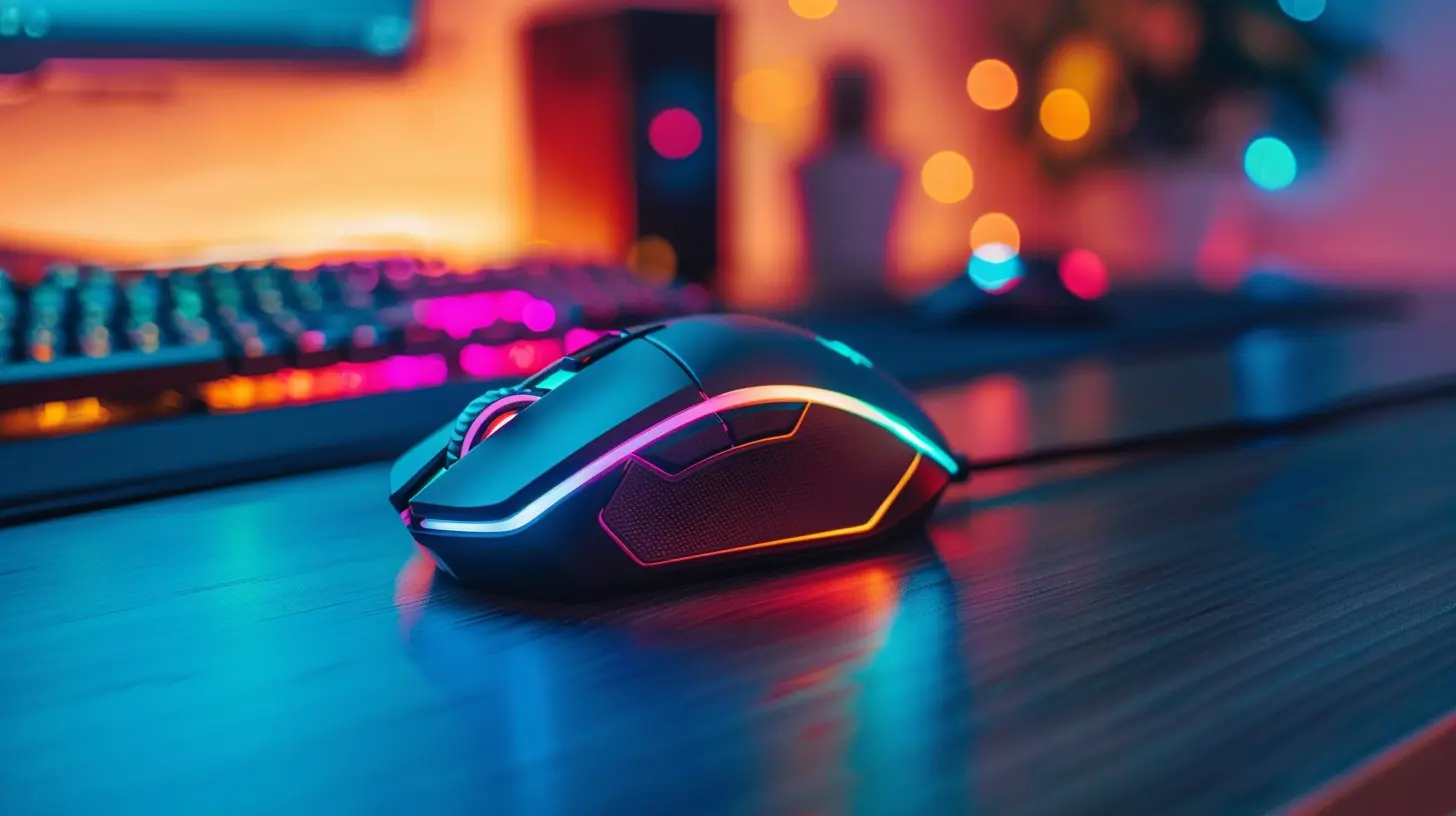
The Basic Anatomy of a Gaming Mouse
Before we dive into the productivity pool, let’s get friendly with what makes a gaming mouse so... extra.1. High DPI (Dots Per Inch)
DPI determines how sensitive your mouse is to movement. Gaming mice typically offer adjustable DPI settings — sometimes over 20,000+. In real-world terms? This means you can fly across your ultra-wide monitor with a flick of the wrist or make super-precise movements for pixel-perfect editing.2. Customizable Buttons
Most gaming mice come with extra programmable buttons — anywhere from two to a whopping dozen. These are more than just flashy add-ons. They’re productivity gold. Imagine having shortcuts to copy, paste, switch tabs, or run a macro right at your fingertips.3. Polling Rate and Response Time
Gaming mice respond faster. They’re designed to report movement to the computer in milliseconds, boasting polling rates up to 1000Hz. Translation? Swift, smooth, and ultra-responsive cursor control.4. Ergonomics That Feel Like a Handshake
If you’ve ever felt like your current mouse is actively trying to give you carpal tunnel — it's time for an upgrade. Gaming mice are designed for long sessions, and they're shaped to support your hand, wrist, and fingers. Comfort = endurance.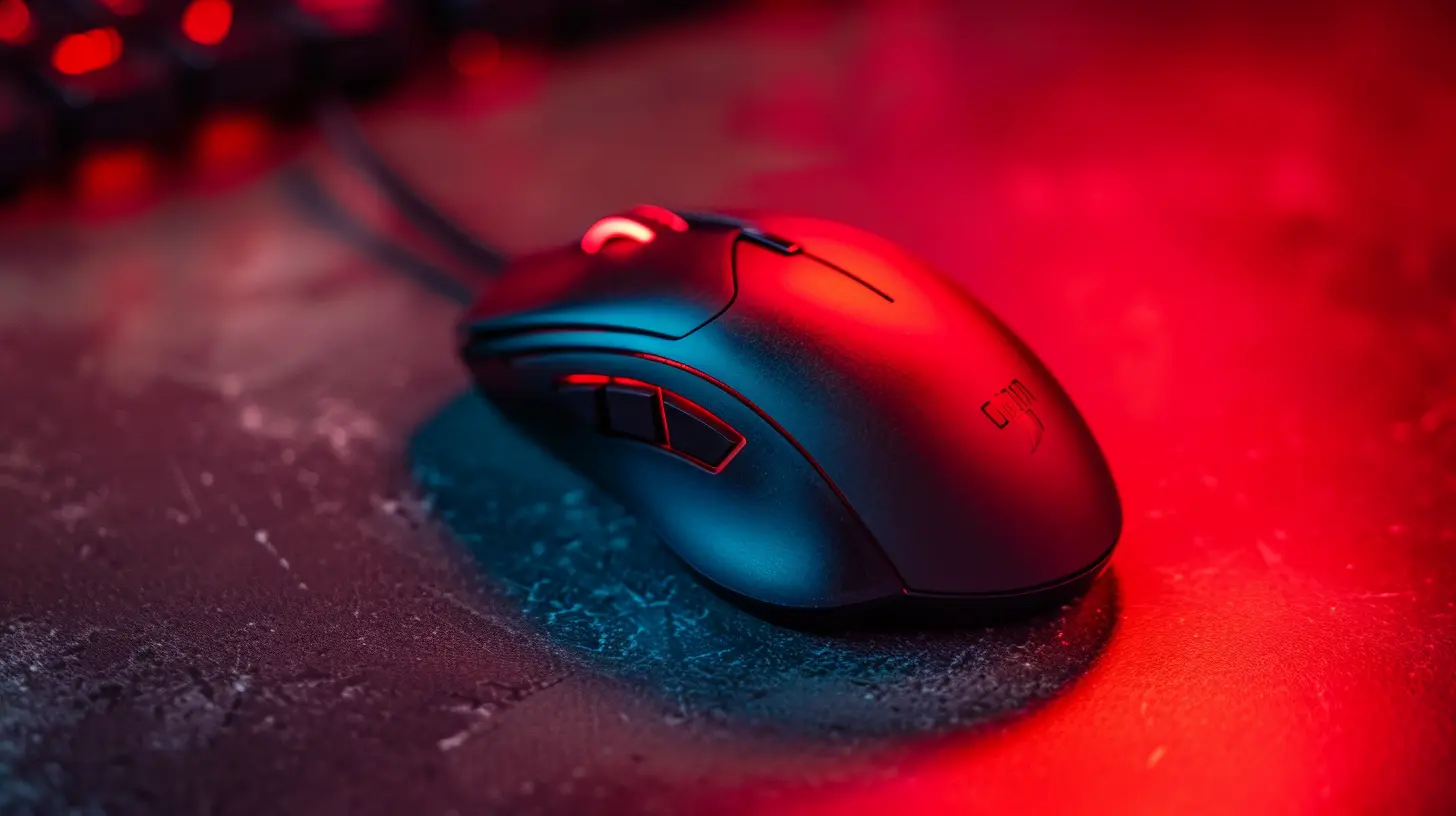
Turbocharging Productivity with a Gaming Mouse
Alright, now that you know what’s under the hood, let’s dig into how this tech translates into day-to-day productivity magic.1. Photoshop, Illustrator, and Creative Software
Designers and digital artists, listen up. With a gaming mouse, you can program buttons for your most-used tools — brush adjustments, layer switching, zoom, undo, redo — all with one hand. Combine that with the high-DPI sensitivity and you can make precise edits and selections without breaking your flow.It’s like trading a paintbrush for a lightsaber.
2. Video Editing Made Seamless
Editing timelines in Premiere Pro or DaVinci Resolve? That’s a lot of dragging, cutting, and switching tools. Programmable buttons can handle those functions effortlessly. One button for the blade tool, another for ripple delete, another to zoom in on the timeline. Suddenly, you’re shaving minutes — even hours — off your day.Efficiency levels: 9999.
3. Excel and Spreadsheet Warriors
If you spend your day buried in cells and tables, you might think a gaming mouse wouldn’t make much difference. Think again. Assign macros to the side buttons for data entry, formula pasting, or even automating repetitive tasks.It’s like having a personal assistant, minus the awkward small talk.
4. Programming and Coding
For developers, a gaming mouse can be a solid advantage. Set side buttons to compile code, open terminal windows, or run scripts instantly. Navigate long files with precision and switch between IDE windows like a ninja.Okay, maybe a coding ninja.
5. Multitasking Madness
Ever get lost in a jungle of open tabs and windows? Gaming mice can handle that, too. With button mapping, you can Alt-Tab like a beast, switch desktops, or even control media without interrupting your groove.Think of it as the Swiss Army knife of productivity.
How to Maximize Your Mouse for Workflow Gains
Using a gaming mouse effectively isn’t just about plugging it in and praying for magic. Let’s run through how you can set it up for optimal use.1. Customize Your Buttons
Use your mouse’s software — whether it’s Logitech G HUB, Razer Synapse, Corsair iCUE, or others — to assign shortcuts, hotkeys, or macros. Think about your daily tasks: what do you do repeatedly? Assign those actions to your extra buttons.2. Adjust DPI Based on Task
Use high DPI for quick navigation between monitors, or when you need speed. Lower it for precision tasks like detailed graphic design or fine spreadsheet edits.Most gaming mice let you toggle DPI on the fly with a dedicated button — one click and you’re in beast mode.
3. Save Profiles for Different Apps
Many gaming mice support profile management. This means you can create specific setups for Photoshop, Excel, your browser, and even Zoom. When you switch apps, your mouse can switch profiles automatically.Welcome to the age of smart peripherals.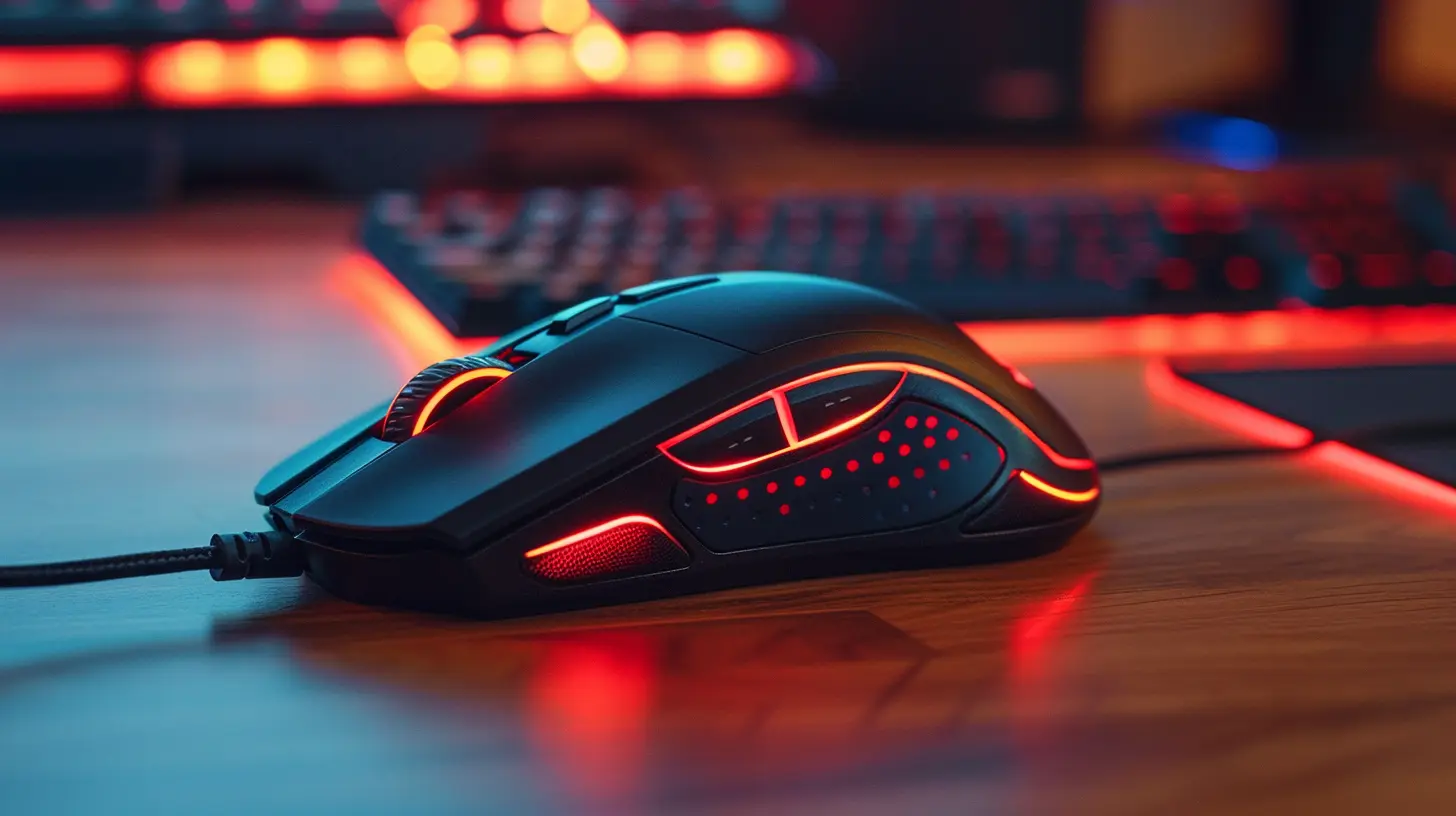
Gaming Mouse vs. Regular Mouse: Is It Worth the Switch?
Here’s the million-dollar question — should you ditch your plain old mouse for a high-tech gaming one?Let’s look at it this way: Would you use a butter knife to cut a steak? Sure, it works... slowly, awkwardly, and with some frustration. A gaming mouse is like swapping that butter knife for a razor-sharp chef’s knife.
More control, more comfort, and way more speed.
You don’t need to be a gamer to enjoy fast response times, comfortable ergonomics, and customizable tools. And once you experience it, it’s pretty hard to go back.
Features to Look for When Buying a Gaming Mouse for Productivity
Not all gaming mice are created equal — especially for non-gaming tasks. Here’s what to keep an eye out for:1. Button Layout
Look for something that has 4–8 programmable buttons. Enough to be useful, but not so many you feel like you're operating a spaceship (unless you’re into that kind of thing).2. Software Support
Good customization software makes a huge difference. You want intuitive drag-and-drop interfaces, profile creation, and macro support.3. DPI Adjustability
Make sure the DPI is adjustable with a dedicated button. Different tasks demand different speeds.4. Ergonomic Design
You’ll be using this mouse for many hours a day. Make comfort a priority. Try different shapes if possible — your hand will thank you.5. Wired vs. Wireless
Wireless mice these days are nearly as fast as wired, and they're cleaner on the desk. But if you're worried about latency or battery life, wired is still a solid choice.Real-World Examples: People Who Swear By Their Gaming Mice
Let’s bring this home with some real-life scenarios. These are folks who jumped on the gaming mouse train — and never looked back.- Linda, Graphic Designer: “I mapped my brush toggle, color picker, and redo/undo to my mouse. I save literally an hour a day. Total game-changer.”
- Raj, Financial Analyst: “I use macros for formulas and hotkeys in Excel. My co-workers think I’m some kind of spreadsheet wizard.”
- James, YouTuber: “Editing used to take forever. Now my mouse shortcuts do half the heavy lifting. I edit two videos in the time it took to do one.”
- Sara, Software Developer: “I never touch my keyboard for common terminal commands anymore. That’s all mouse macros now.”
Can You Use a Gaming Mouse With a Laptop?
Absolutely. In fact, it's one of the best upgrades you can make for a mobile workstation setup. Just plug it in, install the software, and boom — instant productivity boost on-the-go.A good gaming mouse is compact, responsive, and customizable, making it the perfect partner for laptop users who crave desktop-level performance.
Final Thoughts: Is It Time to Upgrade?
If you’re spending hours a day on your computer (and let’s be honest — you are), investing in a gaming mouse might be one of the smartest decisions you can make for productivity.Think of it this way: why settle for average when your mouse can do more than just point and click? Whether you're tabbing through Chrome like a speed demon or slicing videos with surgical precision, a gaming mouse is more than just a flashy tool for gamers — it’s a power tool for the digital age.
So, go on. Give your workflow a level-up. You might just find yourself wondering how you ever lived without it.
all images in this post were generated using AI tools
Category:
Gaming MiceAuthor:

Tayla Warner
Discussion
rate this article
2 comments
Zephyrion Butler
Great insights! A gaming mouse really can enhance productivity in everyday tasks. Excited to try these tips!
July 4, 2026 at 3:03 AM
Tayla Warner
Thanks for the feedback! I'm glad you found the tips helpful. Enjoy your gaming mouse!
Atlas Mendez
Great article! It's interesting to see how a gaming mouse can enhance productivity beyond gaming. The precision and customizable features really make a difference in tasks like graphic design or coding. It's all about finding the right tools to help us work smarter and more efficiently. Thanks for sharing!
May 15, 2026 at 3:40 AM
Tayla Warner
Thanks for reading! I'm glad you found the insights on productivity useful. The right tools can definitely make a big difference.