Helping Your Child Navigate Online Game Chats Safely
14 March 2026
Ah, the wonderful world of online gaming — where your kid can build a virtual castle, ride a dragon, fight aliens, and somehow make 37 “best friends” they’ve never met… all before dinner.
But alongside pixelated adventures and multiplayer magic, there's a chat feature — and that part? That’s the wild west.
If your child’s gaming, chances are they’re chatting. Whether it’s cooperating in Minecraft, strategizing in Fortnite, or simply trash-talking in Roblox (because, let’s face it, some things are universal), kids are talking. And while most of it is harmless — “Meet me at the lava pit!” — there’s also the potential for things to go sideways real fast.
So, how do you help your child ride the chat wave without wiping out? Let’s dig into how to help your child navigate online game chats safely… without turning into the overbearing digital police. 🚓🎮
The Game Chat Jungle: What’s Going On In There?
Imagine putting 10 kids, 3 strangers, and one wannabe Fortnite champion in a room. Then give them all microphones, let them type whatever they want, and remove any adult supervision.That’s basically some online game chats.
Now, to be fair, a lot of platforms have started doing a better job with moderation, filters, and reporting tools. But let’s face it — kids are crafty, and the internet is a big, wide digital ocean. Here's a snapshot of what they might run into in chat:
- Inappropriate language or jokes (Let's keep it PG, people!)
- Stranger interactions (Hello, red flag.)
- Cyberbullying (Because some people love raining on someone else’s pixel parade.)
- Scams and phishing (Yes, even kids get lured with “free Robux.”)
- Pressure to share private info (No, Timmy does NOT need to share his favorite pet's name.)
Now that we’ve peeked into the chat abyss, how do we gear up as responsible grown-ups?
Step 1: Actually Play With Your Kid (Yes, Really)
Before setting up 72 parental filters, take a deep breath — and pick up a controller.One of the best ways to understand what your child is experiencing online is to play the games with them. Even if you have the hand-eye coordination of a potato, showing interest in their digital world is step one to gaining trust and insight.
- Ask them to show you around.
- Watch a gameplay session.
- Let them explain what “camping in the respawn zone” even means.
This simple act sends a powerful message: “I care about what you’re doing, and I’m here, not just to police, but to support.”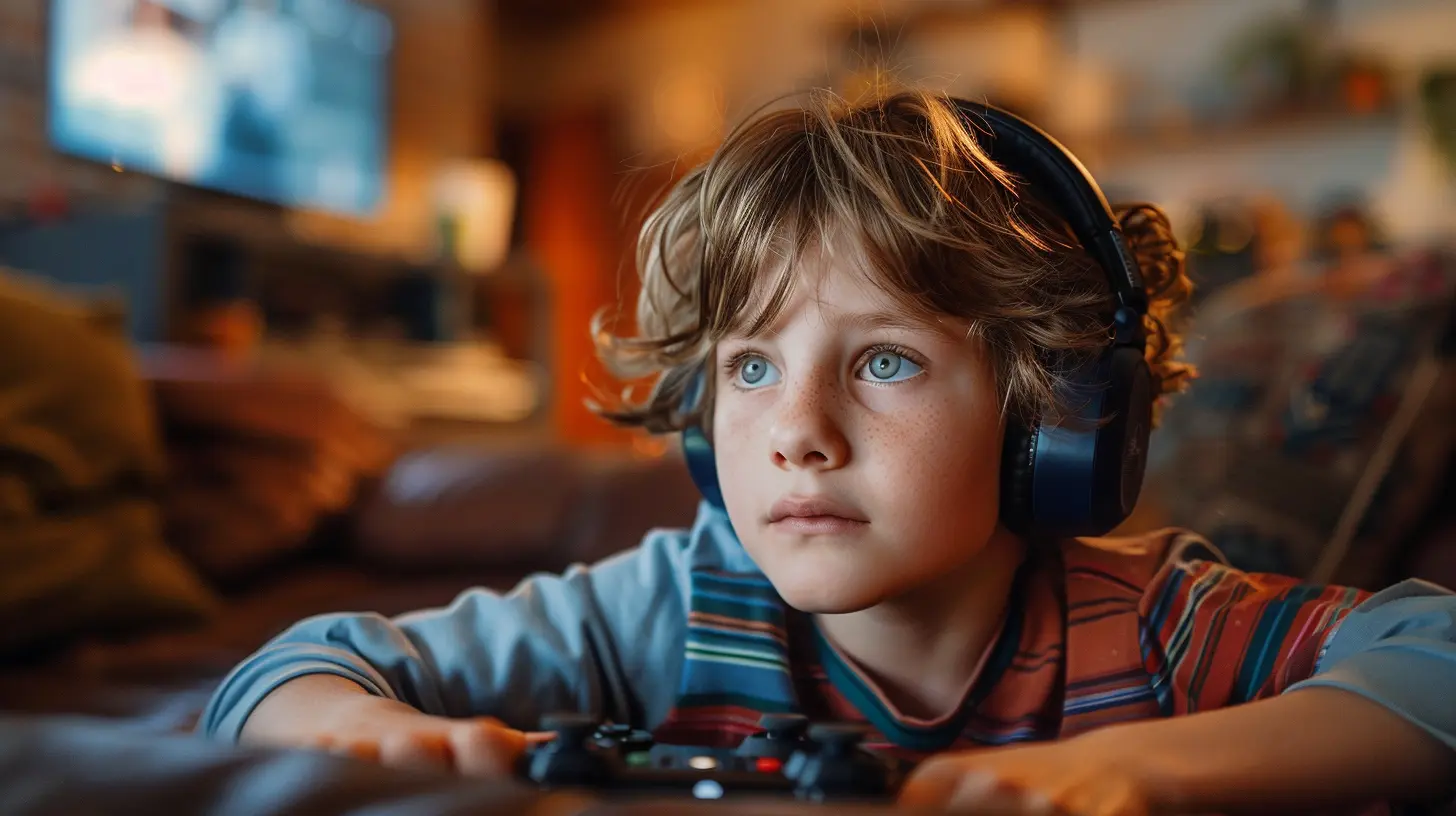
Step 2: Set the Table for Conversation (Not Interrogation)
If your go-to line is “Who are you talking to on that game?!” you’re going to get shut down faster than a noob in Call of Duty.Instead, try making conversation about chat a regular thing. Ask open-ended questions like:
- “What kind of stuff do people talk about in your game?”
- “Ever seen anybody say something weird or mean?”
- “Do you ever mute people or block them?”
Your goal? Create a vibe where your child feels safe telling you when something sketchy happens. Kids are more likely to speak up when they don’t feel like they’re going to lose their favorite game as punishment.
Step 3: Know the Controls – Parental Controls, That Is
Let’s get nerdy for a sec.Every major gaming platform — Xbox, PlayStation, Nintendo Switch, PC, and even mobile — has parental controls. And online games like Roblox, Fortnite, and Minecraft offer tools to manage chat functions.
Most allow you to:
- Turn off chat entirely (for younger kids)
- Limit who can message your child (friends only, please)
- Filter out naughty words (because not everyone needs a potty mouth)
- Block/report toxic players (bye, Felicia)
Take a few minutes to poke around the settings. Set up restrictions that match your child’s age and maturity level. Think of it like giving your kid training wheels — you can take them off later when they’re ready.
Pro Tip: Use the Family Link app (for Android) or screen time tools on your child’s devices to keep tabs on usage and access.
Step 4: Teach Them the Golden Rules of Game Chat
We teach kids to look both ways before crossing the street, right? Online chat is the same — it’s all about teaching safe behaviors.Here’s a quick list you can actually tape to the fridge if you want (yes, I’m that kind of parent):
🛡️ Game Chat Golden Rules:
1. Never share real name, age, school, phone number, or address.2. If someone asks for personal info or says something creepy — tell an adult.
3. Use usernames that don’t give away gender or age (avoid “PrincessEmily123” or “CoolKid10”).
4. Be kind or be quiet — don’t feed the trolls.
5. Don’t click links people post in chats. Just don’t. Even if it says “FREE SKINS!”
6. If someone’s being mean, block them, report them, then go build a house out of obsidian or something.
Bonus tip? Roleplay situations with your kids. Say, “What if someone says they’re 12 and wants to FaceTime?” Let them practice how to respond. It gets less awkward, I promise.
Step 5: Keep Chat Logs Where Possible
Some games allow players or parents to access chat histories. While you don’t want to become the chat police (nobody likes a digital helicopter parent), it can be helpful to glance through if you suspect something’s fishy.Games like Roblox let you review past conversations — handy if your kid mentions something off. You're not snooping; you’re parenting.
Just remember: Approach it with care. If you're checking logs, let your child know it’s not about trust, it’s about safety. Like checking the pool before swimming — you're not judging the water, you're just making sure there aren’t any sharks.
Step 6: Encourage Taking Breaks from Toxicity
Sometimes, game chats can turn into negativity soup — full of insults, trash talk, and drama that would even make reality TV stars blush.Help your child recognize when it’s time to log off, mute the chat, or switch games. Mental health matters, even in the gaming world.
Let them know it’s OK to walk away — no game is worth feeling bad over.
Step 7: Empower Don’t Scare
Look, it’s tempting to go full “stranger danger” and make them feel like the chat is a dark pit of doom, but that’s not helpful. Instead, empower them with tools and confidence.Remind them that:
- They’re in control.
- They have every right to block someone who makes them uncomfortable.
- Talking to a trusted adult isn’t tattling — it’s being smart.
When they know they can handle things — and that you’ve got their back — they’ll be a lot more likely to come to you when it really matters.
The One Thing No Filter Can Replace: You
Sure, settings help. Filters are fabulous. AI moderators are making headway.But at the end of the day, no tech tool is better than good, old-fashioned parenting — the kind that shows up, asks the right questions, sets loving boundaries, and teaches kids to trust their gut (and their grown-ups).
Think of yourself like a gaming coach — not playing every round for them, but giving them the strategies, support, and snacks they need to win safely.
Bonus Tip: Games With Safer Chat Options
If your child is younger or just diving into the world of online multiplayer, here are a few games/platforms that do chat right:- Minecraft (with Realms for invite-only spaces)
- Animal Crossing: New Horizons (low-key and wholesome)
- LEGO® games (usually no live chat at all)
- Roblox (with parental controls tightened up)
Start with games that allow for more control and visibility. Let your child build confidence in a safer space before venturing into the more chaotic areas of the internet.
Parenting in the Digital Arena: Final Thoughts
Helping your child navigate online game chats safely isn’t about wrapping them in digital bubble wrap. It’s about guiding, not guarding. Staying engaged. Staying informed. And building trust that lasts longer than any game session.Online game chats can be ridiculous, hilarious, weird, and sometimes downright concerning. But with a little coaching from you, your kid can enjoy the fun parts, dodge the creepy stuff, and grow into a smart, savvy digital citizen.
And hey — in the meantime, maybe you’ll finally figure out what the heck a “no-scope headshot” actually is.
Game on, parent.
all images in this post were generated using AI tools
Category:
Parental Guide To GamesAuthor:

Tayla Warner
Discussion
rate this article
2 comments
Jocelyn Erickson
Great tips for keeping kids safe while gaming! Love it!
March 17, 2026 at 3:36 AM
Tayla Warner
Thank you! I'm glad you found the tips helpful!
Bria Mercado
Great insights on fostering safe online communication! Balancing guidance with trust is key to helping kids navigate gaming chat environments responsibly.
March 15, 2026 at 4:04 PM
Tayla Warner
Thank you! I'm glad you found the insights helpful. Balancing guidance and trust is indeed crucial for empowering kids in their online interactions.