Gaming Mice With the Best Software Customization
13 August 2026
If you're a gamer, you already know it's not just about the flashy RGB lights or DPI numbers anymore. The real magic happens behind the scenes — in the software. Gaming mice with the best software customization let you tweak, tune, and personalize your experience right down to the finest detail. Whether you're into FPS, MOBAs, or RTS games, the right mouse software can give you a serious edge.
Let’s dive into the world of gaming mice that don’t just look great but actually perform like beasts — all thanks to powerful, intuitive, and customizable software. Sit tight, we’re going to cover what to look for, which brands are killing it, and how to unleash the full potential of your gaming gear.
Why Software Customization Matters in a Gaming Mouse
You might think a mouse is just a mouse — click, point, shoot, repeat. But when you get serious about gaming, every millisecond, every macro, and every movement counts.So, what does software customization actually do?
- Remap Buttons: Customize every button to do exactly what you want.
- Adjust DPI Settings: Fine-tune sensitivity levels for different games or even different roles within a game.
- Create Macros: Set up complex commands or sequences with a single click.
- Customize RGB Lighting: Yep, you can make your setup look as cool (or ridiculous) as you want.
- Configure Profiles: Save different settings for different games, characters, or devices.
Basically, software customization lets your mouse adapt to you — not the other way around. And in competitive gaming, that’s pure gold.
Key Features of Great Mouse Software
When we say “gaming mice with the best software,” what are we really judging them on? Here’s the breakdown:1. User Interface (UI)
Is the software easy to use? Can you navigate settings without needing a manual? A sleek and intuitive UI makes customization smooth and frustration-free.2. Profile Management
Can you create multiple profiles? Switch between them on-the-fly? The best software makes it seamless to save and swap setups for different games.3. Macro Editor
A strong macro editor allows for complex commands, timed sequences, and deep customization — all triggered with a single click.4. Cloud Sync / Onboard Memory
Does it save to the cloud or store to the mouse? Cloud sync is convenient, while onboard memory means your settings travel with your mouse — even without the software.5. Firmware Updates
Good software should provide automatic firmware upgrades for bug fixes, performance boosts, and new features.
Top Gaming Mice With the Best Software Customization
Now that we know why software matters, let’s look at the champions of customization. These mice come loaded with software that’s not just functional — it’s game-changing.1. Razer Basilisk V3 – Powered by Razer Synapse
Razer Synapse is honestly one of the best customization platforms out there. It’s user-friendly, feature-rich, and just plain sexy to use.Why it rocks:
- Fully reprogrammable buttons
- Hypershift mode — give every button a secondary function
- DPI sensitivity levels with five stages
- Customizable scroll wheel resistance
- Chroma RGB that syncs with other Razer gear
Razer Synapse lets you dive as deep as you want. Want to set up macros for ability rotations in MMOs? Done. Need quick toggle DPI for sniping? Easy.
2. Logitech G502 X Plus – Powered by Logitech G HUB
If there’s a Swiss Army knife of gaming mice, this is it. Logitech G HUB is clean, simple, and wildly powerful.Highlights:
- Drag-and-drop macro creation
- Independent profile management per game
- DPI shift button for on-the-fly sensitivity changes
- Hero 25K sensor for ultra-accurate tracking
- LIGHTSYNC RGB
G HUB also offers integration with Streamlabs and OBS, so you can tie in streaming controls if you’re a content creator. Neat, right?
3. Corsair Dark Core RGB Pro – Powered by iCUE Software
Corsair’s iCUE software is like the smart home controller of gaming setups — it can unify your entire Corsair ecosystem.What makes it stand out:
- Unlimited profiles
- Surface calibration tuning utility
- Extremely deep macro system — including delays, repeats, and key remapping
- Wireless connectivity settings
- Synchronized RGB lighting
It’s a paradise for power users, although there’s a slight learning curve. Once you master it, it becomes your command center.
4. SteelSeries Rival 600 – Powered by SteelSeries Engine
SteelSeries Engine may not have as much flair as the others, but it nails the essentials. The Rival 600 is a top-tier choice for precision gamers, especially in FPS.Key Features:
- Dual-sensor system (true 1-to-1 tracking + lift-off distance detector)
- Precise DPI tuning from 100 to 12,000
- Comprehensive macro support
- Per-game profile customization
- Illumination effects through PrismSync
SteelSeries Engine is fast, lightweight, and gets the job done without bloatware. If you want performance without the frills, this hits the mark.
5. Glorious Model O – Powered by Glorious Core
Glorious might be newer in the scene, but they’re changing the game — literally. The Model O is ultralight and lightning quick, and Glorious Core gives you the control you need without the clutter.Here’s what’s good:
- DPI control with indicator color matching
- Macro recording and playback
- LOD (Lift-Off Distance) tuning
- Debounce time customization
- RGB customization that's clean and simple
It’s minimalist, but don’t mistake that for lack of power. Glorious Core is perfect for players who know what they want and don’t want to dig through fluff to get it.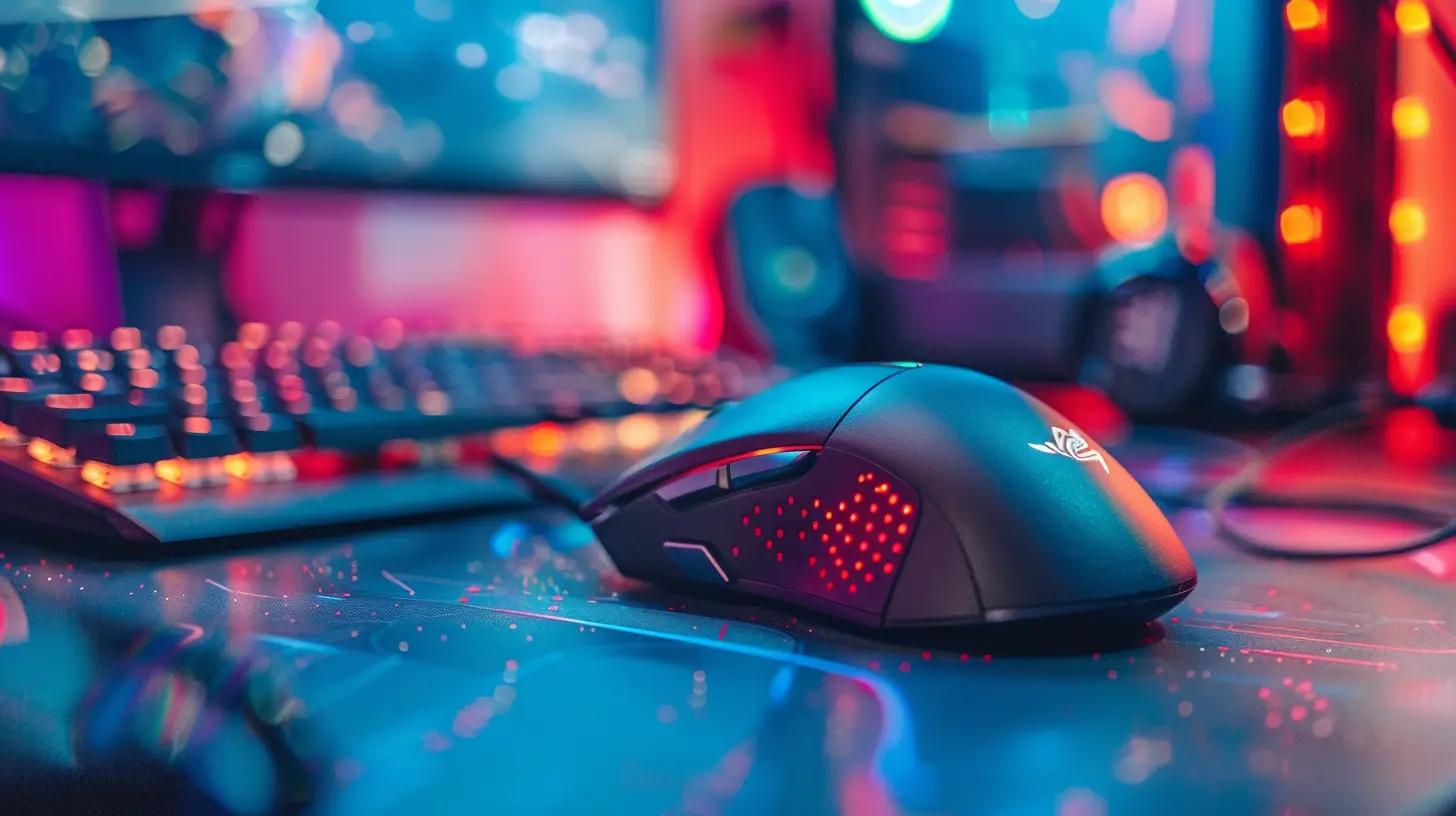
Honorable Mentions
Sometimes other brands or models don’t make the top 5 cut but still deserve a shoutout:- Roccat Kone Pro Air with Roccat Swarm software: Fantastic AIMO lighting effects and Titan switch customization.
- ASUS ROG Gladius III powered by Armoury Crate: Great for advanced sensor tuning and click customization.
- Cooler Master MM720 with MasterPlus+ software: Lightweight and responsive with clean software support.
Each of these has its quirks but boasts strong software-side customization that’s worth checking out.
What to Look Out For in Gaming Mouse Software
Not all software is created equal. Some can be buggy, clunky, or just plain annoying. Here’s what to keep in mind when choosing:- Is it stable? Crashes mid-game are a nightmare.
- Does it auto-start or hog memory? You don’t want software slowing your system down.
- Is it updated regularly? Frequent updates = improved performance and new features.
- How flexible is it? Can it adapt to your playstyle?
- Does it support other gear? Nice if you have a matching keyboard, headset, etc.
Pro tip: Check forums and Reddit threads. Gamers are brutally honest, and you’ll get the real scoop on how user-friendly the software really is.
How to Maximize Your Customization with Any Gaming Mouse
Okay, you’ve picked your weapon, downloaded the software, and plugged in. Now what?Step 1: Create Game-Specific Profiles
Set up one for every game you play. That way, your DPI, macros, and lighting are dialed in every time you launch.Step 2: Tweak DPI Settings
Adjust DPI depending on your game type. Lower for shooters (more precise), higher for MOBAs or strategy games (faster reactions).Step 3: Record Macros
Assign spells, reloads, or building patterns to a single button. It’s like giving your mouse superpowers.Step 4: Customize RGB Lighting
It’s not just for looks. Set different colors for different profiles so you know instantly which mode you're in.Step 5: Experiment and Test
Don’t be afraid to tinker. Try different keybinds, adjust responsiveness, and test LOD. Your perfect setup might take a few tries.Final Thoughts
Gaming mice with the best software customization are more than just peripherals — they’re extensions of your hands, tools of precision, and weapons in your digital arsenal. The right software makes your mouse smarter, faster, and more adaptable to your unique gaming style.Whether you’re sniping from a distance, building fortresses in seconds, or mapping entire spell rotations to a couple of keys — powerful customization software is your secret weapon. So go ahead, dive into the settings, play around, and craft your perfect setup. After all, the difference between a win and a loss might just be one perfectly programmed click away.
all images in this post were generated using AI tools
Category:
Gaming MiceAuthor:

Tayla Warner