Designing Boss Battles in Unity
7 May 2026
Let’s face it—no one remembers level 3’s hallway or that puzzle you spent three days scripting. But a boss battle? Oh yeah, players live for those epic showdowns. They’re the heart-pounding, controller-gripping climax of your game—and if they're done right, they’ll be the stuff of gaming legend.
Whether you're a solo dev working out of your garage or part of a budding indie team, designing boss battles in Unity can be just as thrilling as playing them. But it’s not just about slapping on more health and calling it a day. Nope, designing a boss battle is like cooking a gourmet meal—you need the right ingredients, perfect timing, and a pinch of dramatic flair.
So grab a cup of coffee (or an energy drink if you're really in game-dev mode), and let's dive into the wonderful, weird world of boss battles in Unity.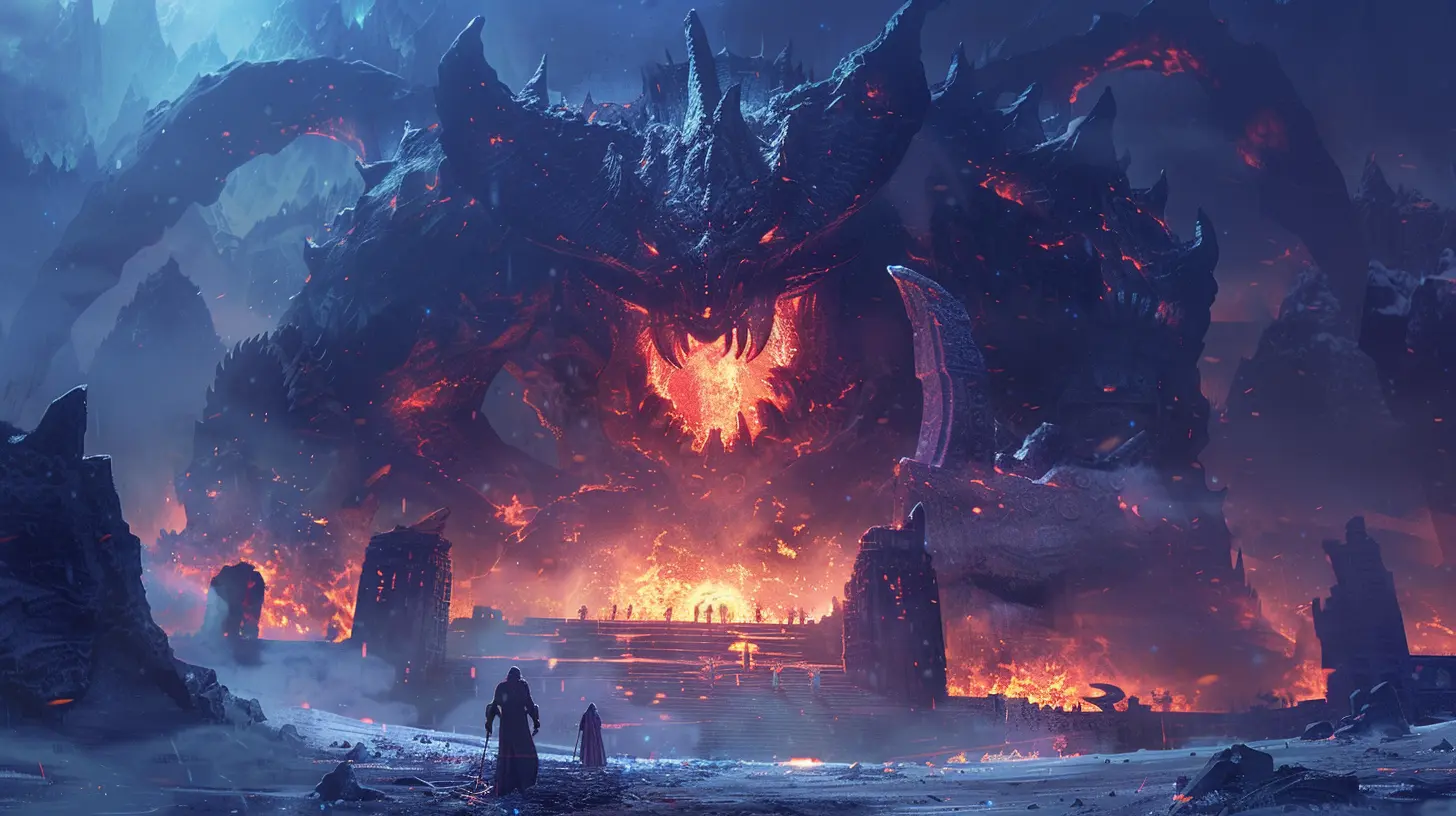
What Makes a Boss Battle… a Boss Battle?
Before we go sprinting into code and trigger zones, let’s define what we’re actually doing here.A boss battle isn’t just another enemy with high HP. It's usually:
- A test of everything the player’s learned so far
- A dramatic shift in gameplay or setting
- A memorable, cinematic, or emotional gameplay moment
- And of course, a whole lotta fun
If standard enemies are appetizers, bosses are the spicy main course. Your players should lean forward when the boss arrives… and exhale deeply once it’s over.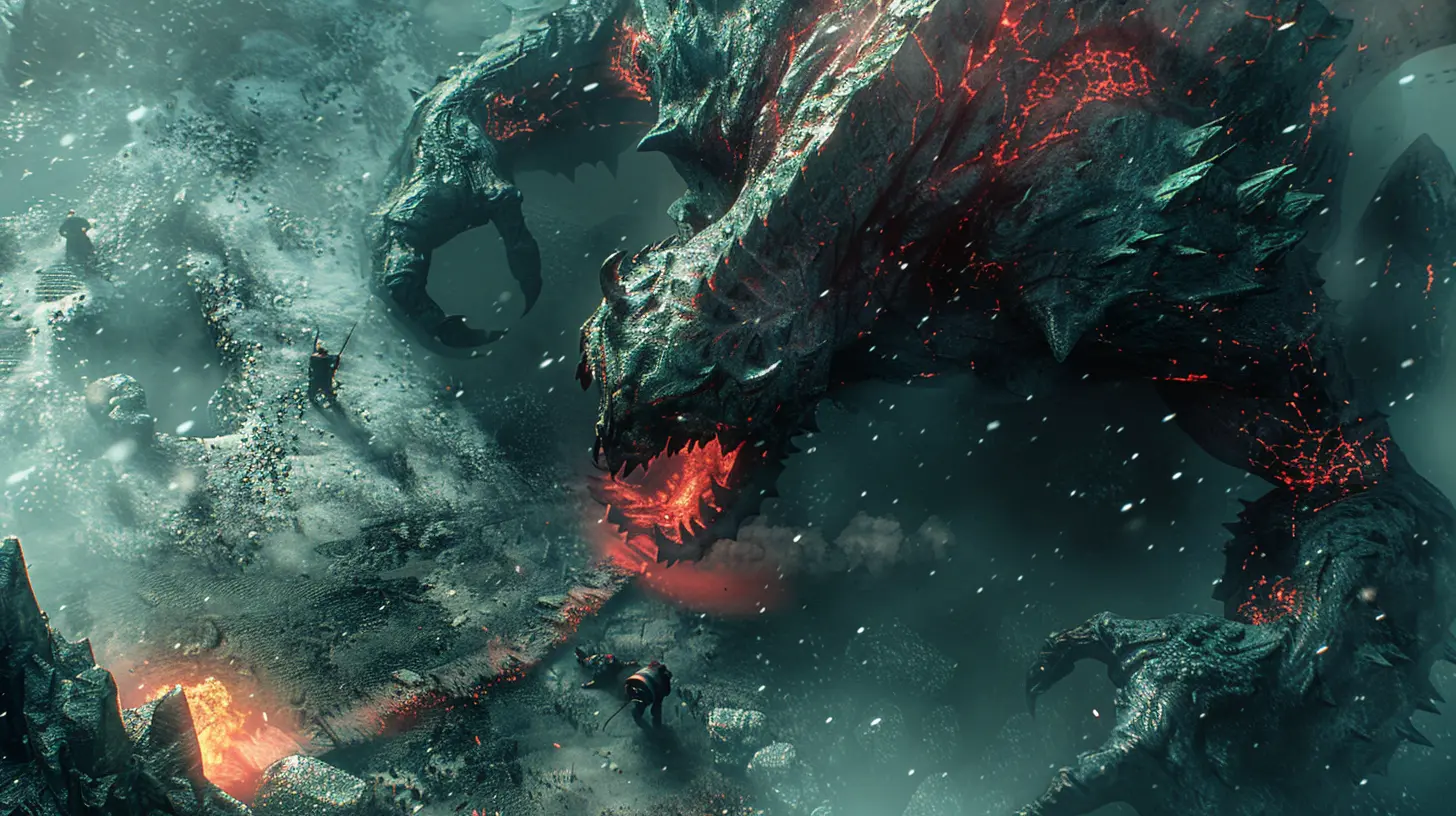
Planning Your Boss Battle (Yes, You Gotta Plan)
You might be tempted to open Unity and start building. Don’t do it—at least not yet. First, grab a notebook or a whiteboard (or napkin, no judgment here) and let’s brainstorm.Ask Yourself These Questions:
- What is the boss guarding or representing?- What theme or emotion should this battle evoke?
- What mechanics have the players learned so far?
- How can we challenge players without frustrating them?
Planning helps avoid spaghetti code, broken AI, or worse... boring gameplay.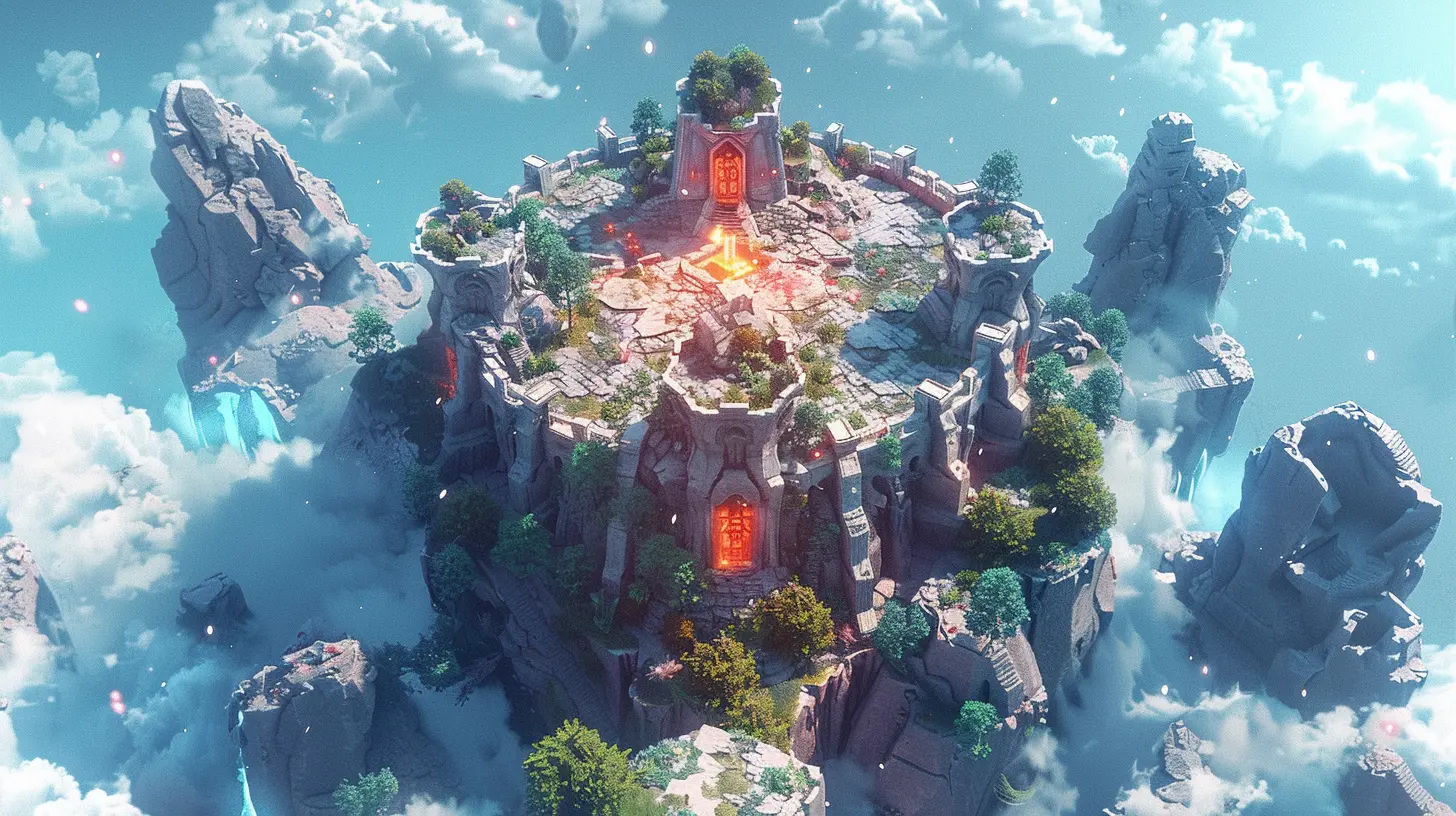
Choose Your Boss Type
Bosses come in all shapes and sizes. The key types include:1. The Puzzle Boss ?
You don’t beat this boss by brute force—you outsmart it. Think Shadow of the Colossus or Zelda’s infamous water temple boss.2. The Bullet Sponge ?
This one takes a ton of hits but requires mastering dodging and attack-timing. We’re talking Dark Souls boss vibes here.3. The Multi-Phase Baddie ?
Just when players think it’s over—boom! Phase two, baby. Think Sephiroth from FF7 or Bowser with lava floors.4. The Arena Trap ?️
Changing environments, enemy reinforcements, and environmental hazards make this style particularly spicy.Once you’ve picked a type (or mashed a couple together), it’s time to start prototyping.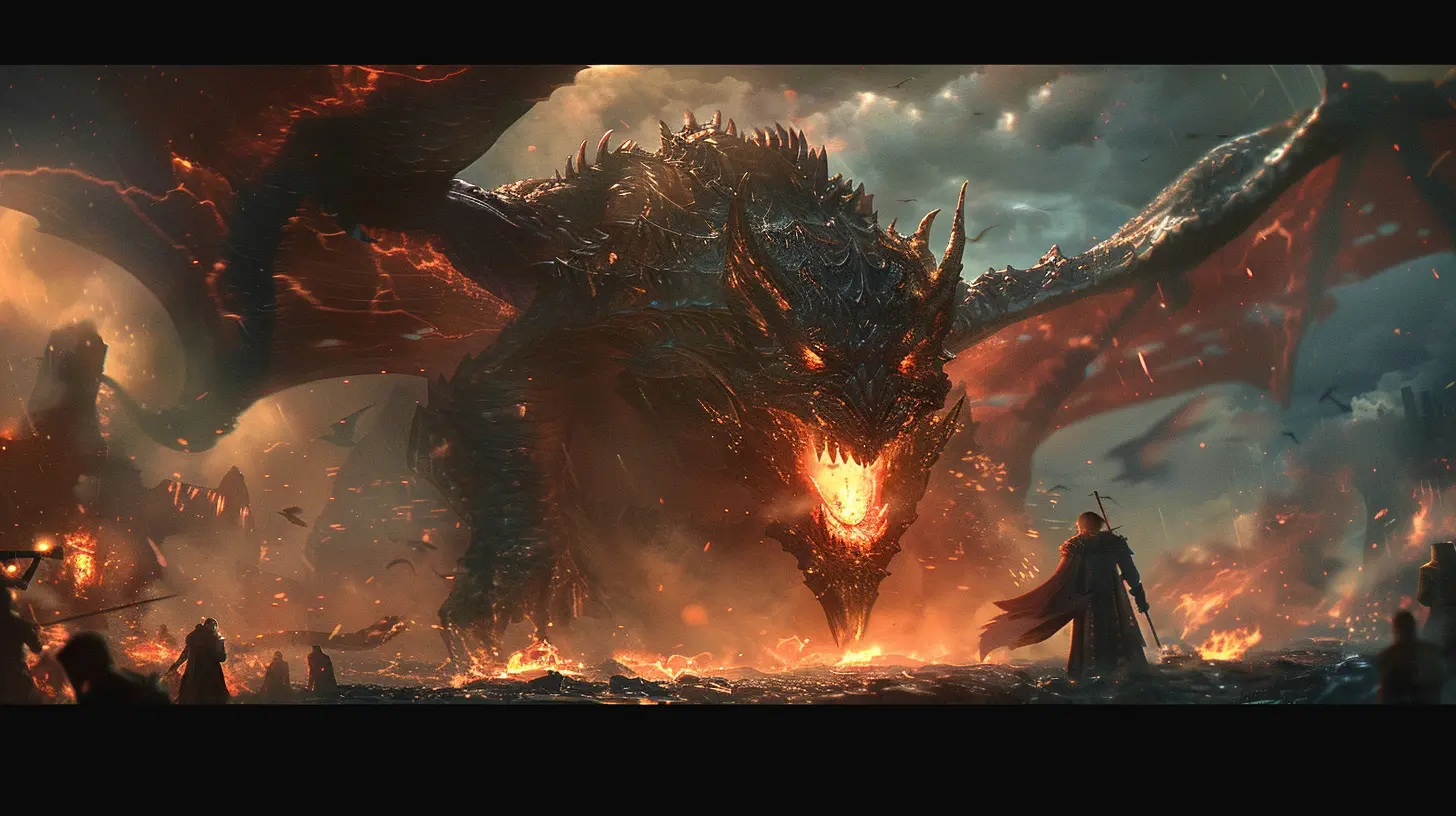
Building Your Boss in Unity
Unity offers tons of tools that make building a boss battle easier than it looks. Let’s go step by step.1. Start With a Boss Prefab
A prefab is your best friend. You can re-use it, tweak it, and scale it without making your project a hot mess.csharp
public class BossController : MonoBehaviour
{
public int maxHealth = 300;
private int currentHealth; void Start()
{
currentHealth = maxHealth;
}
public void TakeDamage(int amount)
{
currentHealth -= amount;
if(currentHealth <= 0)
{
Die();
}
}
void Die()
{
// Trigger animation, particle effects, etc.
Destroy(gameObject);
}
}
Simple code, but it gets you in business.
2. Add Animations (Make it Breathe!)
Make that boss feel alive. Even a giant rock ogre can feel menacing if it snarls, stomps, and slaps the ground like it’s mad AF.Use Unity’s Animator to create smooth transitions between idle, attack, hurt, and death animations.
Don’t forget the audio! A roar goes a long way in making your boss terrifying.
3. Boss Patterns and Phases
Now, this is where things get juicy.You want the boss to follow patterns but not to be predictable. Randomize a bit! Maybe the boss has a 70% chance of doing Attack A, 30% chance of Attack B.
And if you’re feeling evil (in the best way)—add phases.
csharp
void Update()
{
    if(currentHealth < maxHealth * 0.5f && !hasEnteredPhase2)
    {
        EnterPhaseTwo();
    }
}
Make phase two wild—faster attacks, new environment hazards, an unexpected dash move—whatever keeps your players screaming, “OH COME ON!”
4. Environment Matters Too
Don’t plop your boss on a flat floor and call it a day. Add flavor!- Collapsing platforms?
- Rotating arenas?
- Lava? (Because why not?)
Your setting tells a story, too. Think of the battle arena in Doom Eternal—DOPE, right? Add lighting, camera shakes, maybe even a rainstorm for that Final Fantasy drama.
5. Add UI Feedback
Health bars, special warnings (“Incoming!”), and quick-time events add polish.You can use Unity’s UI system to create dynamic health bars above the boss’s head or on the screen’s HUD.
Also, let your players know when they're doing damage. Flashes, grunts, stagger animations—it’s like applause for a job well done.
Advanced Boss Battle Tips (Next-Level Stuff)
If you're aiming for that chef’s-kiss boss battle, these spicy tips will level you up.? Use State Machines for AI Behavior
Avoid cluttering your script with 95 if-statements. Instead, build a finite state machine (FSM).Simple example states:
- Idle
- Chase
- Attack
- Roar (why not?)
- Die
You can use switch statements, Unity Animators, or even state design patterns to manage this elegantly.
? Telegraphed Attacks
Ever played a game where a boss one-shots you outta nowhere? NOT fun.Telegraphing means showing clear visual or audio cues before an attack. Think glowing fists, rising sounds, or even a dramatic facial expression.
It’s fair, it’s fun, and it lets players feel like skilled dodgers instead of unlucky victims.
? Test. Everything. Twice.
Fight your boss over and over again. Then watch other people play it. Do they dance around the arena or just rage-quit?Balance is everything. Too easy = meh. Too hard = delete.exe.
The Final Touch: Personality
You know what separates a good boss from a legendary boss?Character.
Give your boss a backstory. A voice. A reason to exist.
Maybe it’s a misunderstood guardian, or your player’s old mentor turned evil, or just a screaming, gelatinous cube with abandonment issues (hey, no judgment).
This brings emotional weight. And emotional weight is what makes players remember your game long after they’ve finished it.
Common Pitfalls and How to Avoid Them
❌ Overcomplicated Mechanics
Keep it tight. If your boss has 15 different attack types, your players will need a cheat sheet.❌ Boring Arena
Don’t throw your boss in an empty square room. Add verticality, dynamic elements, or collapsing walls.❌ No Feedback
If the boss gets hit and nothing happens? That’s deeply unsatisfying. Feedback is everything—even a subtle screen shake helps.Wrapping It All Up
Designing boss battles in Unity is as much about creativity as it is about code. It’s your chance to flex your storytelling, design chops, and technical wizardry all at once.Start simple, test often, and always keep the player in mind. And when you hear that first player yell, “OH NO, HERE WE GO AGAIN”—you’ll know you nailed it.
Create something that punches back, but makes the punch fun. Because at the end of the day, your boss should be the cherry on top of your game sundae—epic, messy, and absolutely unforgettable.
Now go forth. Make awesome stuff. And please, make the boss drop loot.
all images in this post were generated using AI tools
Category:
Unity GamesAuthor:

Tayla Warner
Discussion
rate this article
2 comments
Maura McNaughton
So, you're designing boss battles in Unity? Just remember, every boss should be more than a health bar on legs. Give them quirks and catchphrases. Nothing says "I'm ready to fight" like a giant dragon that also tells dad jokes... right? Game on!
June 17, 2026 at 4:07 PM
Tayla Warner
Absolutely! A boss with personality adds so much to the fight. I'm all for dragons with dad jokes... it keeps things memorable and fun! Game on!
Lumen Watson
So, you're designing boss battles in Unity? Remember, the key is to make them tough but fair. Unless you enjoy watching players rage quit... then go ahead, create a giant octopus that can teleport and throw nachos. Just sayin', nacho cheese is a real game changer!
May 16, 2026 at 2:36 AM