Creating Realistic Water Effects in Unity
23 April 2026
So, you're messing around with Unity and your game's looking pretty sharp—until it comes to water. Yep, water. That tricky little beast that can make or break your scene. Whether it’s a peaceful lake, a pouring waterfall, or a raging ocean, realistic water is one of those details that can truly immerse players in your world.
Let me guess—you’ve tried Unity’s built-in water and... it just sort of looks like a shiny, blue mirror, right? Don’t worry—you’re not alone. Let's dive deep (pun totally intended) and figure out how to create realistic water effects in Unity without losing your mind.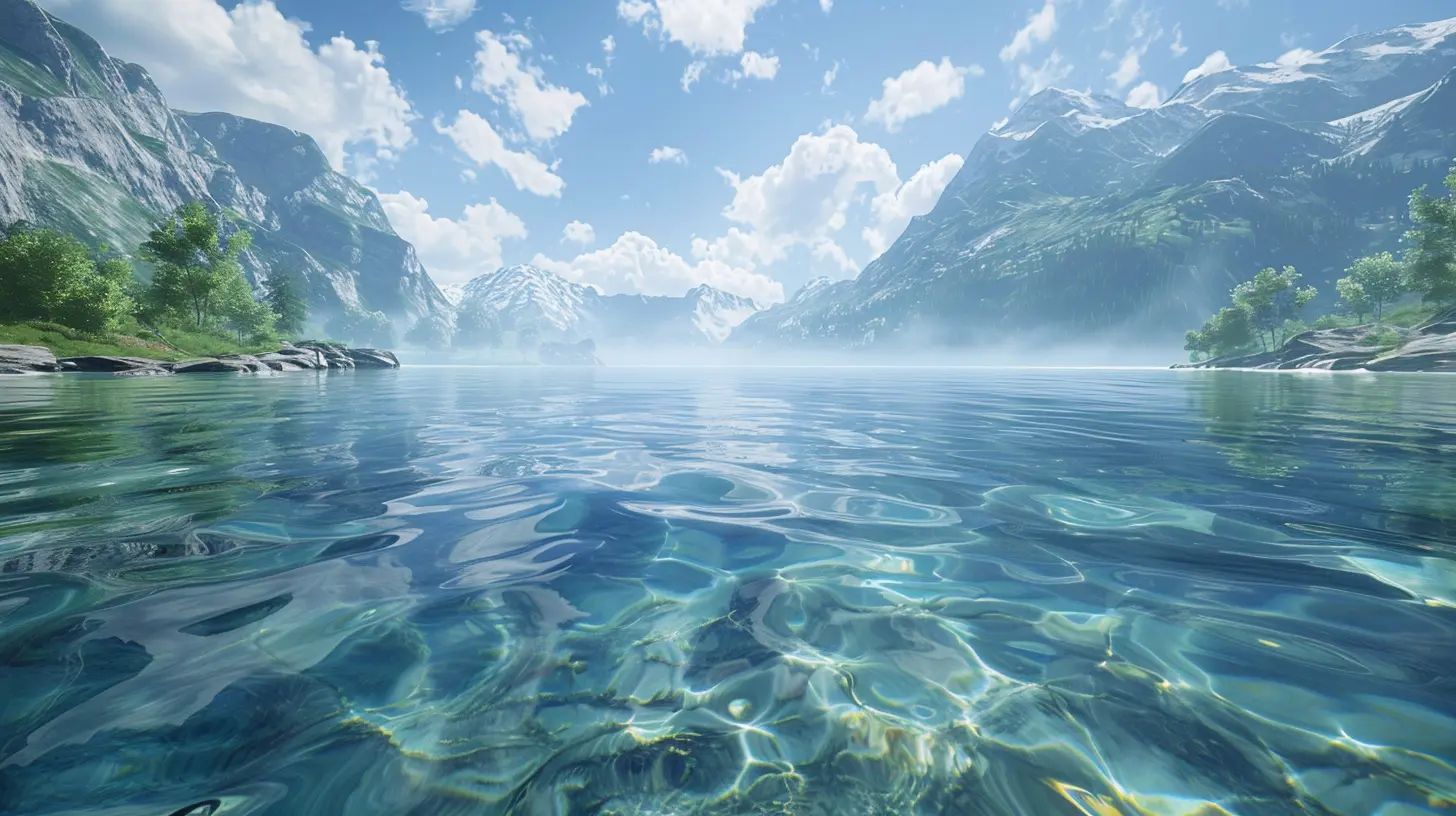
Why Water Effects Matter
Before we get into the how, let’s chat about the why. Realistic water does more than just look pretty—it pulls your player into the game. It tells a story.Think about this: you're walking through a quiet forest and stumble upon a trickling stream. That gentle ripple feels soothing—not because of the sound alone, but because the motion and look of the water trigger something familiar. Now imagine that stream looking like a flat blue texture. Totally ruins the mood, huh?
So let's not ruin the mood. Let’s make water that “feels” like water.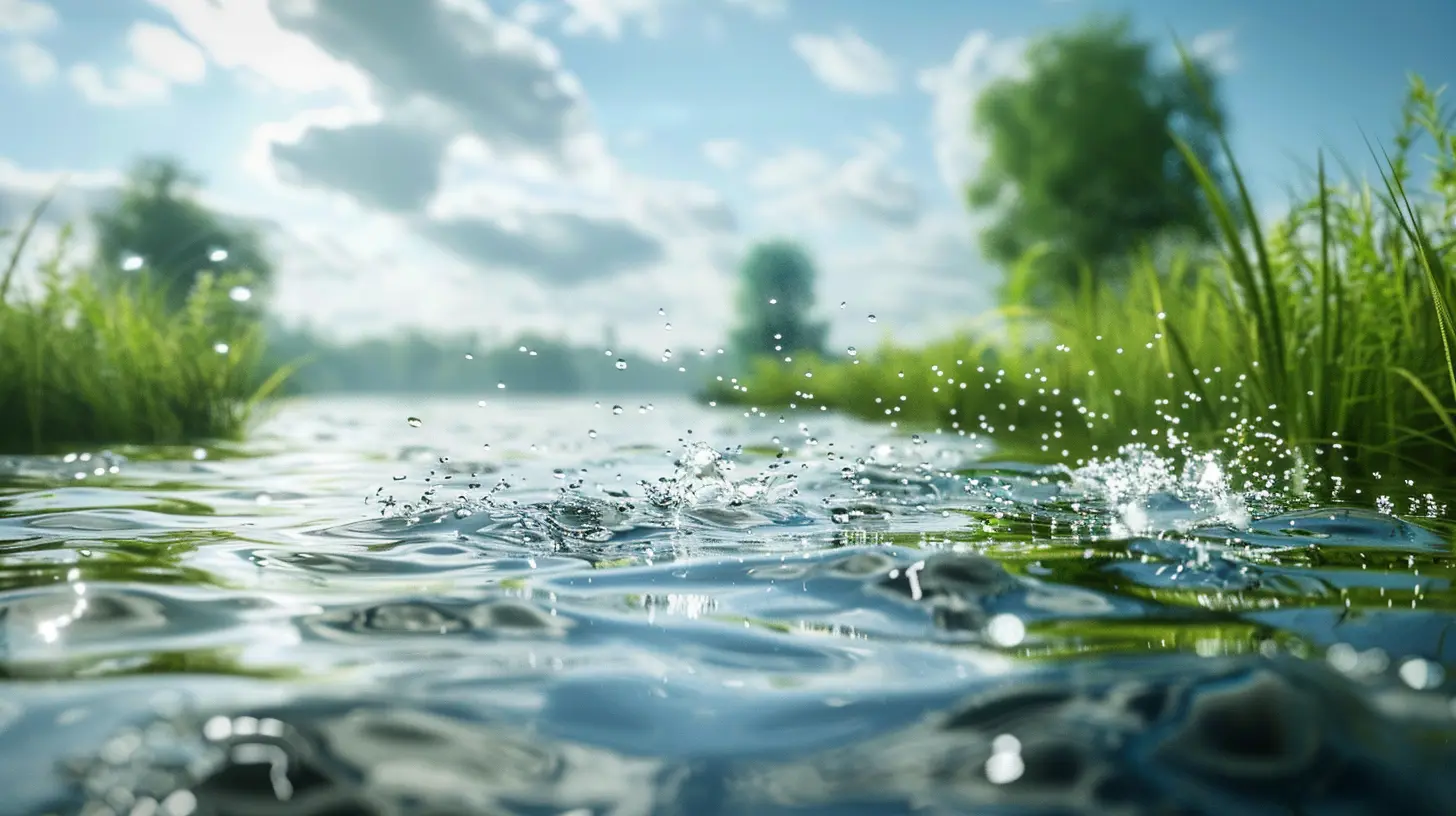
Understanding Unity’s Water System
Unity comes with a few built-in options for water, especially if you’re using the High Definition Render Pipeline (HDRP) or the Universal Render Pipeline (URP). However, if you’re sticking with the standard render pipeline, you might feel a bit limited.Types of Water in Unity
1. Simple Water (Built-in)- Flat
- Basic reflection and refraction
- Good for mobile or low-end devices
2. Water4 (Standard Assets) (deprecated in newer versions)
- Offers some cool features like waves and foam
- But looks outdated now
3. URP Water
- Lightweight
- Great for performance
- Custom shaders can push realism further
4. HDRP Water (New in Unity 2023+)
- Full simulation support
- Better lighting interaction
- Real-time caustics and underwater effects
But default options rarely cut it when you're aiming for realism. You'll need to get your hands dirty with some custom tweaks—or maybe even build your own shaders.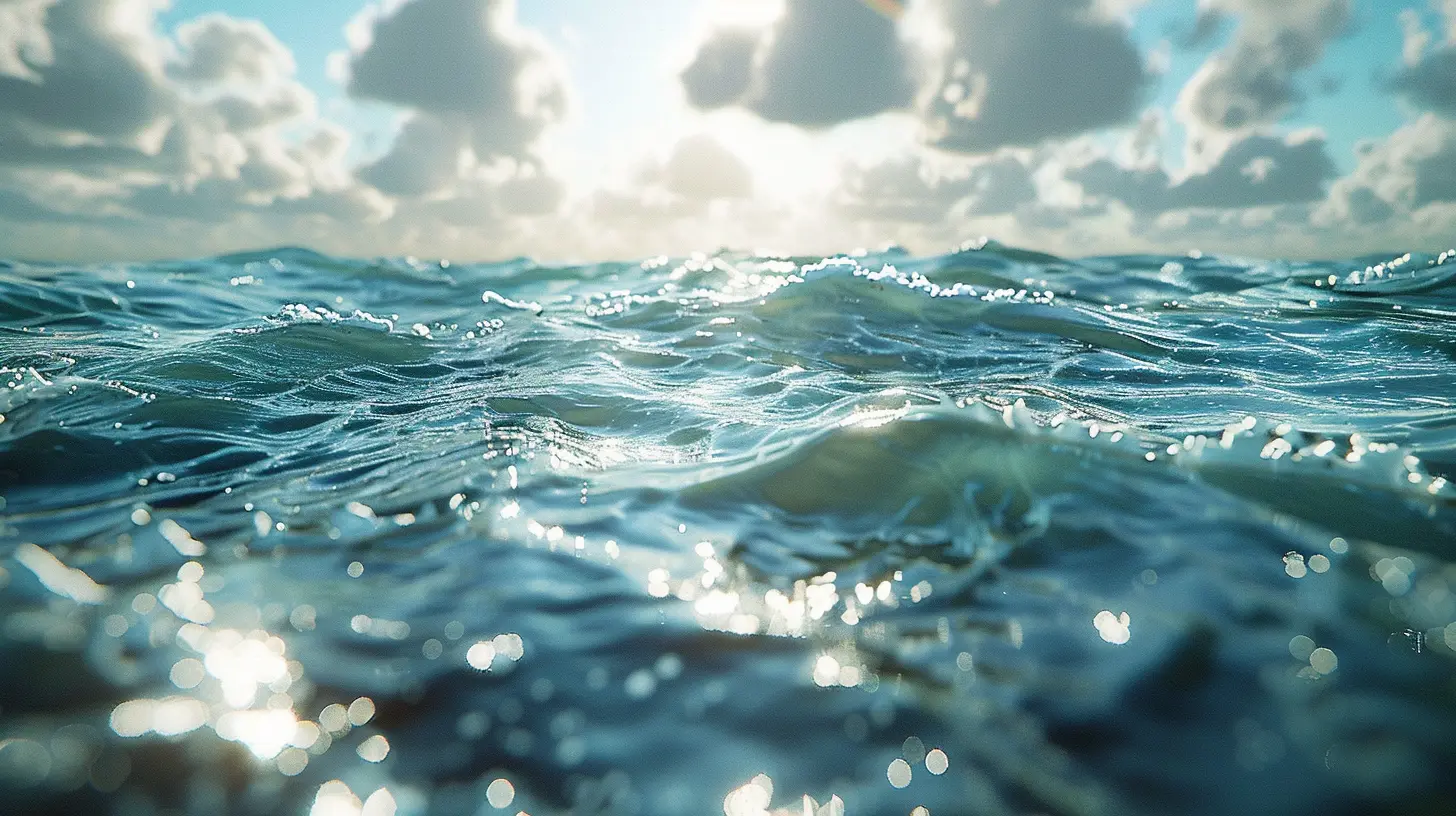
Tools & Assets That Help
Alright, before we go full-on DIY, let’s talk about a few assets and tools that’ll save you hours (probably days) of work.Popular Water Assets on the Unity Asset Store
1. Crest Ocean System HDRP- Free and open-source
- Gorgeous ocean simulation
- Strong community support
2. Stylized Water 2 (URP)
- Excellent for toon or stylized games
- Still supports customizable realism
3. Aquas Water/River Set
- Focused on rivers and lakes
- Includes underwater effects
4. RAM – River Auto Material
- Terrain-aware
- Flow maps, foam maps, everything is procedural
Assets are great, but they usually still need a little love to fit your specific scene just right.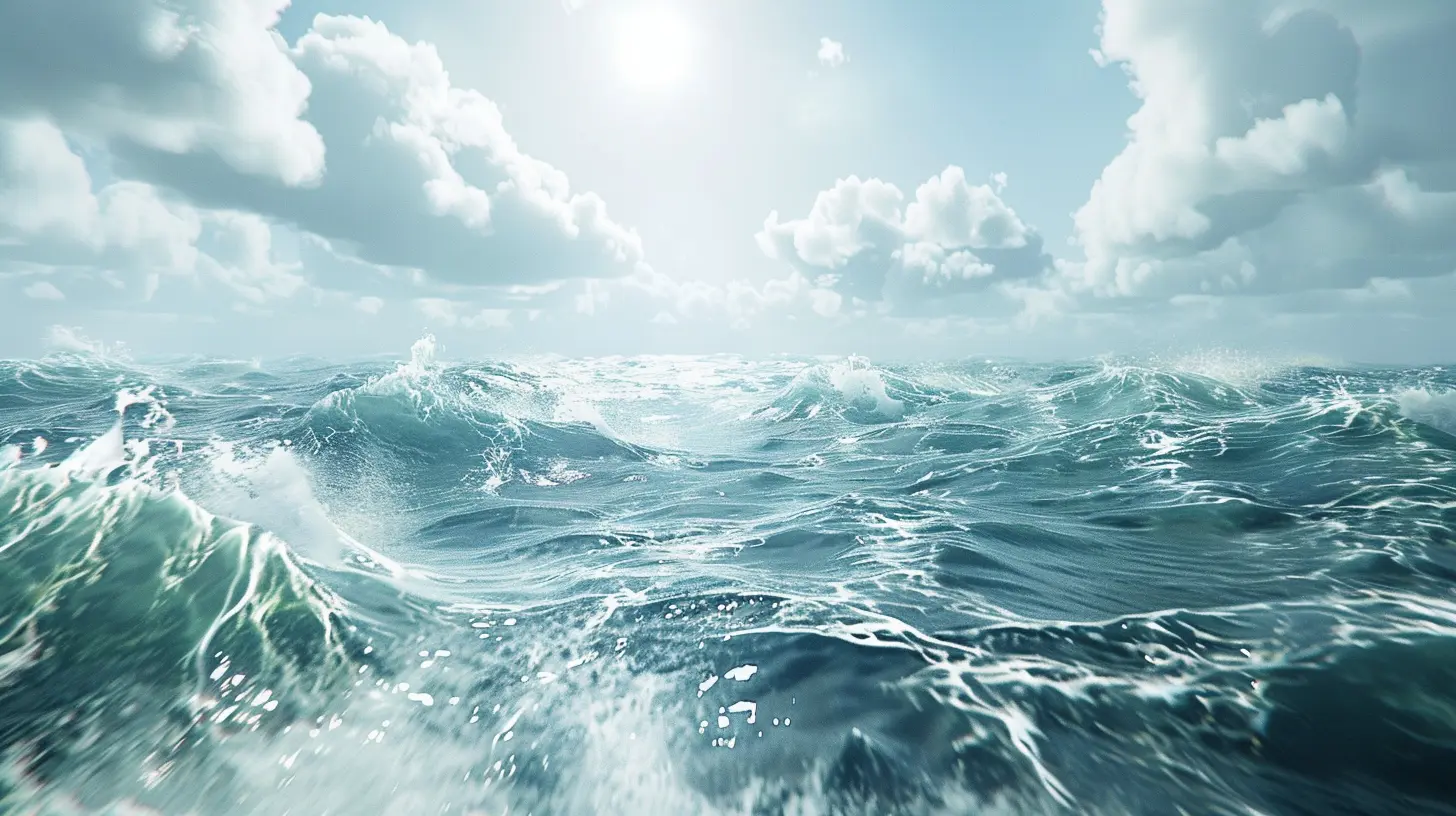
Shader Magic – Realism Lives Here
Let me tell you a little secret: the key to realistic water isn’t just “make it blue and shiny.” It’s all about the shader.What is a Shader Anyway?
Think of a shader as a recipe for how something looks on the screen. For water, this includes how light reflects, how transparent it is, how it moves, and what’s going on beneath it. Pretty cool, huh?Key Elements of a Realistic Water Shader
1. Reflection & Refraction- Real water reflects the sky and nearby objects.
- At the same time, it refracts what’s underneath—like rocks or your character’s feet.
2. Normals and Surface Distortion
- This gives water that “wavy” appearance.
- You can layer multiple normal maps scrolling at different speeds and directions for that dynamic, ever-changing look.
3. Transparency & Depth
- Clear water is see-through near the shore, but gets darker as it gets deeper.
- Use depth-based color blending here—it’s a game changer.
4. Foam & Edge Effects
- Breakers, shorelines, or any fast motion needs foam.
- Foam adds realism, especially where water meets terrain.
5. Caustics
- These are the rippling light patterns on the ocean floor.
- You can fake them with animated decals or use realtime lighting tricks.
Step-by-Step: Creating a Realistic Water Shader
If you're feeling brave, here's a simplified workflow using Unity’s Shader Graph (works best with URP or HDRP):1. Set Up Your Project
- Install URP or HDRP via the Unity Package Manager.- Switch your render pipeline accordingly.
- Create a new Shader Graph and a material using that shader.
2. Add Surface Normals
- Add 2 scrolling normal maps.- Offset them slightly in direction/speed.
- Blend these normals together for surface distortion.
3. Add Refraction
- Use the Screen Position node.- Distort it using the normals.
- That gives you some tasty screen-space refraction.
4. Use Depth for Transparency
- Pull in the Scene Depth node.- Compare it with screen depth to get relative depth.
- Use this to make shallow water more transparent.
5. Add Foam Edges
- Sample the depth difference between terrain and water.- Use this to create a foam mask.
- Multiply with a noise texture for dynamic foam.
6. Color Grade and Add Fresnel
- A simple Fresnel effect adds edge glow based on viewing angle.- Blend water colors using depth and Fresnel.
- Boom—realistic water that reacts to your world.
Making Water Interactive
So your water looks amazing. But what happens when your player jumps in? It needs to react!Add Physics-Based Interactions
Use Unity’s physics system to detect collisions and generate ripples or splash effects.Options include:
- Particle Systems for splashes
- Vertex Displacement for ripples
- GPU-based ripple simulations (if you’re feeling fancy)
Here’s the fun part—you can even simulate buoyancy. Want your character to float? Or maybe throw a ball into a pond and see ripples? That’s all doable with a bit of physics scripting.
Underwater Effects – Dive In
Want to take things further? Let’s go underwater.When your player dives under:
- Change fog color to blue/green
- Add distortion effects like wavy screens
- Muffle audio and add bubbles
- Limit visibility—simulate depth
This is where shaders, post-processing, and sound design come together. Treat it like a complete scene change, but keep it seamless.
Optimization Tips (Because Water Can Be Expensive)
Realistic water can chew up resources fast. Here are some ways to keep it looking good and running smooth:- Use lower resolution normal maps for distant water.
- Turn off real-time reflections in far distances—use baked cubemaps instead.
- Reduce shader complexity for mobile targets.
- LOD your water meshes—no need for ultra-dense geometry far away.
- Bake caustics and foam into textures if needed.
Remember, performance matters. A beautiful lake that tanks your framerate isn’t worth it.
Troubleshooting Common Issues
Water Looks Flat and Static
- Double-check your normals.- Add movement using animated textures or wave functions.
Too Shiny or Too Dull
- Tweak your specular values and environment lighting.- Use a reflection probe for more control.
Foam Looks Weird
- Adjust your edge conditions—make sure it only appears where water meets land or movement is high.Underwater Looks Off
- Use post-processing volumes to blend smoothly.- Depth fog is your friend here.
Bonus Tips to Take It to the Next Level
- Use flow maps to make rivers look like they actually move.- Combine audio with ripples for realism (who doesn’t love that gentle splash?)
- Fake dynamic lighting by animating textures even if your game doesn’t support full ray-tracing.
And if you’re stuck? The Unity community is massive. Forums, Discords, and YouTube tutorials are goldmines of wisdom.
Conclusion
Creating realistic water in Unity can feel overwhelming at first—but it’s totally doable once you break it down. It’s like cooking a fancy dish: you start with solid ingredients (URP or HDRP, shaders), throw in some seasoning (foam, flow maps), and add your own style (interactions, underwater effects).Whether you're building a scenic fishing sim or an epic pirate adventure, water is one of those things that can truly elevate your game. Treat it like a character—make it believable, interactive, and alive.
So roll up your sleeves, play around with shaders, and don’t be afraid to splash around a bit. Your players—and their eyeballs—will thank you.
all images in this post were generated using AI tools
Category:
Unity GamesAuthor:

Tayla Warner
Discussion
rate this article
2 comments
Eli Diaz
Water effects in Unity? Finally, my dreams of making splashes that look cooler than my cooking experiments are coming true! Just remember, if the water looks too real, you might want to check for fish lurking around...
May 4, 2026 at 5:05 AM
Tayla Warner
Glad to hear it! With these new techniques, your water effects will definitely be a highlight... just watch out for those fish!
Jax McGuffin
Great tips! The vertex displacement for waves is key. I’d add that using a noise texture for foam really sells the shoreline interaction.
April 29, 2026 at 4:24 PM
Tayla Warner
Thanks for the insight! A noise texture for foam is a fantastic idea to enhance that shoreline realism.