Creating Puzzle Games with Unity Mechanics
21 June 2026
Ever dreamt of building a brain-teasing puzzle game, the kind that makes your players scratch their heads and say “just one more try”? Well, you're in the right place. Unity, one of the most powerful and user-friendly game engines out there, is the perfect playground for puzzle game development.
In this guide, we’re diving deep—like, grab-your-snorkel deep—into the nuts and bolts of creating puzzle games using Unity mechanics. Whether you’re a total newbie or you've already published a few prototypes, this article will walk you through everything you need to create a game that challenges minds and keeps players coming back for more.
What Makes Puzzle Games So Addictive?
Before we get all technical, let’s take a second to think about why puzzle games work so well. What's the secret sauce?Puzzle games are:
- Simple to play, hard to master – Think of Tetris. You get the idea in seconds, but mastering it? That’s another story.
- Satisfying – That "aha!" moment when you solve a tricky level? Instant dopamine hit.
- Timeless – Puzzle games don’t rely on cutting-edge graphics. The core is clever design.
And with Unity, you can recreate those magical moments using a combination of visual scripting, physics, logic, and creative design.
Unity Basics for Puzzle Game Development
If Unity is new to you, don’t worry—you’re not jumping into rocket science. Unity is a lot like LEGO: it gives you building blocks, and it’s up to you to figure out the coolest way to put them together.Unity Engine: Quick Primer
Unity is a cross-platform game engine that supports 2D and 3D game development. Here’s what makes it great for puzzle games:- Visual Editor: Drag-and-drop interface for arranging puzzle elements.
- C
Scripting
: Gives you precise control over game logic and interactivity.- Physics Engine: Comes in handy for games like Cut the Rope or Angry Birds.
- Animations and Effects: Makes your game feel alive and rewarding.
Now let’s talk mechanics—because that’s where the magic happens.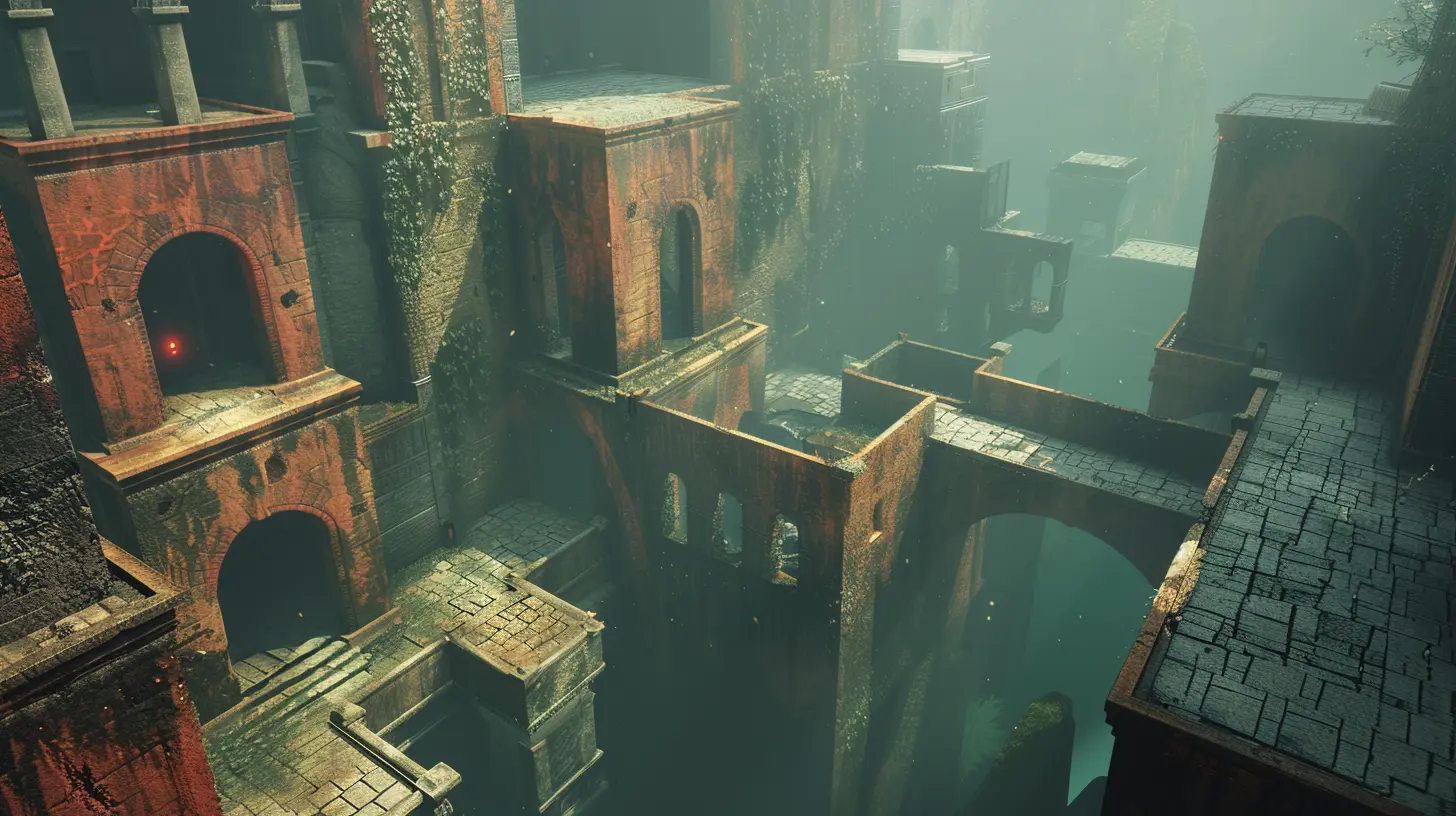
Core Mechanics That Make Or Break Puzzle Games
If the puzzle is the soul of your game, the mechanics are the skeleton holding it all together. Mechanics define how your game plays, how pieces interact, and how the player engages with your world. Let's look at core mechanics to consider when designing a puzzle game in Unity.1. Object Movement & Interaction
Movement is king in most puzzle games. Whether it’s sliding blocks, rotating tiles, or dropping shapes, you need to implement intuitive and responsive controls.Unity Tip:
- Use Unity's built-in Transform component to move objects along the X, Y, and Z axes.- Create drag-and-drop scripts with simple raycasting and mouse input detection.
csharp
void OnMouseDrag() {
    Vector3 mousePosition = new Vector3(Input.mousePosition.x, Input.mousePosition.y, 10f);
    transform.position = Camera.main.ScreenToWorldPoint(mousePosition);
}
Simple, right?
2. Trigger Zones
Imagine a door that opens when a block is placed on a pressure plate. That’s where trigger zones come into play.Unity Tip:
- Use Collider components with the IsTrigger box checked and write logic inside `OnTriggerEnter` and `OnTriggerExit`.3. Gravity and Physics
Physics-based puzzles add a whole new dimension to your gameplay. Think of games where objects stack, fall, or collide to solve the level.Unity Tip:
- Attach Rigidbody2D or Rigidbody to any object you want to react to gravity.- Fine-tune mass, drag, and gravity scale to control behavior.
4. Tiles and Grids
Is your puzzle based on grids like in Sudoku or match-3 games? Using a tilemap system makes life so much easier.Unity Tip:
- Use Unity's Tilemap System (especially for 2D grid-based puzzles).- Keep a reference to logical positions in an array or custom data structure to track object locations and statuses.
Designing Levels That Hook Your Players
Okay—it’s one thing to get mechanics working, but how do you actually create levels that are fun, challenging, and worth playing?Difficulty Curve = Player Retention
Start easy and gradually ramp things up. You want to teach your player the rules through gameplay, not walls of text. Introduce new mechanics one by one, and then start combining them in clever ways.Playtest Like Crazy
You might think your level is genius, but until someone else plays it, you don’t know squat. Get feedback early and often. Watch how players interact, where they get stuck, and where they get bored.Reward the Player
Whenever a level is completed, reward the player. Add sound effects, animations, sparkle particles—whatever makes the moment feel like a victory. Trust me, small wins build long-term engagement.Top Puzzle Game Genres You Can Recreate in Unity
Still not sure what type of puzzle game you want to make? Here are some genres ripe for Unity development:1. Physics-Based Puzzles
Games like “World of Goo” or “Cut the Rope” thrive on wacky, unpredictable physics. Drop in some Unity Rigidbody components and watch the chaos unfold.2. Sliding & Swapping Puzzles
Tile-based puzzles like “2048” or “Candy Crush” are perfect for mobile. Unity's Grid Layout Group and scripting capabilities make this a breeze.3. Escape Room Adventures
These are story-driven and require clever object interactions. You’ll need a good inventory system (Unity UI helps here) and a system to track player choices.4. Logic-Based Puzzles
Think Sudoku, Minesweeper, or Kakuro. These require dynamic generation and grid logic. You'll be diving deep into code—but the results can be insanely rewarding.Using Unity Tools to Speed Up Development
Don’t reinvent the wheel. Unity has tons of built-in tools and packages you can use to cut dev time.Unity Asset Store
Chances are, someone’s already built the thing you’re trying to build. You’ll find everything from tile maps to drag-and-drop systems, input managers, and sound effects.ScriptableObjects
These are like cheat codes for game data. Use ScriptableObjects to store level configs, puzzle rules, or scoring logic. They keep your code clean and organized.Unity UI System
Puzzle games often rely on clean and intuitive interfaces. Unity’s UI system lets you build buttons, sliders, tooltips, and inventory systems with zero fuss.Best Practices for Smooth Gameplay
Here’s a list of essential do's and don'ts to keep in mind:Do:
✅ Keep the controls intuitive✅ Design with mobile in mind (if that’s your target)
✅ Test your levels thoroughly
✅ Optimize frequently to prevent lag
✅ Build mechanics-first, polish later
Don’t:
❌ Overcomplicate the tutorial❌ Dump all your ideas into one level
❌ Ignore player feedback
❌ Sacrifice performance for fancy effects
❌ Neglect audio—sound is huge in puzzle games!
Monetization Tips for Puzzle Games
Got your masterpiece ready? Let’s talk moolah. Puzzle games are great for monetization thanks to their replayability and level-based structure.Options to Consider:
- Ads (Rewarded or Interstitial): Good for free-to-play titles.- In-App Purchases: Hints, level packs, extra lives.
- Premium Model: Pay once, play forever—great for niche audiences.
Unity has built-in support for ads and IAP, so integrating monetization doesn’t need to be a headache.
Final Thoughts: Your Puzzle Game, Your Rules
Making a puzzle game in Unity is like solving a puzzle in itself. There will be frustrating moments, a lot of trial and error, and maybe a few rage-quits—but it’s all part of the process. The satisfaction of watching someone enjoy a level you created? That’s priceless.So go ahead—start small, think big, and don’t be afraid to break some pieces to see how they fit back together. Whether you’re building a zen-like tile glider or a hair-pulling logic labyrinth, Unity's got your back.
Oh, and one more thing—have fun. If you're not having fun making it, your players won't have fun playing it. Simple as that.
all images in this post were generated using AI tools
Category:
Unity GamesAuthor:

Tayla Warner
Discussion
rate this article
1 comments
Morrow Fletcher
This article offers solid insights into using Unity for puzzle game development. The practical tips on mechanics and design really stood out. I look forward to applying these ideas in my own projects.
June 25, 2026 at 3:12 PM
Tayla Warner
I'm glad you found the insights helpful! Excited to see how you incorporate these tips into your projects.