Can a Better Mouse Improve Your Gaming Rank?
29 June 2026
Let’s be real for a second—gamers are always chasing that next level of performance. Whether you’re grinding for diamond rank in Valorant, looking to raise your kill-death ratio in Call of Duty, or flexing your APMs (actions per minute) in StarCraft, you’ve probably asked yourself at some point: _“Is my gear holding me back?”_
And one question that keeps popping up is: Can a better mouse actually improve your gaming rank?
Sounds like a simple yes or no, right? But it’s not. There’s a lot going on behind that little device you’ve got your hand wrapped around for hours. So let’s dive deep—let’s unpack what makes a “better” mouse, how it impacts your gameplay, and whether or not it can _really_ make the difference between bronze and platinum.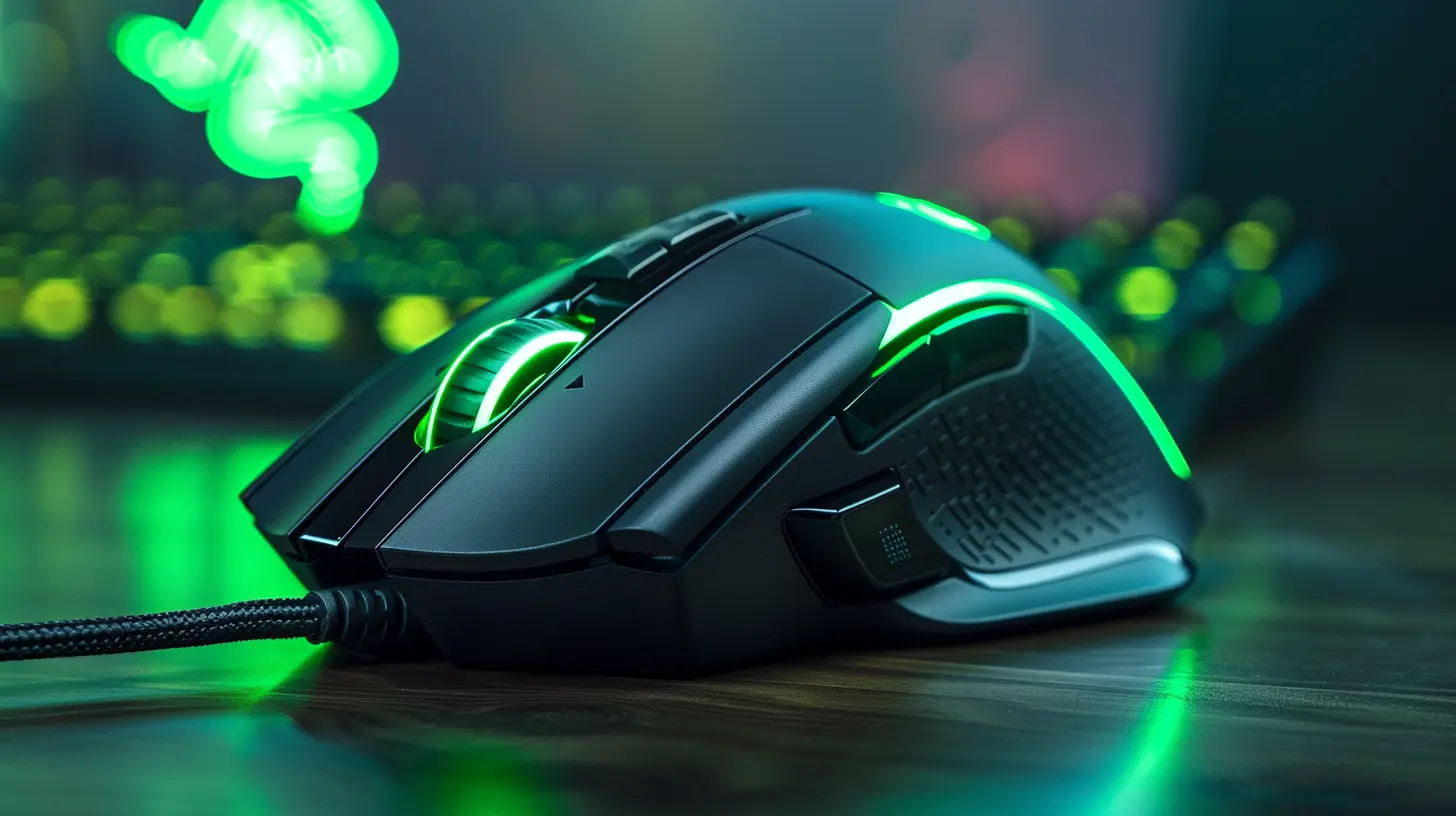
The Mouse: Your Digital Sword
Imagine you're in the middle of a battle—your mouse is your weapon. Would you rather go into combat with a rusty blade or a high-grade katana forged for precision?Gaming mice aren’t just flashy RGB additions to your rig—they’re tools designed for speed, accuracy, and responsiveness. But here’s the kicker: not all mice are made equal, and choosing the right one could just be the edge you need to crush your opponents.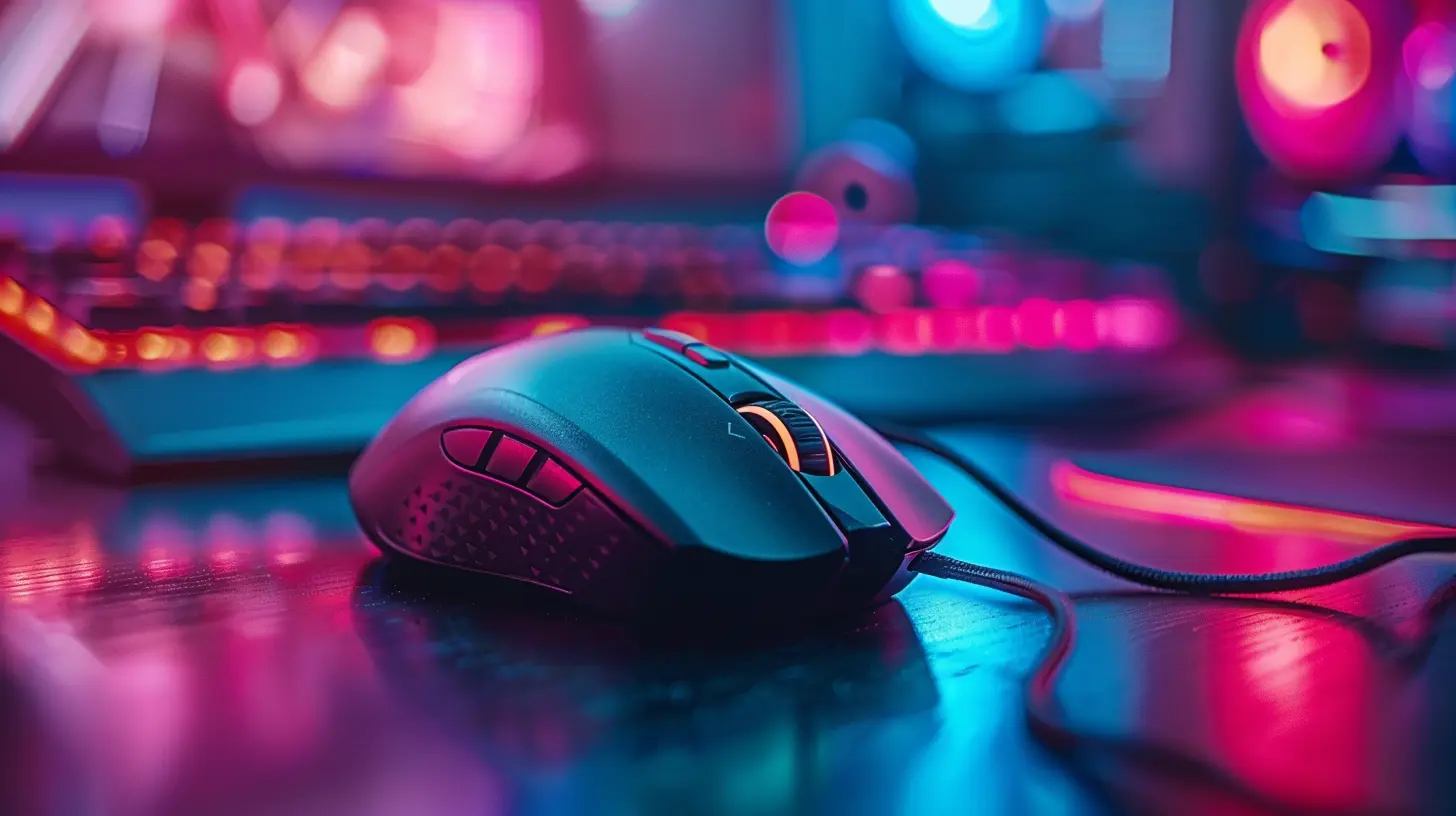
What Actually Makes a “Better” Gaming Mouse?
Before we jump into how a mouse can help you rank up, let’s break down what separates a good gaming mouse from your everyday, run-of-the-mill office clicker.1. DPI (Dots Per Inch) and Sensitivity Settings
This one’s often misunderstood. Higher DPI doesn’t automatically make you a better player. But what DPI does is measure how sensitive your mouse is to movement. A high-DPI mouse can detect the tiniest hand movement, giving you quicker onscreen reactions.In games like Apex Legends or CS:GO, that split-second flick to an enemy's head might not happen with a sluggish mouse sensitivity.
But customization is the real hero here. A quality gaming mouse lets you fine-tune DPI settings on-the-fly. You can go high for twitch shooters or lower for precision-based strategy games.
2. Polling Rate
Polling rate is how often your mouse reports its position to your computer. A higher number (typically 1000 Hz) means the info is refreshed more often—translating to faster reaction times.Imagine peeking a corner in Valorant and getting headshotted a millisecond too late. That could be your mouse failing to communicate fast enough.
3. Sensor Technology
You’ve got optical sensors and laser sensors—but what you really care about is tracking accuracy. Premium sensors track your movements with razor-sharp precision, reducing any jitter or skipping—even during fast swipes.Basically, you want your crosshair to follow your actual wrist, not do the Macarena on its own.
4. Ergonomics and Build Quality
A better mouse should feel like an extension of your hand. If your fingers cramp up after a few rounds, you’re not going to perform at your peak. Good gaming mice are built with comfort in mind: textured grips, proper shape, and sometimes even adjustable weights.Don't underestimate this. Tired hands = sloppy aim.
5. Custom Buttons and Macros
Got extra programmable buttons? Say hello to faster ability casts in MMOs or one-click smokes in tactical shooters. A mouse that gives you more in-game efficiency can shave precious seconds off your actions—which adds up, big time.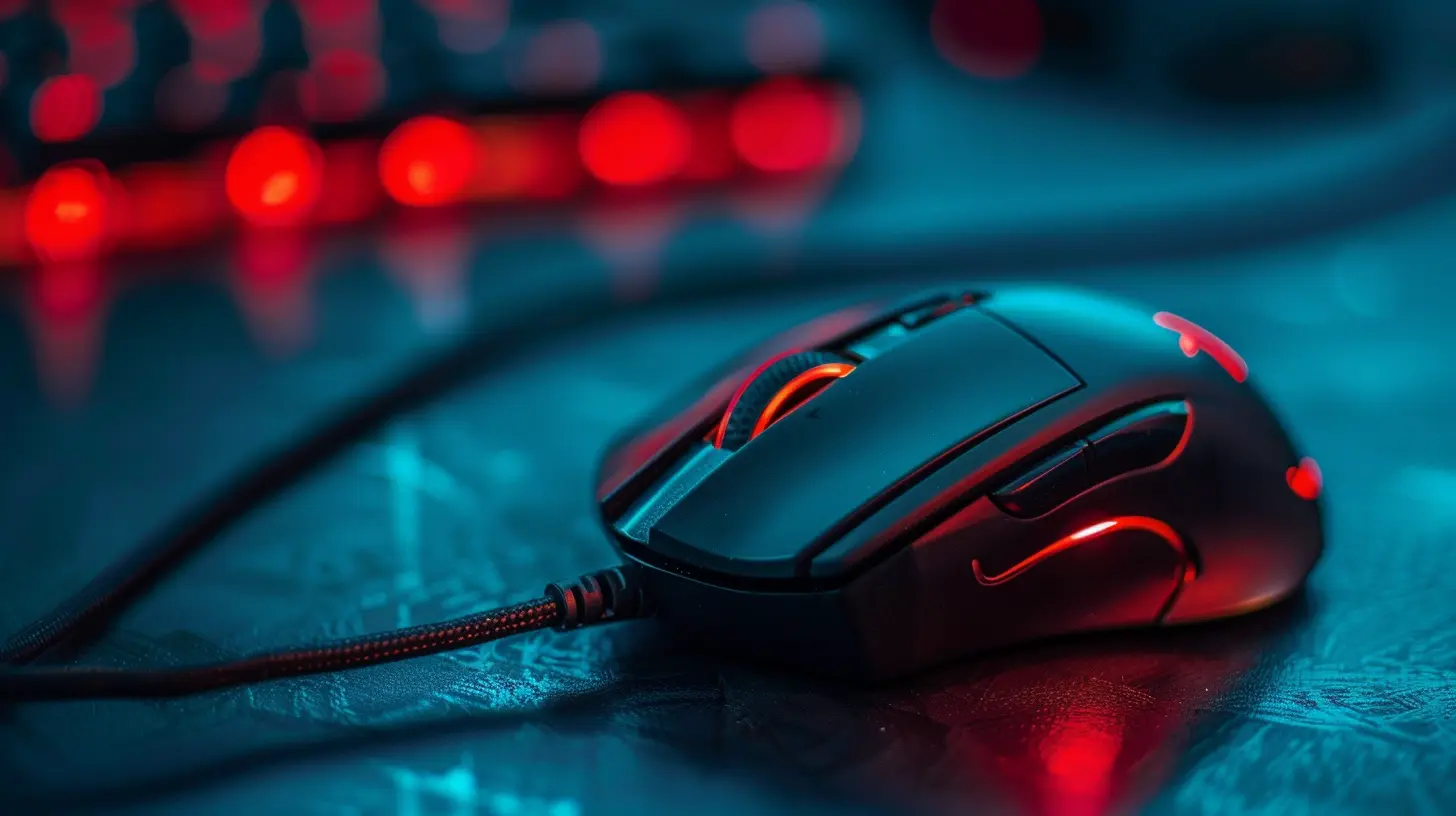
Gaming Mice vs. Regular Mice: The Real-World Difference
Let’s do a quick comparison to make this simple. Think of using a regular mouse in games like trying to drift through a race in Mario Kart using a tricycle. Possible? Sure. Ideal? Not even close.A regular mouse:
- Lower DPI settings
- Cheap sensors
- Low polling rates
- No customization
- Poor ergonomics over long sessions
A gaming mouse:
- Adjustable DPI (100–20,000+)
- High-performance sensors
- 1000 Hz polling rate
- Ergonomically designed for long gaming sessions
- Customizable buttons and profiles
In competitive gaming, every micro-movement counts. Those milliseconds can be the difference between a highlight reel or a spectator screen.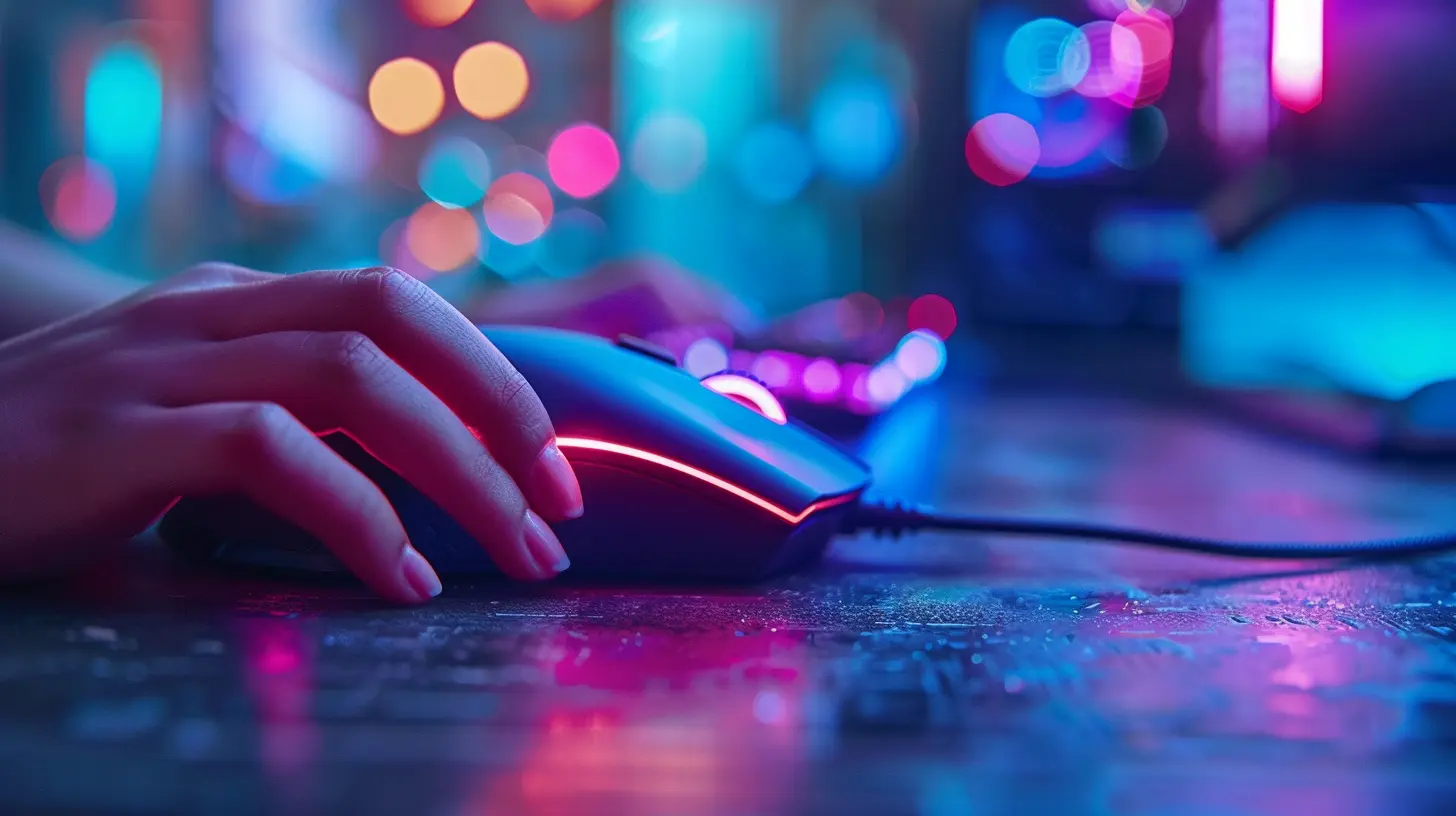
Personal Performance vs. Better Gear: Which Comes First?
Here’s the catch—just because you have a high-end mouse doesn’t mean you’ll magically rank up. If you’re still whiffing shots or not mastering game mechanics, the best gear in the world won’t matter.Think of it like this: A better mouse is like better shoes for a runner. Will they help you shave seconds off your time? Yes. But you’ve still gotta do the hard work.
In short, if your skills are already decent, upgrading your mouse can help amplify your performance.
Competitive Edge: The Psychology of Performance
Believe it or not, a better mouse can also help boost your confidence—and that matters.Ever noticed how athletes perform better when they feel good about their gear? Same thing goes for gaming. Holding a device that’s built for precision sends a mental signal: _“I’m ready to crush this.”_
It’s psychological reinforcement. You’ll feel more in control of your movements, more attached to your decisions, and more focused. That alone can give you a ranked match advantage.
Does a Better Mouse Improve Aim?
Absolutely. Aim is a product of both skill and your input method. A better mouse won’t teach you how to aim, but it will allow your hand movement to translate more accurately into in-game action.Less input lag + better tracking = a smoother, more responsive aiming experience.
And when you’re trying to pull off pixel-perfect shots? That matters a lot.
Real-Life Case Study: Rank Progression with a Mouse Upgrade
Let’s put this into a real scenario. A friend of mine (we’ll call him Dave) was hard-stuck Gold in Overwatch. Aiming wasn’t his problem—it was tracking, flicks, and reaction time. He was using a $15 office mouse.After finally caving in and buying a Logitech G Pro X Superlight for around $150, his rank started creeping up. In about 6 weeks, Dave hit diamond.
Was the mouse the magic potion? No. But it removed a bottleneck. The gear was no longer getting in his way.
Sometimes the right tool unlocks potential that’s already there.
Wireless vs. Wired Mice: Does It Matter?
In the past, wireless mice were considered laggy. But today? Gaming-grade wireless mice like the Razer Viper V2 Pro or Logitech G Pro X LightSpeed are just as fast—sometimes faster—than their wired equivalents.So what should you choose?
- Wired Mice: Slightly more reliable, no battery issues, cheaper
- Wireless Mice: More freedom of movement, cleaner setup, modern performance is top-notch
Pick what suits your setup and style. Just make sure you avoid that $20 wireless mouse from the bargain bin.
How Pricey Should a Gaming Mouse Be?
This depends on your budget, but here’s a rough idea:- Budget Tier ($30–$50): Decent intro-level gaming mice like Razer DeathAdder or Logitech G203. Great for casual gamers or those just starting out.
- Mid-Tier ($60–$100): Solid performance and extra features. Brands like Glorious, SteelSeries, and Cooler Master shine here.
- High-End ($100–$150+): Designed for esports-level play. Feather-light builds, elite sensors, and premium materials.
You don’t need to break the bank. But if you play competitively, investing in a solid mid-to-high tier mouse is smart.
What Else Should You Pair with Your Gaming Mouse?
Let’s not forget the supporting cast:- Mouse Pad: Get a good quality, low-friction pad. It complements your mouse’s sensor and gives you consistent glide.
- Software Tweaks: Use your mouse’s software to customize DPI, macros, and polling rates.
- Proper Settings: Tweak in-game sensitivity, aim training routines, and mouse acceleration settings to match your playstyle.
A mouse alone won’t solve your problems—but a full ecosystem of optimized gear? That’s next-level.
Verdict: Can a Better Mouse Improve Your Gaming Rank?
So, final thoughts: Yes, a better mouse can absolutely help improve your gaming rank—if you already have the skills and game sense to capitalize on it.It’s not a guaranteed rank booster. It’s not a cheat code. But it is a performance booster, an enabler, a catalyst.
Think of it as upgrading from a bicycle to a motorcycle. Yeah, both will get you to your destination—but one gets you there faster, smoother, and with way more control.
If you’ve been grinding without progress, try investing in your gear. Sometimes all your talent needs is a better channel to shine through.
And if you’re serious about ranking up—you owe it to yourself to play with the best possible tools.
Now go grab that mouse and frag out.
all images in this post were generated using AI tools
Category:
Gaming MiceAuthor:

Tayla Warner
Discussion
rate this article
1 comments
John Russell
Great insights on how a better mouse can impact gaming performance. It's fascinating to see how precision and comfort can influence rank. Investing in quality equipment seems like a smart move for serious gamers. Looking forward to more articles that explore the gear's role in gaming success.
July 8, 2026 at 2:42 AM