A Parent’s Guide to Roblox and Its Safety Features
11 August 2026
Let me guess—you just caught your kid yelling excitedly into a headset about "oofing noobs" and dancing around in some pixelated world with a giant pet llama. And now you're wondering, "What in the virtual spaghetti is Roblox?" Or maybe you’re just trying to figure out whether this popular platform is a safe digital playground or a 24/7 kid-crazy Wild West.
Well, you’re in the right place! Grab your virtual seatbelt because we’re about to take a joyride through the world of Roblox, with a not-so-boring breakdown of its safety features, how it works, and what parents (yes, you!) need to know.
What Exactly Is Roblox?
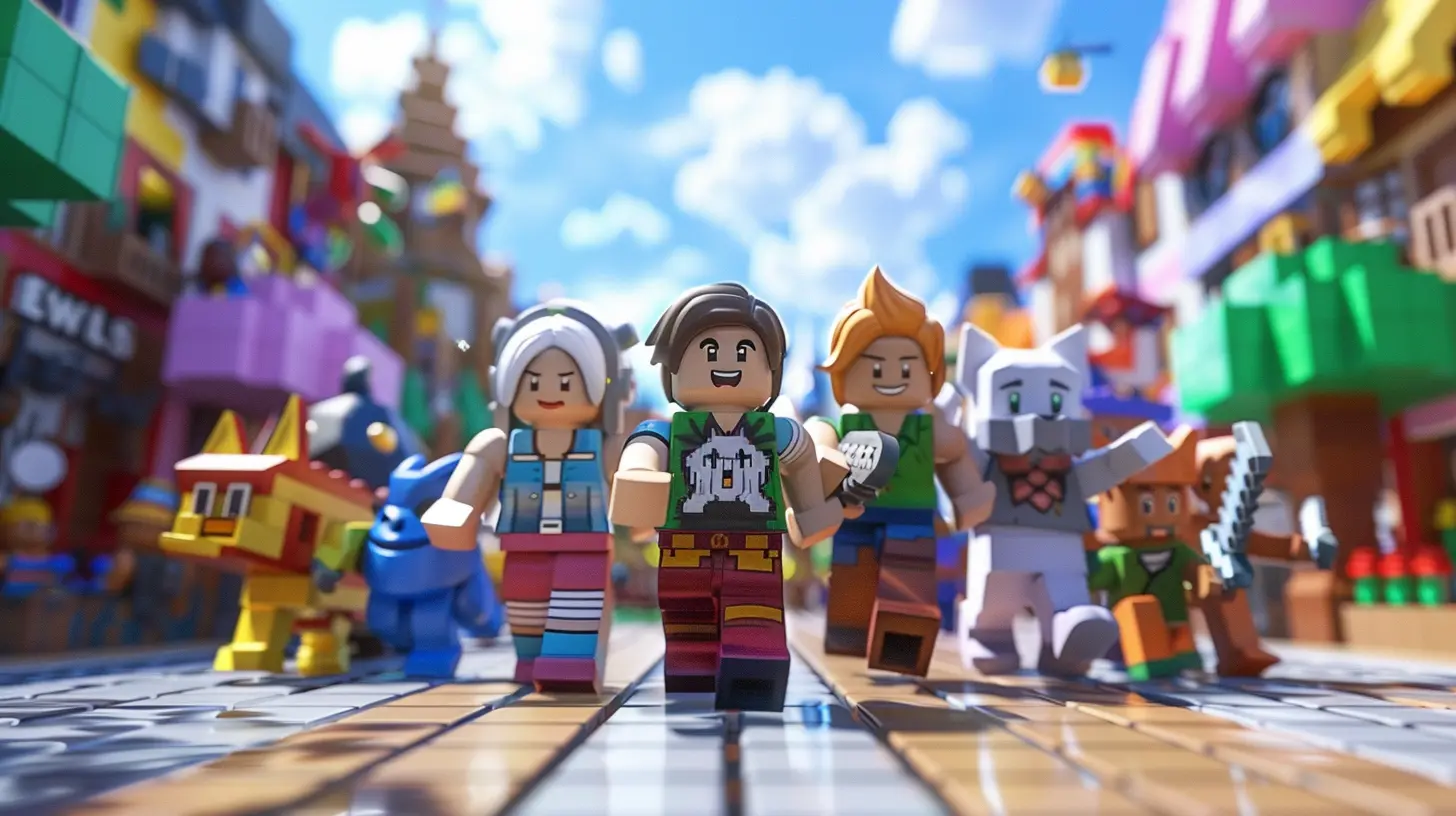
Okay, so first things first. Roblox isn’t just a game—it’s a whole universe of games. Think of it like YouTube, but instead of videos, people upload games. Yep, users create, play, and share their own game creations. It’s like a Lego set exploded on the internet and now everyone’s invited to build their own world.And let’s be real—kids go absolutely bananas for it. As of now, Roblox boasts millions of games and over 200 million active users every month. That’s more people than in Brazil. (So yes, it’s kind of a big deal.)
From “Adopt Me!” to “Brookhaven” to intense battle royale-style games, Roblox offers a buffet of experiences. Some games involve role-playing as a parent (kind of ironic), while others revolve around racing, obstacle courses, or building tycoon empires with an army of cats. It’s weird, it’s wacky, and it’s wildly entertaining.
Wait, Is Roblox Safe for My Kid?
Ah, the million-Robux question.The short answer? It can be—with the right settings and a dash of parental oversight.
The long answer? Roblox has safety features built in, but it's not a “set-it-and-forget-it” kind of deal. Kids are smart, and if you blink, they might be chatting with someone named xXDarkSlayerXx wearing a flaming taco hat.
Let’s break it all down.
The Age Thing: Start Here
When your kid signs up for Roblox, they enter their birthdate—and that matters. Roblox uses this information to filter content in age-appropriate ways. Under-13 accounts have automatic restrictions in place:- Filtered chat (bye-bye, bad words)
- Limited contact with strangers
- Restricted access to serious gamer stuff
So, step one: make sure your child used their real birthdate when signing up. If they told the system they’re 27, you might need to do a little recon.
Don’t worry, you won’t need to hire a hacker. You can check and update this info in their account settings (assuming they haven’t locked you out with a 27-character password).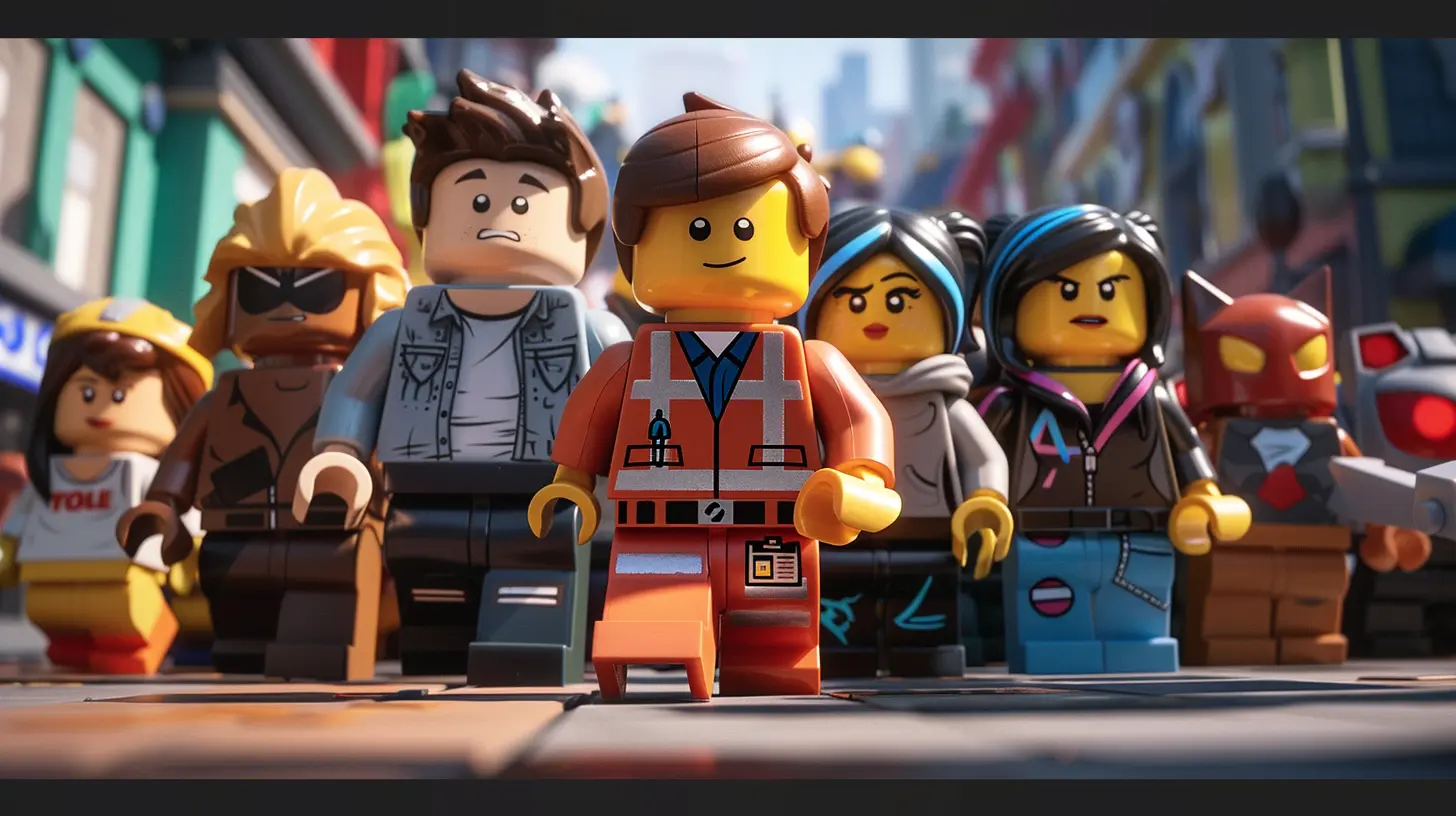
Setting Up Parental Controls: AKA Your Digital Toolbox
Roblox has actually done a pretty decent job giving parents some digital nunchucks to work with. The parental controls are your BFF when it comes to managing what your child can see and do.Here’s how to wrangle it:
? Account PIN
Add a 4-digit PIN to prevent your kid from changing their settings. Without this PIN, they’d be able to disable all your carefully-selected parental controls in about 14 seconds flat. (Kids are scary fast.)? Account Restrictions
Turning on “Account Restrictions” is like putting training wheels on your child’s Roblox experience. It limits who they can interact with, which games they can play, what they can see, and makes the online experience a lot more G-rated.? Activity Monitoring
Yes, you can spy a little (legally and lovingly). Roblox lets you:- Check their chat history
- See their friends list
- Peek at their game history
- Review their purchases (goodbye surprise 10,000 Robux invoice)
It’s not quite CSI: Roblox, but it’s enough to spot anything shady or weird before it becomes a bigger problem.
Watch Out! The Robux Temptation
Robux is the in-game currency. It’s basically virtual money kids can use to buy all sorts of digital goodies like clothes, pets, weapons, or sparkly unicorn jetpacks.But here’s the trick: it costs real money. Yes, actual dollars. And it’s very easy (too easy, really) to spend.
We’ve heard stories of kids racking up $300 worth of Robux in a single weekend like it’s Monopoly money. So, keep an eye on purchases and maybe disable automatic buying through your app store or credit card.
Better yet, use gift cards. That way, spending has a hard cap and you won’t have to sell a kidney to pay off your kid’s virtual mansion.
Stranger Danger in the Blocky World
One of Roblox’s biggest selling points is user interaction. Players can chat with each other, team up, and go on quests together. Sounds fun, right?Well, it can be. But just like any online platform, bad apples sometimes roll in. Predators, bullies, and people who just say rude things exist—even in cutesy avatar form.
Here’s what you can do:
- Turn off in-game chat for underage accounts- Limit who can send messages or friend requests
- Teach your child to never share personal info like their real name, school, location, or the family dog’s middle name
Think of it like teaching your child not to take candy from strangers—except now the candy is a rare in-game emote called "Flaming Chicken Dance 3000."
Reporting and Blocking: Your Kid’s Superpowers
Empower your kids to report and block anyone who acts inappropriately. Roblox makes it easy with built-in buttons. Seriously, they’re everywhere—like the “report” and “block” buttons are the duct tape of the platform.And when your child does report someone, Roblox’s moderation team investigates. Are they perfect? No. But it’s way better than nothing. Plus, the platform uses AI and human moderators to scan chats and content constantly.
Is Roblox Educational? (Bonus Points!)
Okay so here’s a twist—Roblox isn’t just screentime zombies and pixel pets. It can also be gasp educational.Kids can learn coding, game design, 3D modeling, economics, and even a little marketing. Roblox Studio is the tool creators use to make games, and it teaches actual skills used in the tech industry. Like, legit real-world skills.
So yeah, while it looks like they’re throwing dance parties in a donut shop, they might also be learning how to write Lua code or balance a digital economy. Not bad for a game they play in their PJs.
Community Guidelines: The Holy Grail
Roblox has its own set of community standards that every player is supposed to follow. No hate speech, no bullying, no inappropriate content—you know, the basics.Make sure your kid knows these rules. It’s like the digital version of “don’t run with scissors.”
And if a player or game violates these standards? Poof! It gets taken down. Roblox has become more aggressive about policing its content in recent years—and with so many games, it had to.
Still, sometimes things slip through. Think of moderation like a game of whack-a-mole—no system is perfect, but it beats leaving the moles unattended.
Tips to Roblox Like a Pro Parent
Let’s wrap this up with some practical hacks for keeping Roblox fun and safe:✔️ Play With Your Kid
Create a Roblox account and jump into the games with them. Seriously, you’d be surprised how fun it is to slide down a giant flaming toilet with your 9-year-old. Plus, it shows you're interested, which means they're more likely to come to you if something weird happens.✔️ Set Boundaries
Decide how long your child can play and what types of games they’re allowed in. Use those fancy screen time tools if you must. Roblox won’t vanish if they take a break to… you know… eat dinner or bathe.✔️ Talk About It
Keep the convo open. Ask them about the games they love, who they play with, and what they like. Kids appreciate being heard, and it gives you a window into what their online world looks like.Final Thoughts: Roblox Isn’t Evil (But It Needs Supervision)
So, is Roblox the big bad boogeyman of the internet? Nope. Is it a magical fairyland of 24/7 rainbows and safety? Also nope.It’s a tool. A platform. A digital sandbox of infinite possibilities—with some sharp edges if you’re not careful.
With the right settings, a bit of supervision, and regular chats with your kiddo, Roblox can be both a blast and a great learning experience. So roll up your sleeves, dive into the pixelated madness, and maybe build a taco hat of your own.
You've got this, Super Parent.
all images in this post were generated using AI tools
Category:
Parental Guide To GamesAuthor:

Tayla Warner